

Recent Blogs


Daily Quantity Limits for Add-Ons

A holiday lights show rents six fire pits a night. A festival sells fifty reserved parking spots a day. A brewery event books eight cabanas an evening. TicketSignup now offers Daily Quantity Limits for calendar-based ticketing add-ons, so you can sell that…

Read More

TicketSignup July 2026 Highlights

At TicketSignup, we believe in continuous improvement. That means 2,000+ software releases each year bringing new features and upgraded technology options. While that’s great for events, we know it can be a challenge to keep up with every new release! To help,…

Read More
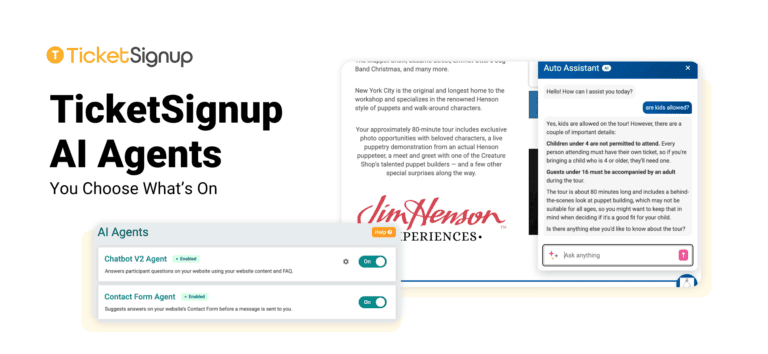
TicketSignup AI Powered Contact Us Form for Websites

The Contact Us form, one of the most popular features of TicketSignup Events Websites, just got a big improvement from TicketSignup AI. The Contact Us form helps participants and attendees get in contact with the event director while limiting the spam you’d…

Read More

Flexible Donation Display Settings for Ticket Events

Raising money alongside ticket sales just got easier with flexible donation display settings for ticket events. TicketSignup now gives you independent control over each donation ask in your ticket purchase path, so you can decide exactly where and how you invite supporters…

Read More

Rearrange Website Builder Columns with One Click

Have you ever built out a multi-column section on your website, then realized you wanted the content in a different order? TicketSignup’s free event websites now let you swap column positions instantly with new left/right arrows. Hover over any column in a…

Read More

Autoplay Video Banner on Mobile Devices

There is now an option to autoplay the video banner on mobile devices. To enable mobile device autoplay, go to Website >> Event Theme >> Homepage Banner. Check the autoplay option, then click save.

Read More

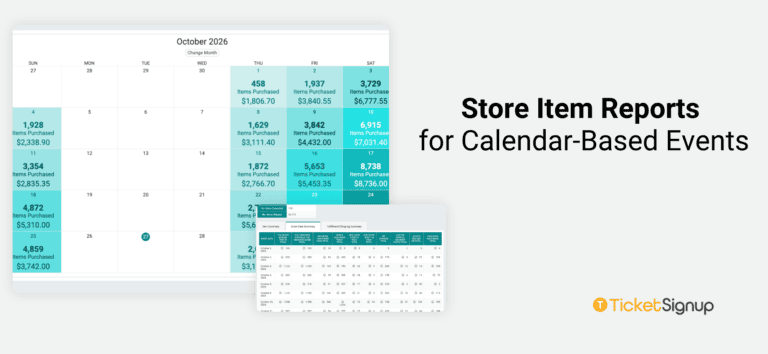
Save Store Item Reports and Skip the Rebuild

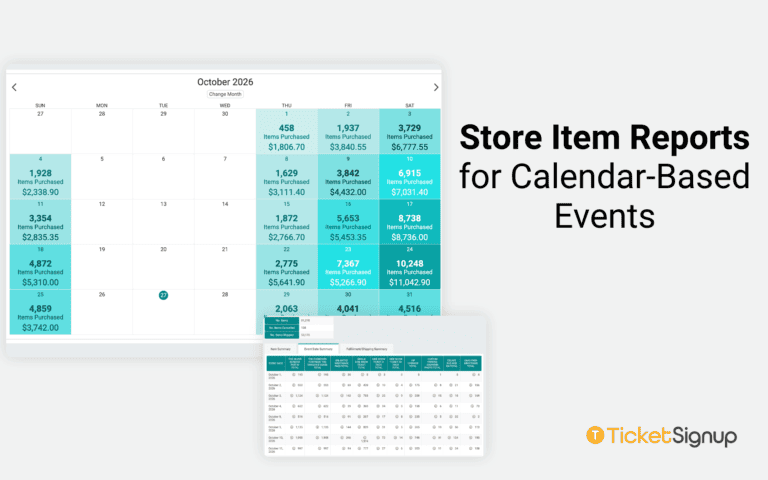
If you sell merch, add-ons, or extras through your TicketSignup store, you probably run the same report over and over – this item’s sales, that size breakdown, a specific date range. Now you can save your Individual Store Items reports and reopen…

Read More

Turn Any Draft Email Into a Reusable Template

Your best emails shouldn’t be one-and-done. If you’ve built an on-sale announcement, an event-week reminder, or a know-before-you-go email that looked exactly right, you shouldn’t have to rebuild it from scratch for the next event. Now you don’t have to. TicketSignup’s free…

Read More

Top Donors Component for Ticket Event Websites

There’s a new Top Donors component for event websites. Ticket events with donations enabled can now feature their most generous donors directly on their website, built and customized in the Website Builder like any other component. Donor recognition is one of the…

Read More

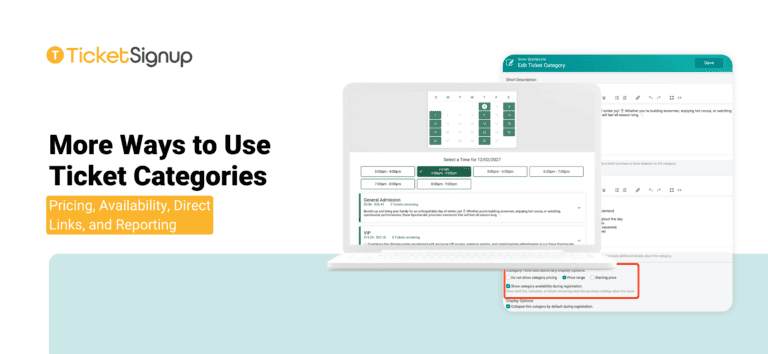
Time Slot Calendar Labels

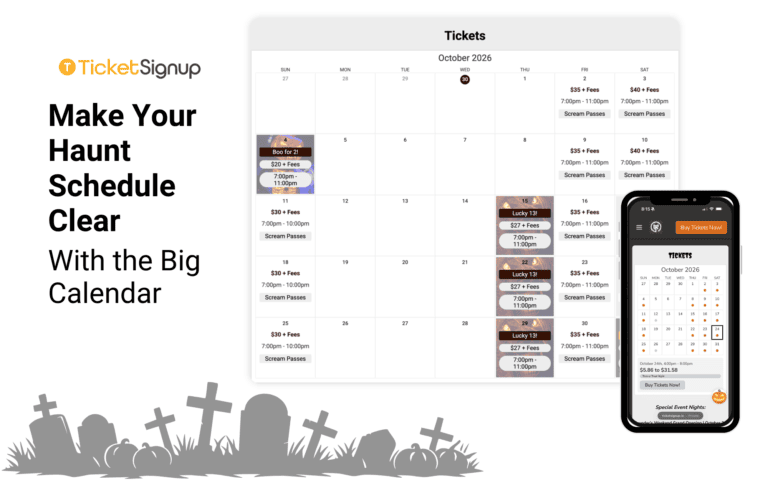
TicketSignup’s Time Slot Calendar component now supports multiple custom labels per date, with four label styles to choose from. These upgrades give calendar-based events more ways to communicate what’s happening on each date – different tour types, special event nights, discounts –…

Read More

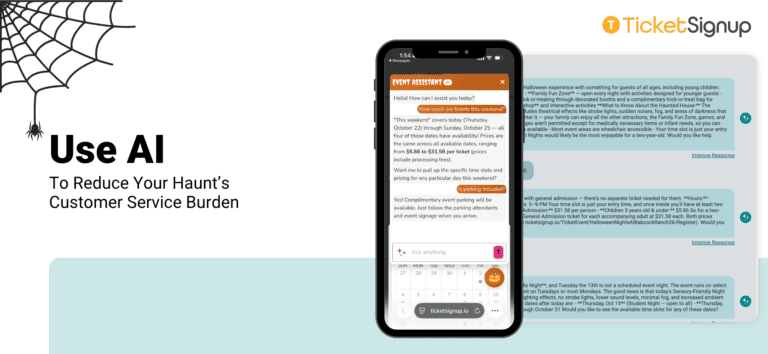
How to Automate Support for Your Event

The average event organizer answers the same questions hundreds of times a season, from “can I change my date?” to “where do I park?”. These aren’t hard questions, but responding to them takes time. What if you could automate support for your…

Read More

TicketSignup June 2026 Highlights

At TicketSignup, we believe in continuous improvement. That means 2,000+ software releases each year bringing new features and upgraded technology options. While that’s great for events, we know it can be a challenge to keep up with every new release! To help,…

Read More
Subscribe to Our Blog

Loading

Subscribe to Our Blog

Loading