
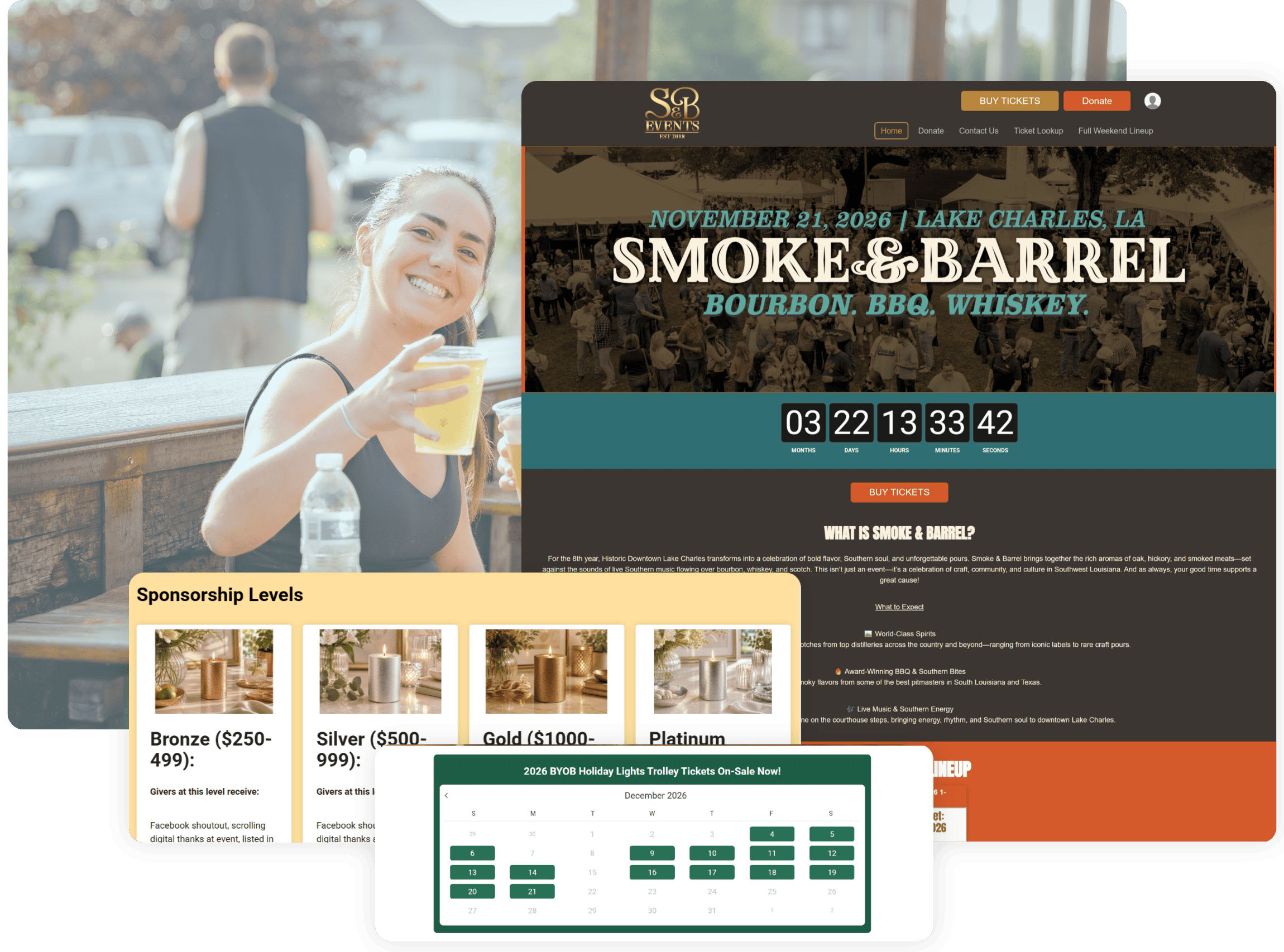
Every Event Deserves a Professional Website
Drive Revenue
Increase your revenue with strong calls to action, FOMO-inducing media, featured store items, and promotions.
Control Branding
Your event website is yours. Customize your colors, logo, images, favicon, and bring your own URL.
Be Discovered
Ensure potential attendees can always find your event with an SEO-optimized website that’s mobile responsive.
No Ads or Spam
TicketSignup will never promote another event (or our company) on your event website. Keep the focus on buying tickets!
Per Ticket
2.9% + 30¢ Credit Card Processing
Free Tickets Are Free
Your Event Website is Included
In TicketSignup’s 40¢ per Ticket Fee
TicketSignup is free for event directors and (very) low cost for your customers.
What Makes Your Event Website Look Professional
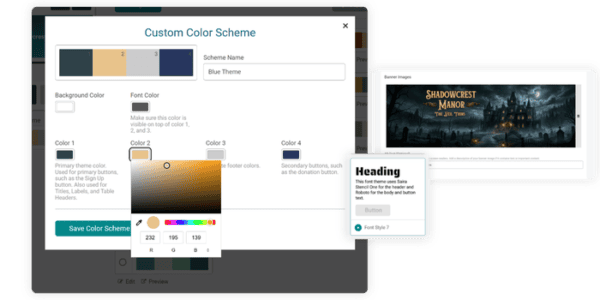
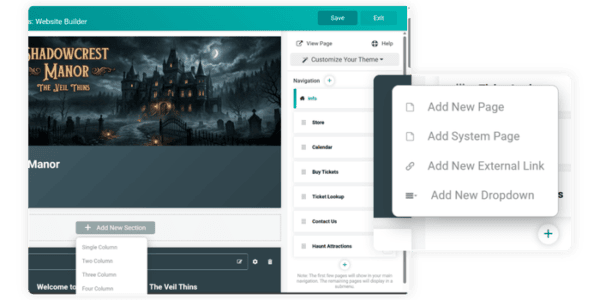
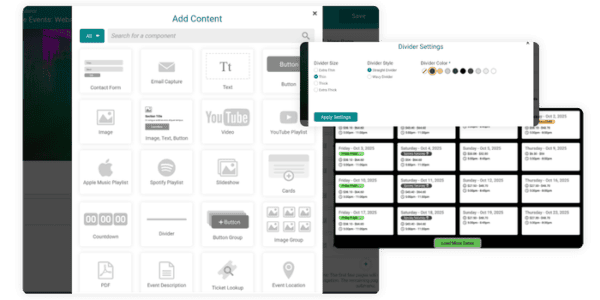
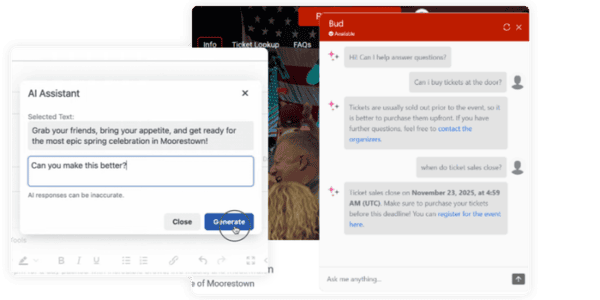
Everything Your Free Event Website Includes
What’s Possible For Your Event Website
Real event websites, for real events.
Launch Your Free Event Website in 5 Easy Steps
1. Create your event in TicketSignup
Add your key event details to TicketSignup’s easy Event Wizard to get started.
2. Customize the branding of your event website
Add a logo, header image, and custom color scheme.
3. Add pages and content
Create content sections and pages such as an event FAQ, sponsors, event day logistics, and photos.
4. Organize your website
Set up with a menu and submenus to make navigation simple.
5. Publish and share
Connect you custom domain (if you want) and share your website online and via links and QR codes.
Running more than one event? See how an Organization Website connects them
Event Directors Love TicketSignup Websites

Frederick County Parks & Rec uses their TicketSignup Website to add additional event content.

Dallas Parks & Recreation appreciates that TicketSignup’s Event Websites let them fully brand their events.
Holy City Brewing can fully customize all of their event websites to include all key event details (in addition to purchase).
How TicketSignup’s Event Websites Compare
| Platform | Event Website Cost | Ads On Website | Website Functionality |
|---|---|---|---|
| TicketSignup | Always free | No ads or spam | Unlimited content websites branded for your event |
| Eventbrite | Free | Competing events advertised (even if you pay) | Simple event page with limited branding |
| FareHarbor | $5,000 annually (basic package) | No ads | Booking page only if not paid |
| TicketLeap | Free | No ads | Limited event template |
Resources for Building Your Event Website
Webinar: Customize Your Free Event Website
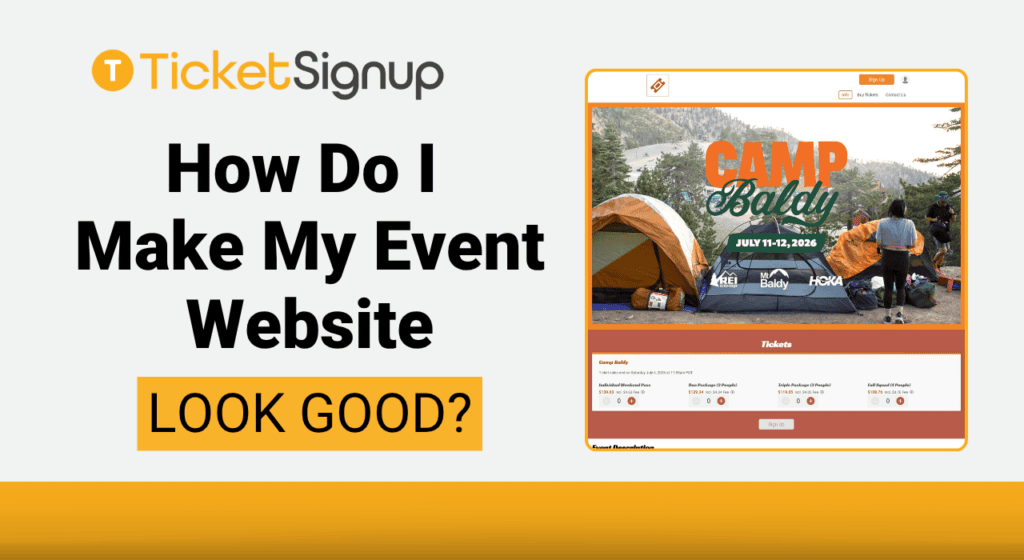
Blog: Make Your Event Website Look Good
Create Your Free Event Website Today
To get started with your own free event website, simply create your event. Hosting multiple events? An Organization Website can give you a central website to connect all your events.
FAQ: All About TicketSignup’s Websites for Events
What is an event website and why do I need one?
Is my event website really free with TicketSignup?
What types of events use TicketSignup’s free event websites?
Can I use my own URL with a free event website?
Do I need to be tech-savvy to build my event website?
What’s the difference between an Event Website and an Organization Website?
All the Latest Blogs on Event Websites
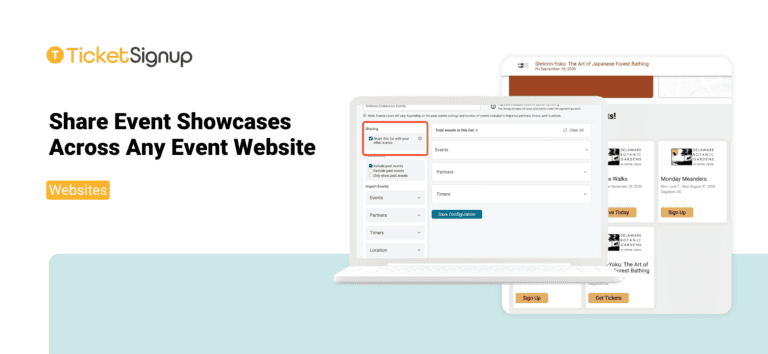
Share Event Showcases Across Any Event Website
Organizations that host multiple events can now share Event Showcases across every event website they manage. Event List configurations now share automatically across all ticket events and websites on the same payment account. Whether you run a festival season, a holiday light…
Read More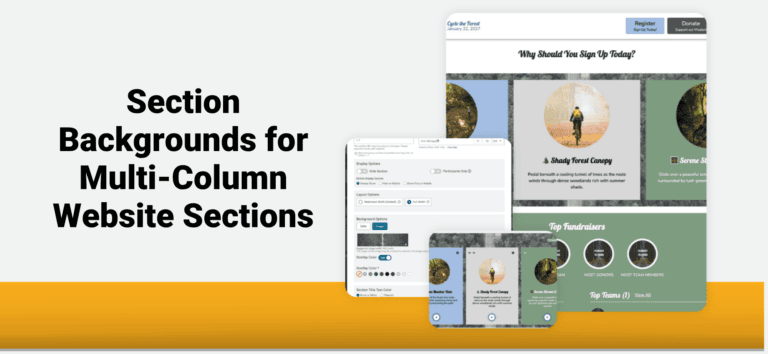
Section Backgrounds for Multi-Column Website Sections
TicketSignup’s Website Builder now lets you apply one background across an entire multi-column section. Place a single image or color behind all your columns to showcase ticket options, attractions, and event experiences in one eye-catching layout. Click the settings icon on any…
Read More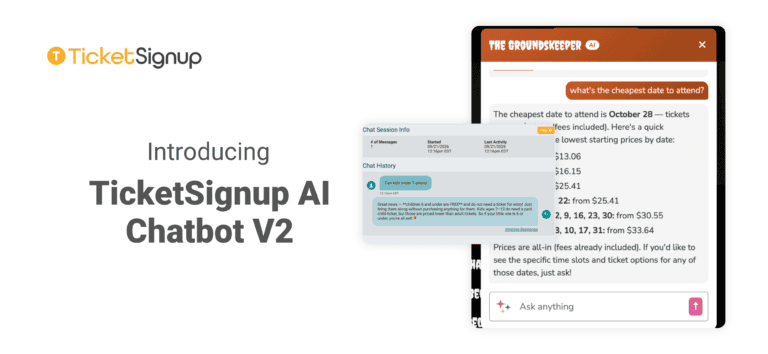
Introducing TicketSignup AI Chatbot V2
Attendees ask the same handful of questions before they buy. Which night is cheapest? Is Saturday sold out? What time slots are left on October 25? Do you sell parking? The TicketSignup AI Chatbot has been answering those questions on event websites…
Read More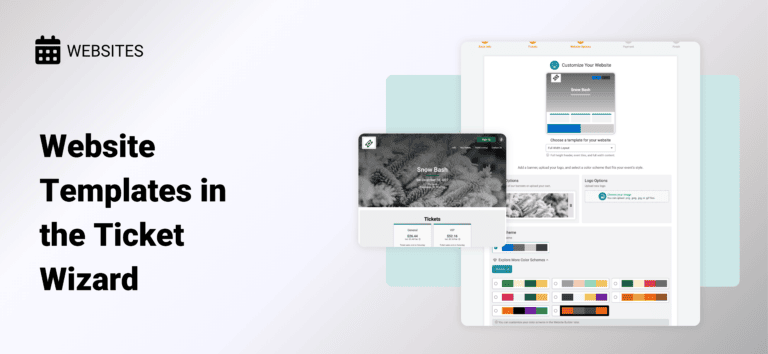
Website Templates in the Ticket Wizard
Get a head start on your website design when setting up your event. We’ve introduced the first version of Website Templates to the Ticket Wizard so you can begin customizing your free event website. Design Your Website While You Set Up Your…
Read More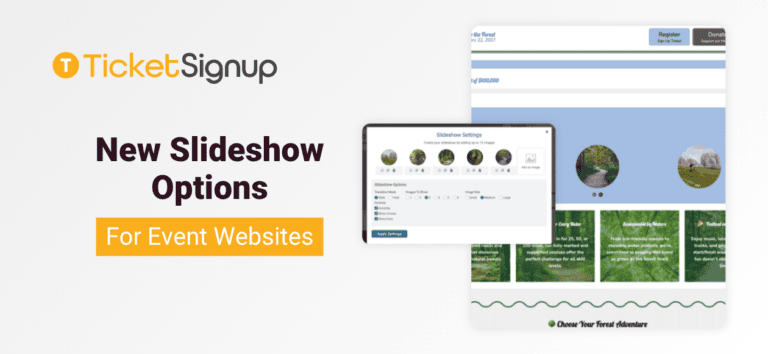
New Slideshow Options for Event Websites
There are new slideshow options for event websites that give you more dynamic design options for your website, including: The slideshow component lets you feature multiple images now with more control and design options. With TicketSignup’s event websites you get a data-driven…
Read More
A Scent-sational Debut – The Perfect Timed Entry Ticketing Solution for a Perfume Festival
A Perfume Lovers’ Conference, Built From Scratch Fragrance Fête, French for “festival,” brings together perfume enthusiasts, collectors, and industry brands and perfumers for a celebration of fragrances in New Orleans. Adriana Herrman, co-creator and co-organizer of the event, isn’t a traditional event…
Read More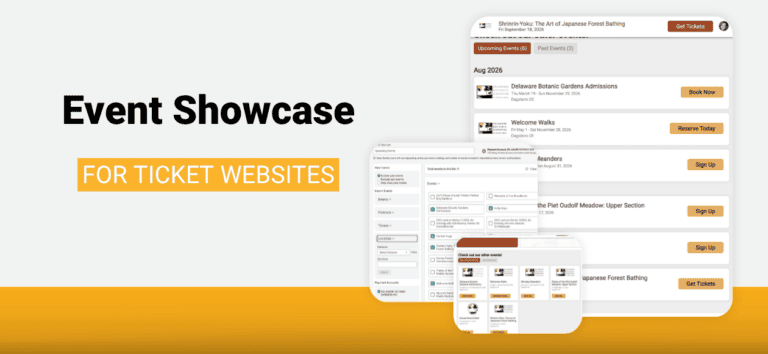
Event Showcase for Ticket Websites
A botanical garden sells daily admissions all season, hosts a guided walk every Monday from June through August, and adds a winter lecture series. A farm runs a spring plant sale, a fall festival with forty hayride seats a trip, and a…
Read More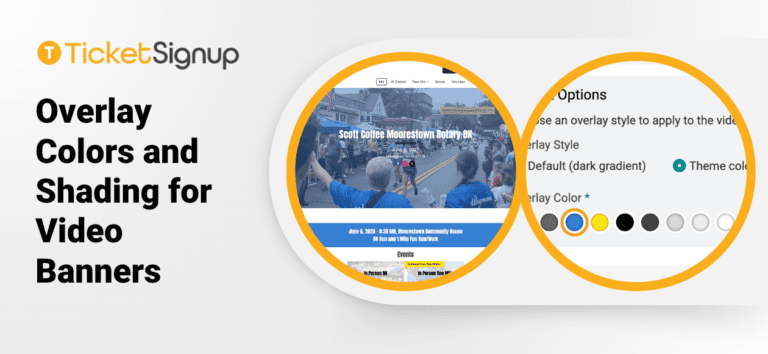
Overlay Colors and Shading for Video Banners
Video banners continue to get more features. Now you can add overlay colors and shading, allowing your website theme to extend to your video banner. This makes it easy to feature your race name, date, location, and social media options on top…
Read More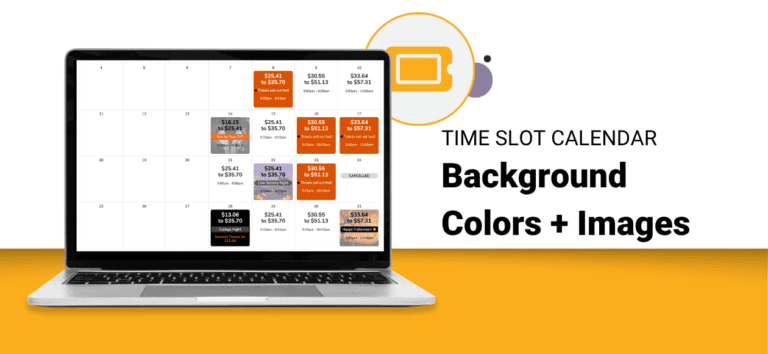
Time Slot Calendar Background Colors and Images
TicketSignup’s dynamic Time Slot Calendar component now supports background colors and background images on your calendar dates. Following Time Slot Calendar Labels, which gave each date multiple color coded labels, backgrounds let you style the date cell itself. A photo of your…
Read More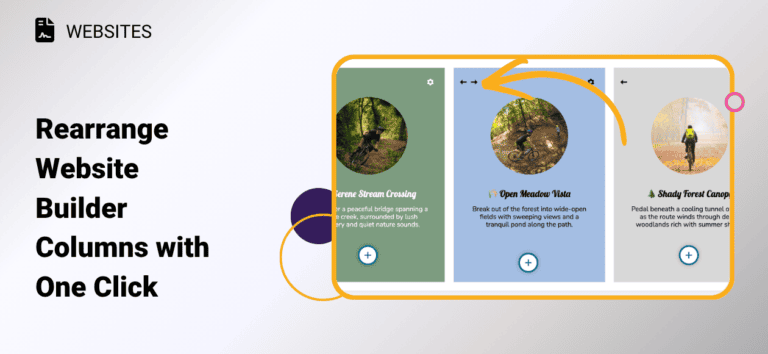
Rearrange Website Builder Columns with One Click
Have you ever built out a multi-column section on your website, then realized you wanted the content in a different order? TicketSignup’s free event websites now let you swap column positions instantly with new left/right arrows. Hover over any column in a…
Read More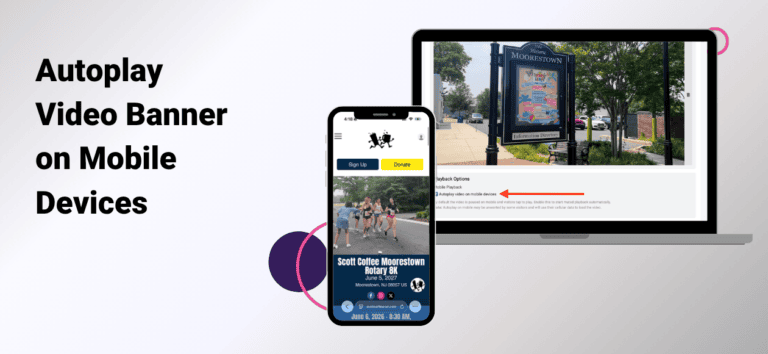
Autoplay Video Banner on Mobile Devices
There is now an option to autoplay the video banner on mobile devices. To enable mobile device autoplay, go to Website >> Event Theme >> Homepage Banner. Check the autoplay option, then click save.
Read More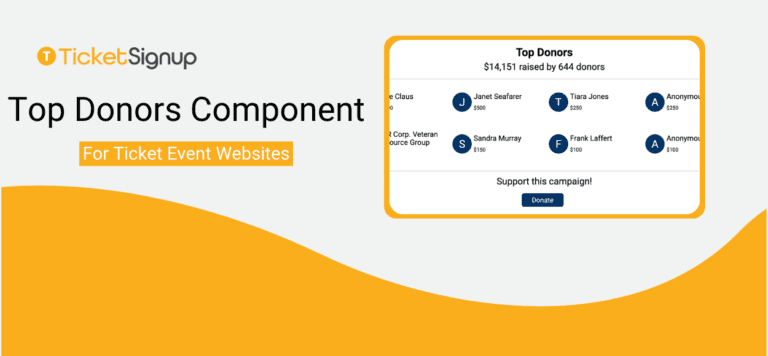
Top Donors Component for Ticket Event Websites
There’s a new Top Donors component for event websites. Ticket events with donations enabled can now feature their most generous donors directly on their website, built and customized in the Website Builder like any other component. Donor recognition is one of the…
Read More