
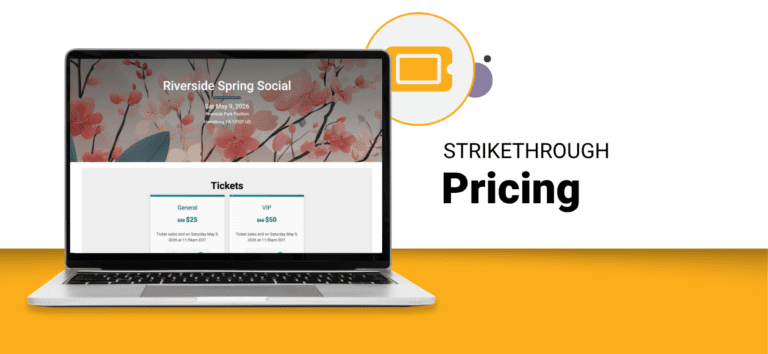
Event directors can now use strikethrough pricing to display a higher original price next to the current ticket price on any simple or advanced ticket event. For example, showing $60 next to the actual $50 price creates a visual anchor that makes the current price feel like a deal, increases perceived value, and encourages buyers to act.
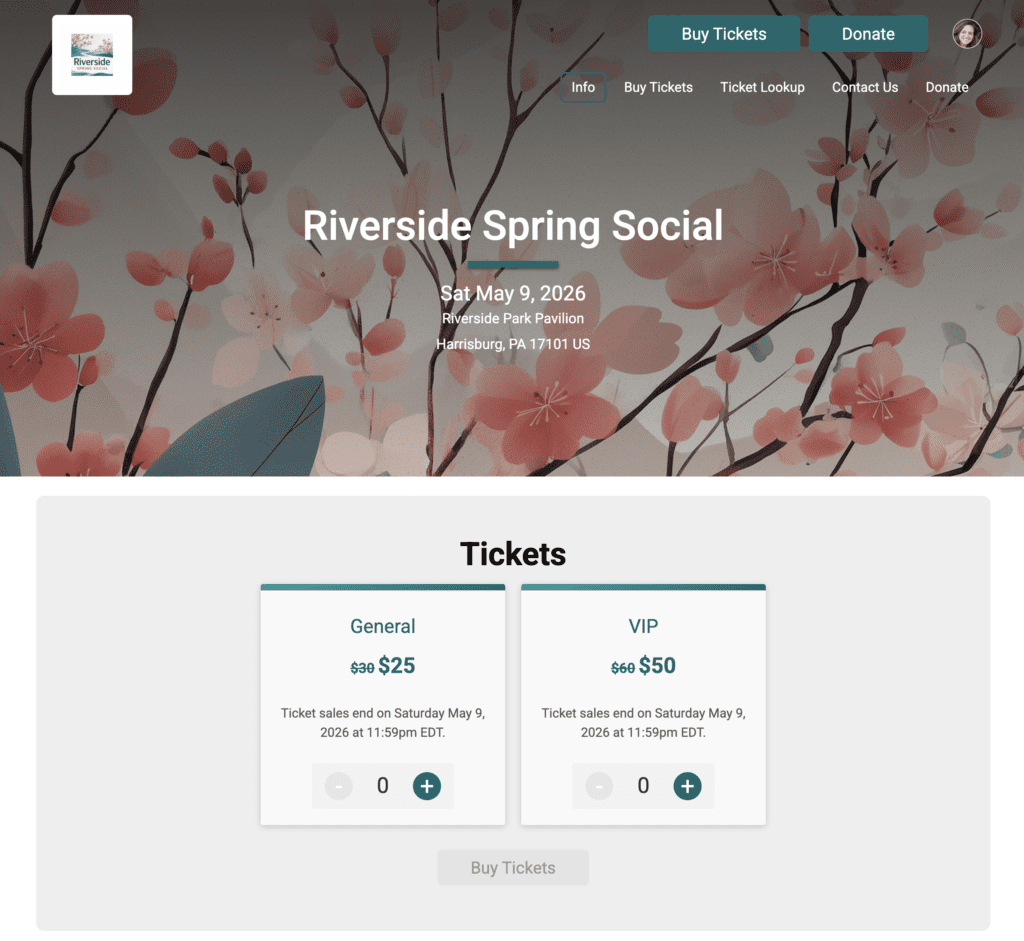
How to Set Up Strikethrough Pricing for Tickets
Go to Tickets >> Setup. For any ticket type and purchase period, enter a value in the new Strikethrough Price (optional) field next to Cost per Ticket. Save the page and the strikethrough price displays immediately on the public ticket page.
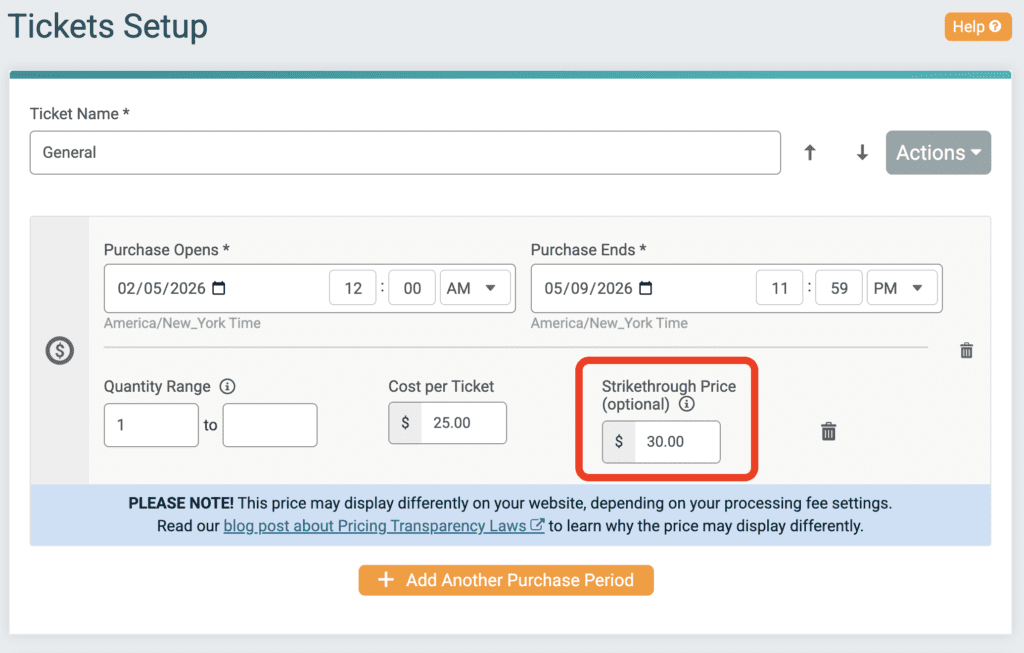
Strikethrough pricing is configured per ticket type and per purchase period, so the anchor price updates automatically as your pricing periods advance. Early bird, regular, and late windows can each carry their own strikethrough value without manual edits on the day a window changes.
Strikethrough pricing gives event directors a simple way to turn pricing decisions into visible value on ticket websites and purchase path, anchoring the current price against a higher reference point so buyers recognize the deal and feel confident purchasing now.