
TicketSignup’s Time Slot Calendar component now supports multiple custom labels per date, with four label styles to choose from. These upgrades give calendar-based events more ways to communicate what’s happening on each date – different tour types, special event nights, discounts – right on the purchase calendar. Labels turn each date into a mini billboard: what’s running that day, what’s different about it, and why to pick it.
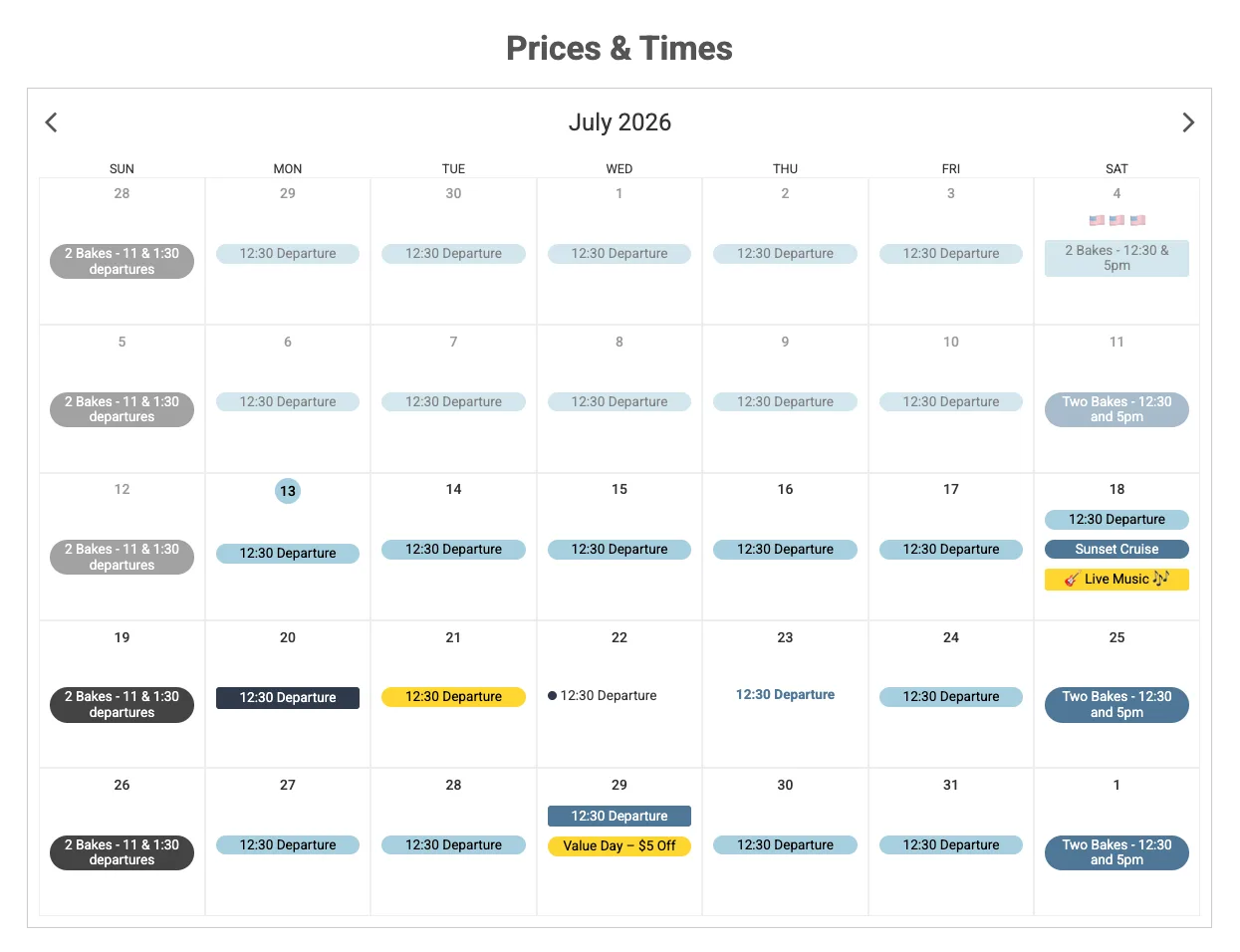
Multiple Labels Per Date
Previously, each date on the Time Slot Calendar supported a single label with a tight character limit – enough for one message, but not enough for events that have more than one thing going on.
Now you can add multiple labels to any date, each with its own text and colors. Run two tour types on the same day? Give each its own color-coded label so attendees can tell them apart at a glance. Have a special add-on experience on select dates? Label it alongside your regular schedule instead of squeezing everything into one line. Labels display alongside the calendar’s existing per-date options, like showing times and prices.
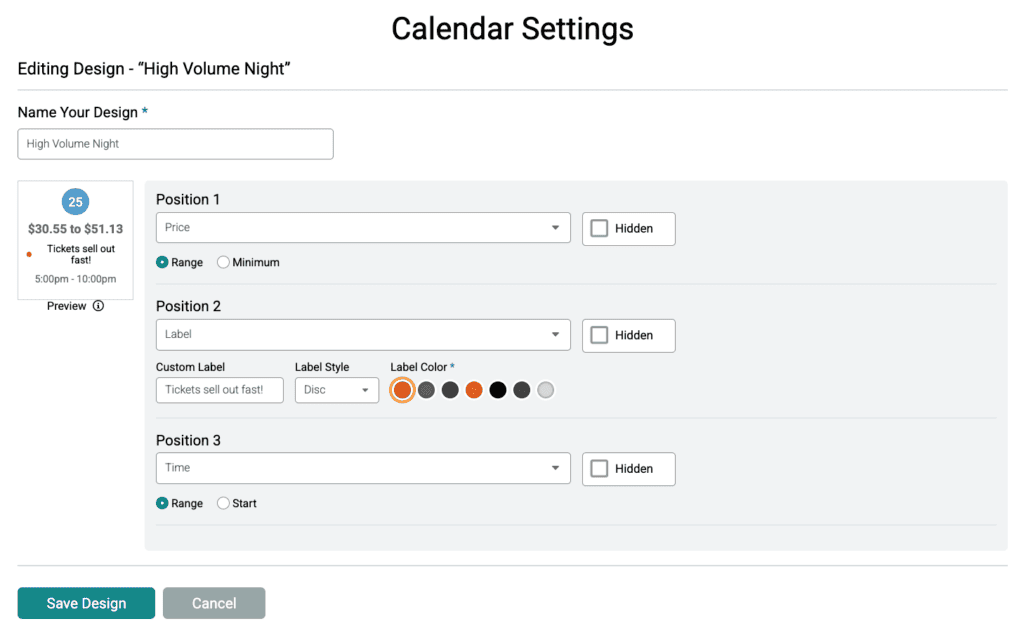
Label options live where calendar design already happens. Go to Website Builder -> Time Slot Calendar component -> Calendar Settings. Add labels to your overall calendar design, or to specific dates using date-level designs.
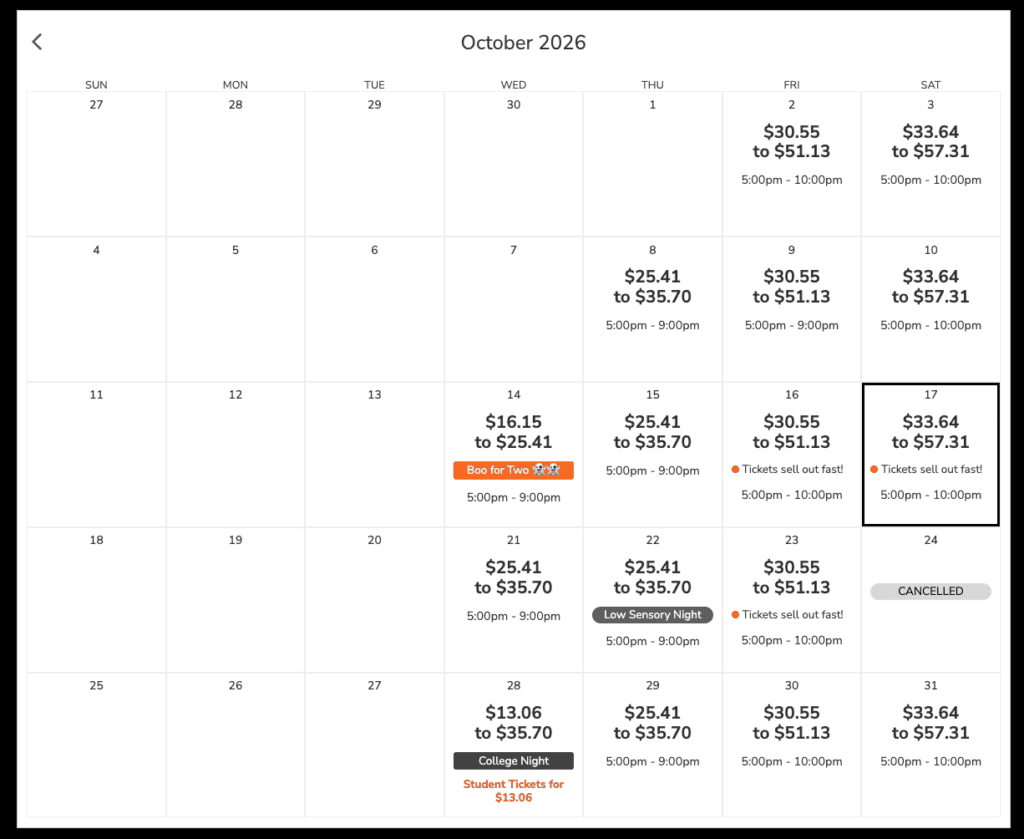
Four Label Styles
Each label can use one of four styles, so your calendar matches your website design:
- Chip – compact, rounded rectangle
- Pill – fully rounded
- Disc – circular badge
- Plain Text – no background, just the words (and/or emojis)
Mix styles to create visual hierarchy: a bold pill for your featured tour, plain text for routine schedule notes.
Ideas for Using Labels
- Distinguish offerings on the same date. The event that requested this feature runs two different tour types on select dates. Now each gets its own color-coded label.
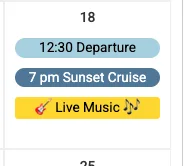
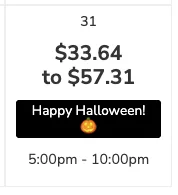
- Flag special dates. Fireworks night, Santa visits, Halloween night, live music, themed weekends – call them out so those dates sell themselves.
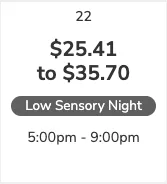
- Communicate schedule differences. Weekend vs. weekday hours, added time slots, early closures, low sensory nights.
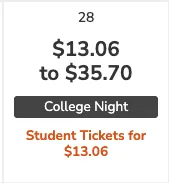
- Signal pricing. Mark value nights or peak dates so attendees can self-select and spread demand across your calendar.
Time Slot Calendar labels are available now for all calendar-based events, included in TicketSignup’s $0.40-per-ticket pricing like every website and design feature on the platform. They join a growing set of calendar-based ticketing upgrades, including the calendar-based website Tile Display, custom purchase path wording, and the Time Slot Dropdown.