
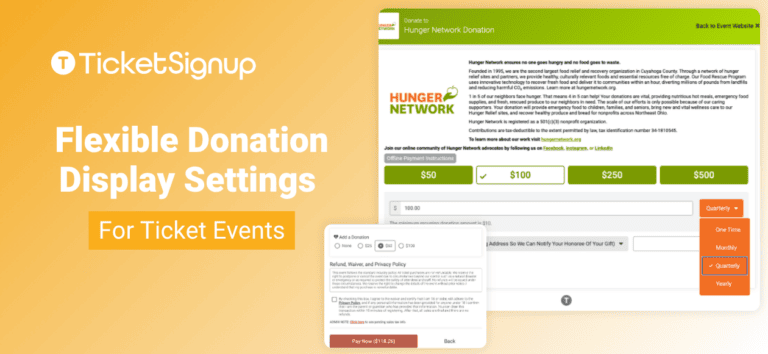
Raising money alongside ticket sales just got easier with flexible donation display settings for ticket events. TicketSignup now gives you independent control over each donation ask in your ticket purchase path, so you can decide exactly where and how you invite supporters to give.
Integrated donations are a core part of tickets for nonprofits on TicketSignup. Your event can ask for donations in three places:
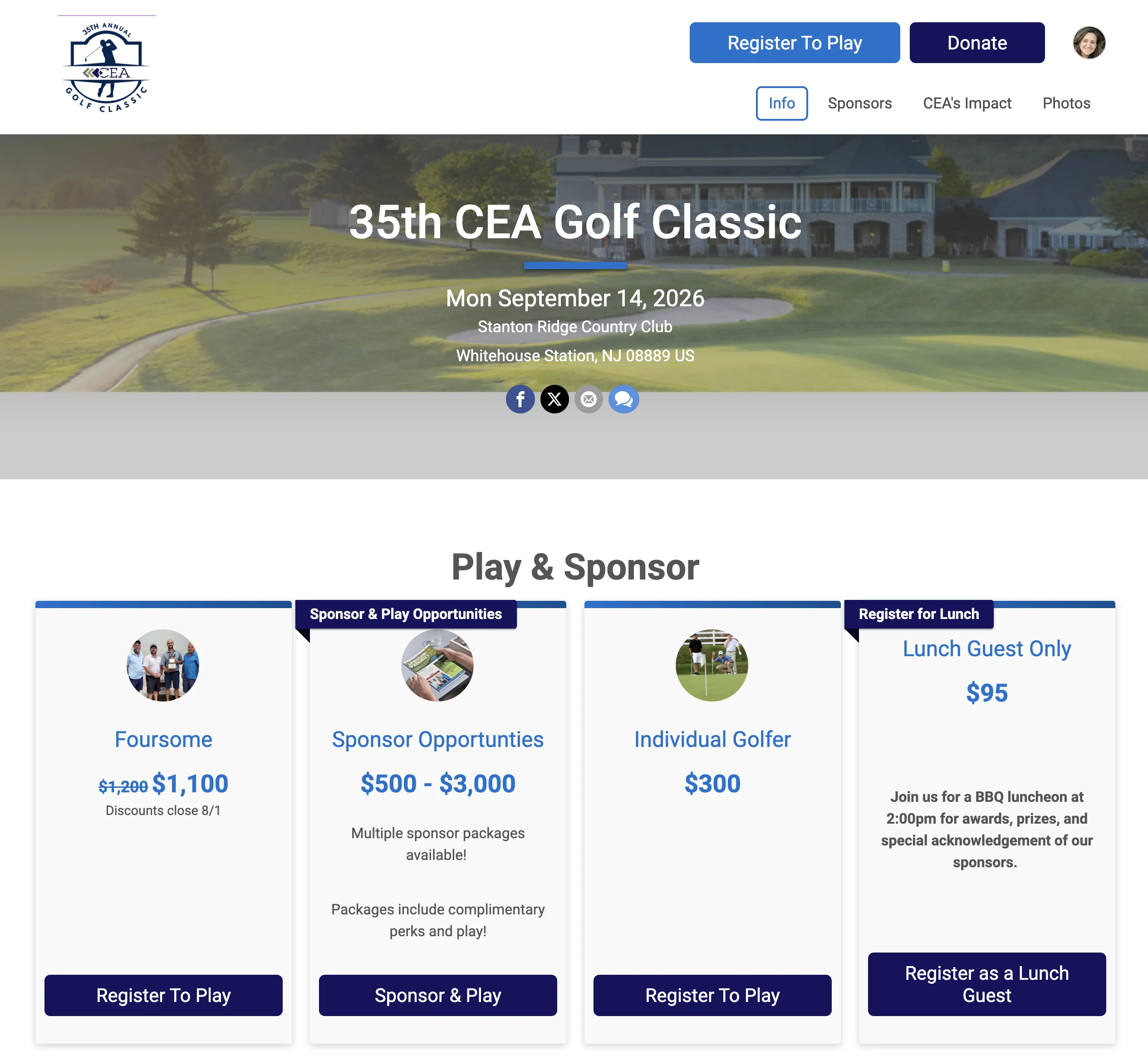
- The Donate button on your event website. A call to action at the top of your website, available year round and independent of ticket sales. Supporters can give whether or not your tickets are on sale.
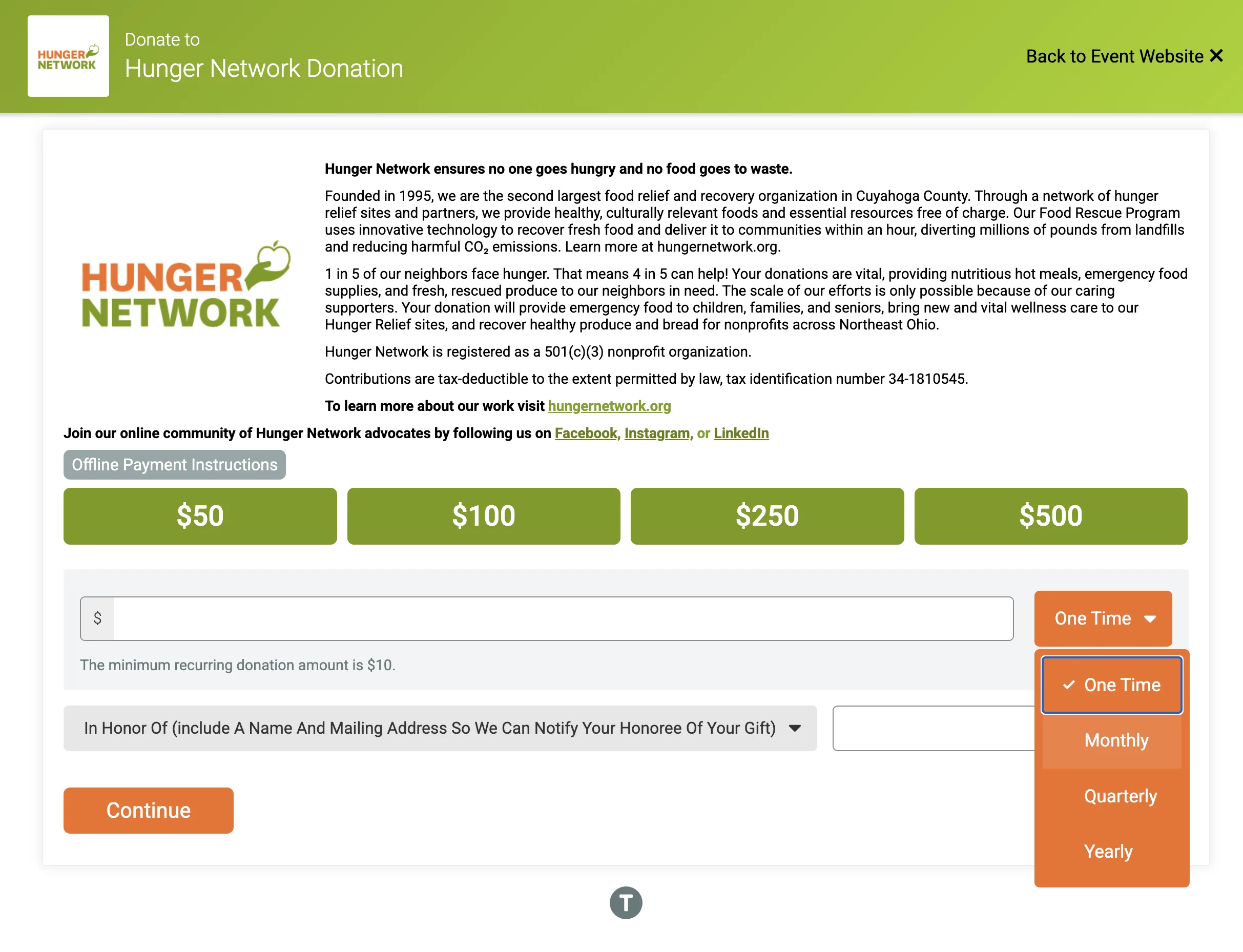
- The donation step in your purchase path. A dedicated page where you tell your story, share your impact, and set suggested donation amounts.
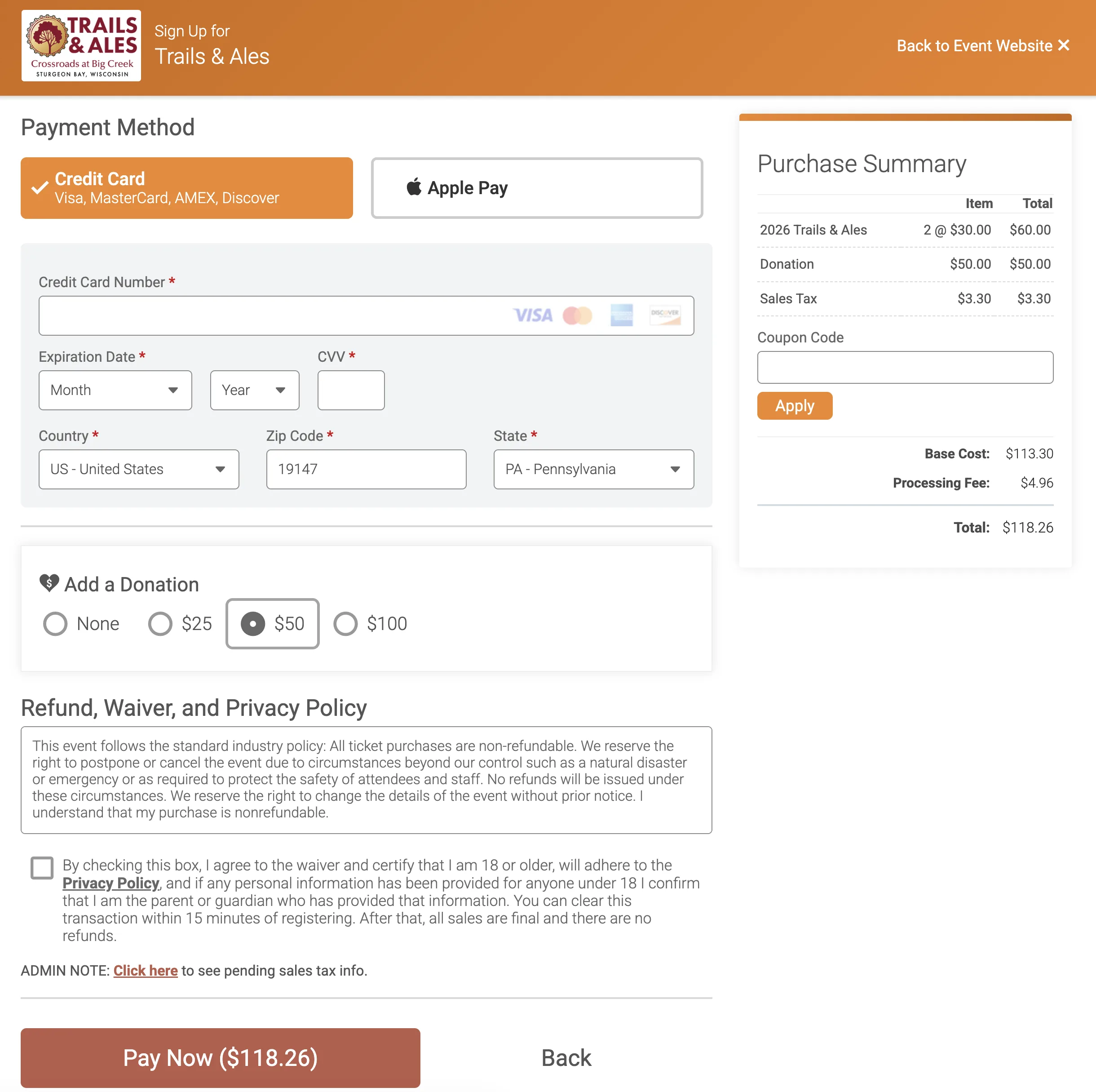
- The checkout donation ask. A compact prompt beside the order total, shown after a purchaser has already decided to buy.
You now control the donation step and the checkout ask separately. Enable either one, both, or neither.
How to Customize Donation Steps During Ticket Purchase
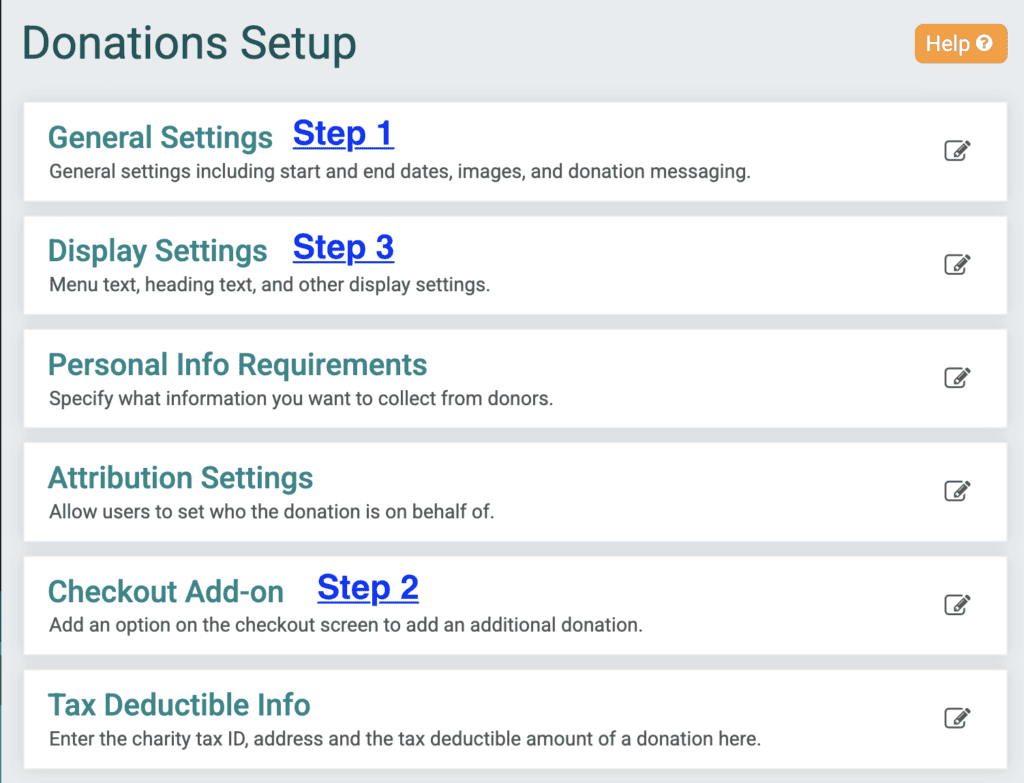
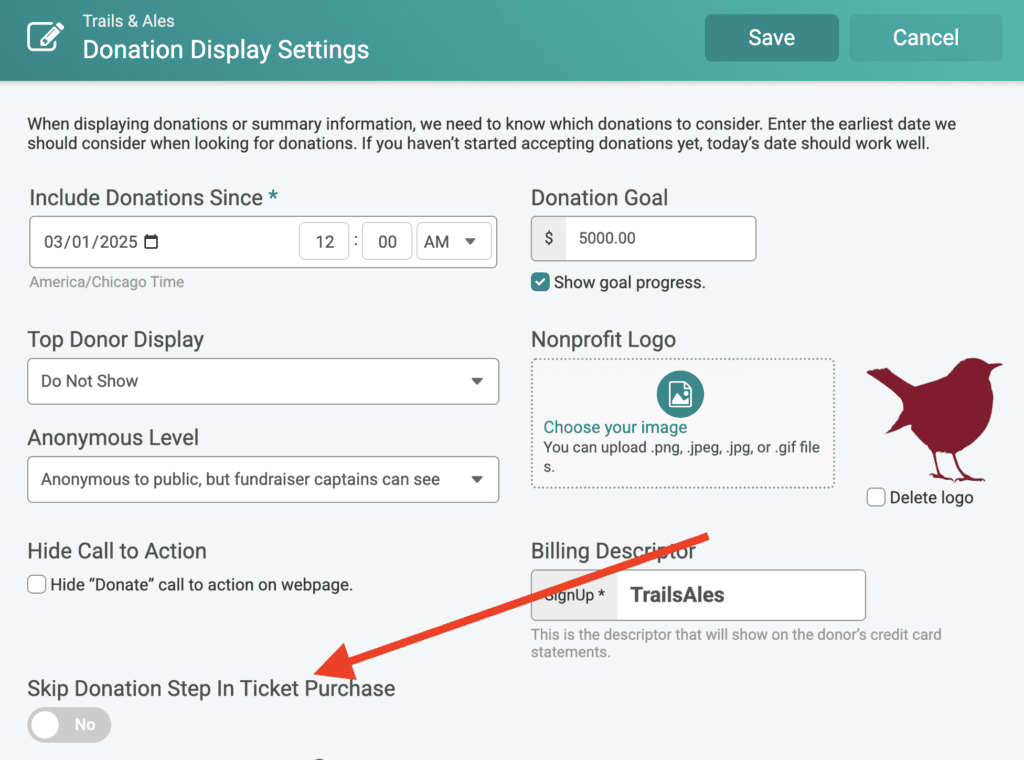
Go to Donations >> Donation Setup. First, enable donations (Step 1). Next, enable the checkout donation add-on if this is a feature you want (Step 2). Finally, go to Display Settings to adjust whether or not the donation step displays during ticket purchase (Step 3).
Choosing your setup
- Both asks. Lead with your full story on the donation step, then give supporters who moved past it a second, lower-effort opportunity at checkout.
- Checkout ask only. Keep your purchase path as short as possible while still generating donation revenue on every order.
- Donation step only. Give your cause a dedicated page and keep your checkout focused on the order.
Your website Donate button stays available in all three configurations, so supporters always have a way to give. With flexible donation display settings, your event can more easily:
- Test and adjust. Change your configuration between events and compare your donation results.
- Match your ask to your audience. A gala raising money for a capital campaign and a festival adding an optional round-up need different approaches. Configure the one that fits yours. Don’t forget that you can also leverage tax-deductible ticket amounts and donation discounts!
- Keep your purchase path short. Shorten your checkout flow without giving up donation revenue.
- Ask at high-intent moments. The checkout prompt reaches purchasers who have already committed to buying, and it adds no additional steps.
- Raise money year round. Pair your purchase path asks with your website Donate button to accept gifts between events.
TicketSignup charges a flat 4% donation processing fee that covers all credit card and service fees. You can absorb it, pass it to your donors, or give donors the option to cover it.