
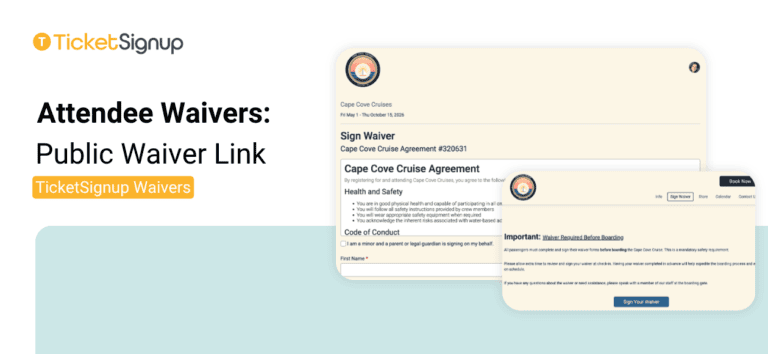
The Public Waiver Link is an open signing link for your event, no ticket or purchase confirmation required. Post it anywhere on your event website or distribute via email, and anyone can sign.
Setup
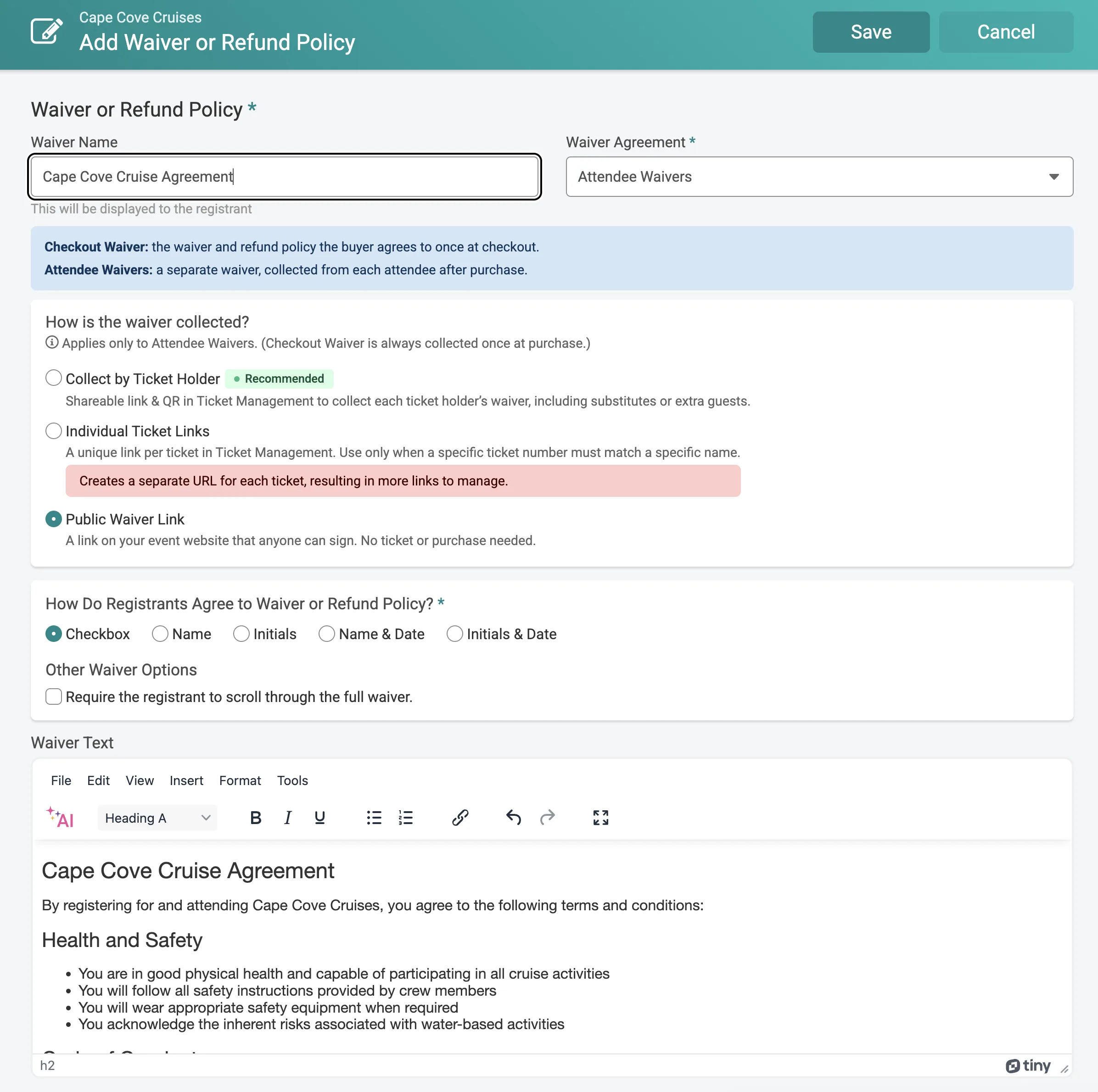
From your ticket event dashboard, open Waiver setup and select Attendee Waivers. Under “How is the waiver collected?” choose Public Waiver Link. Configure your waiver text and agreement method the same way as any other waiver.
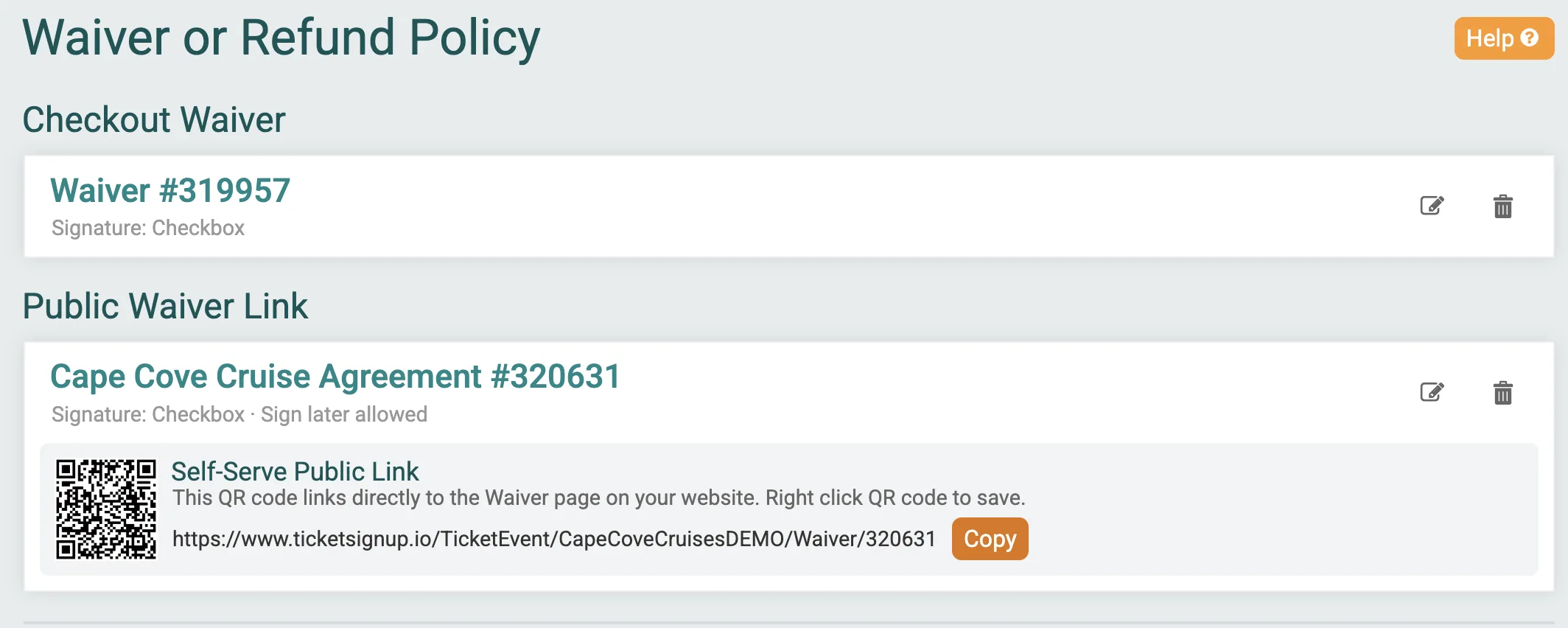
TicketSignup generates one link for your event that works anywhere: your event website, a printed sign with a QR code, a confirmation email, or social media. Anyone who opens it can sign, no ticket number or purchase confirmation needed. The signing page was recently cleaned up with a clearer link box, a one-tap copy option, and a smaller, sharper QR code.
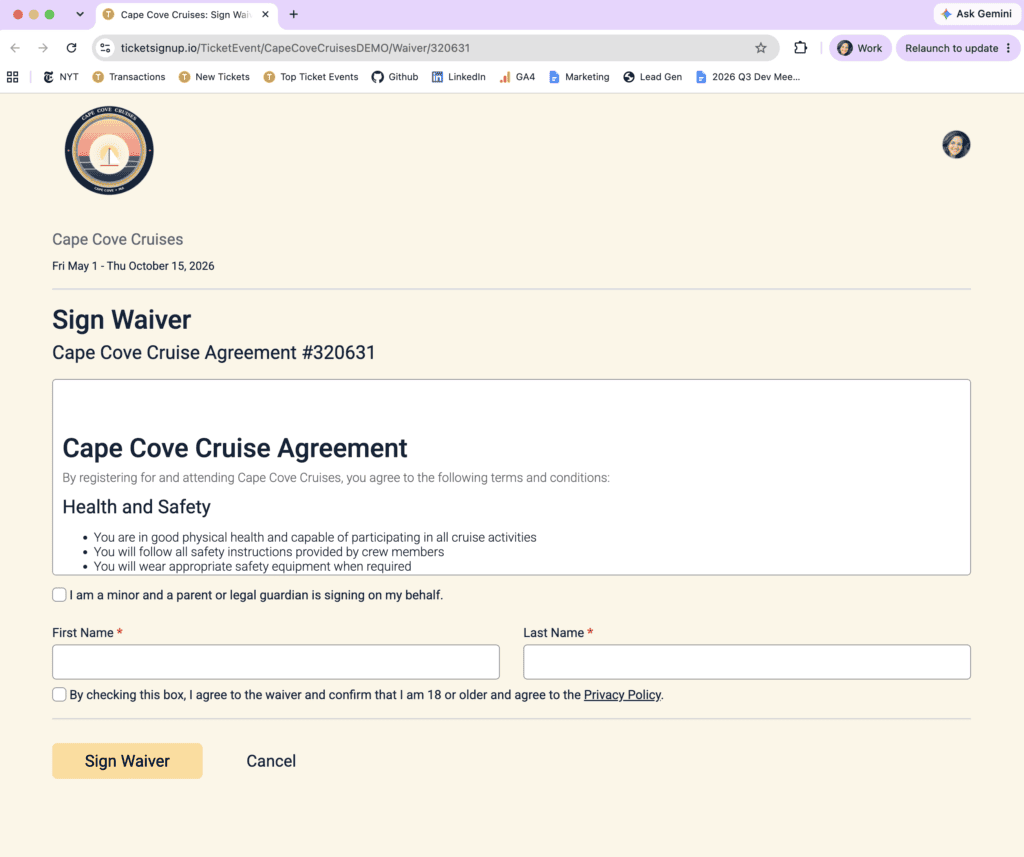
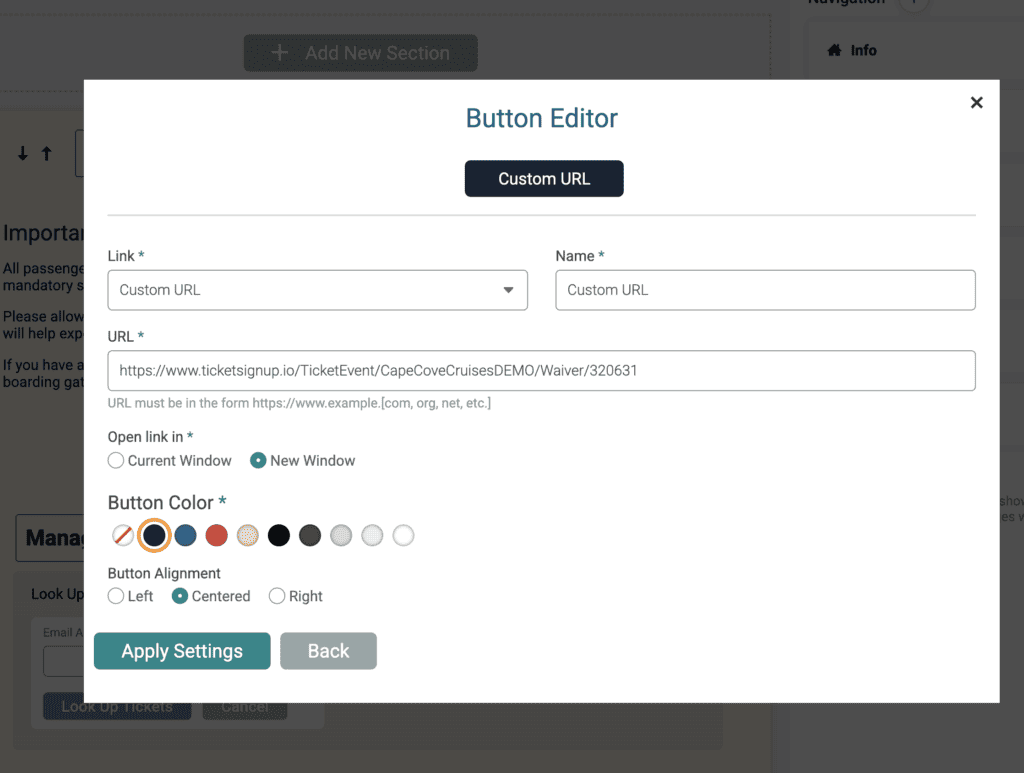
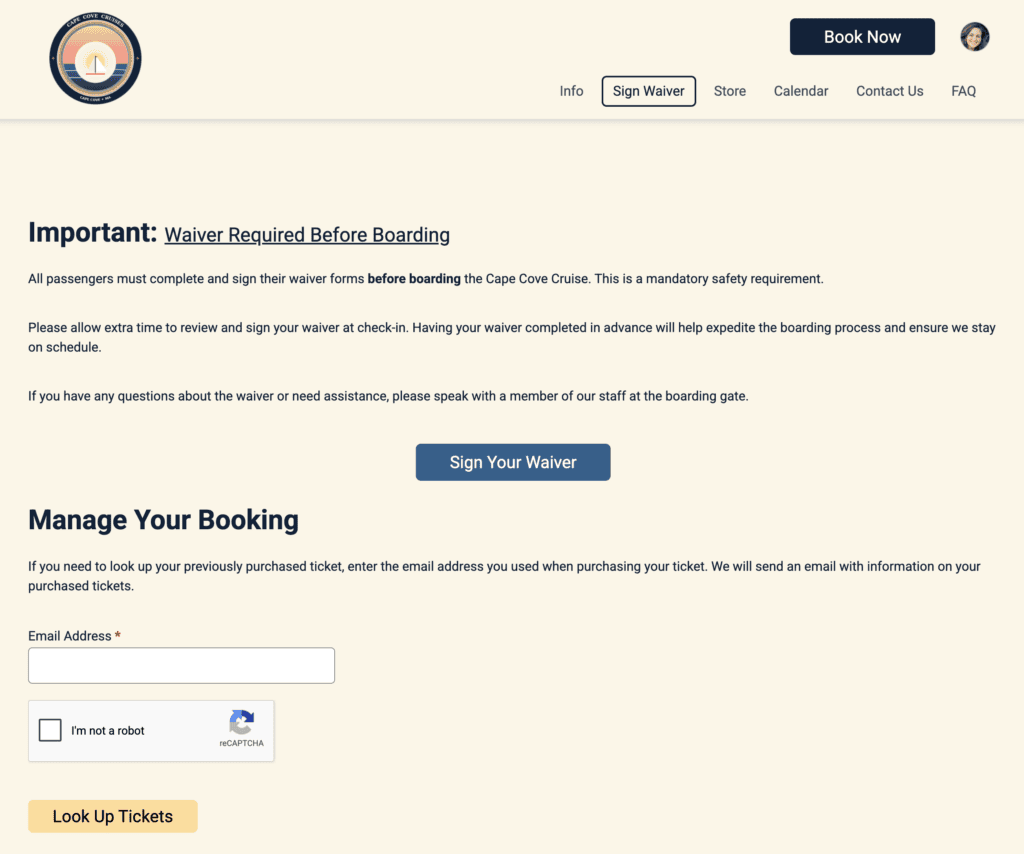
It’s easy to add your waiver to your free event website on TicketSignup. You can also share it via free Email Marketing, including in automated pre-event emails.
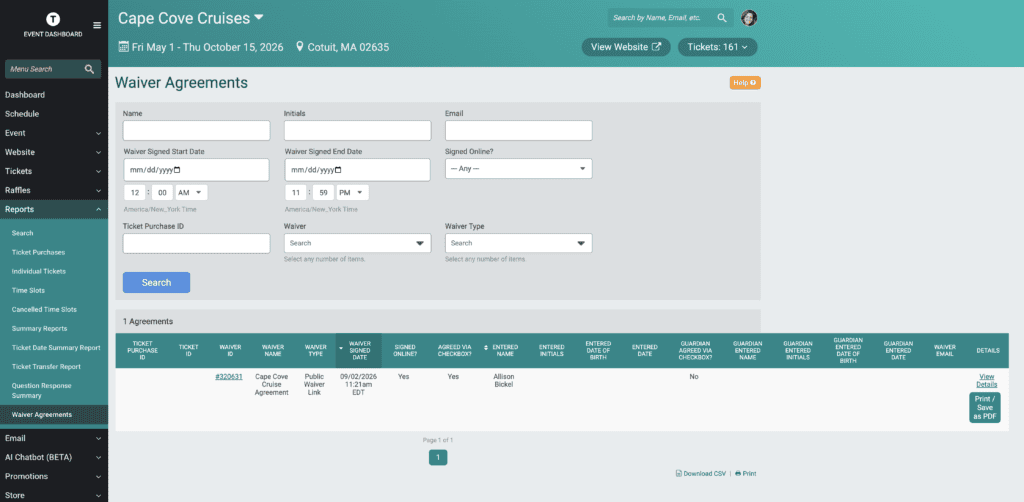
Since the Public Waiver Link isn’t tied to a ticket or purchase, the only way to validate whether someone signed is the Waiver Report (Reports >> Waiver Agreements). You can use this report to search by name, and filter on waiver or agreement type.
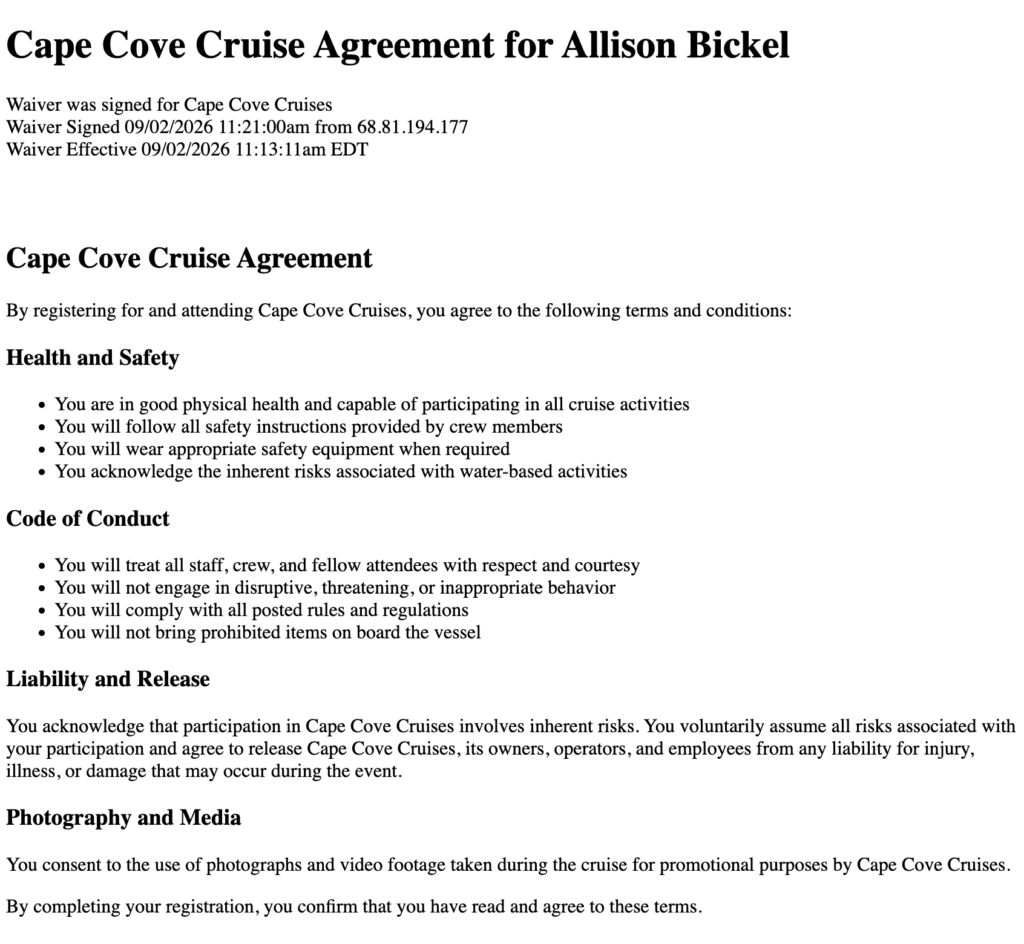
TicketSignup offers a variety of free and flexible ticket waiver options. Learn more here.