
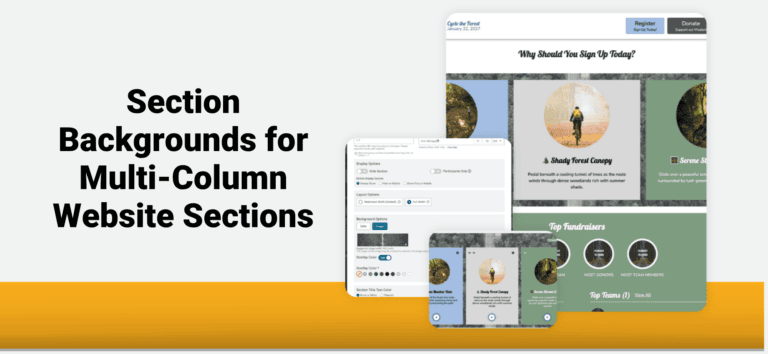
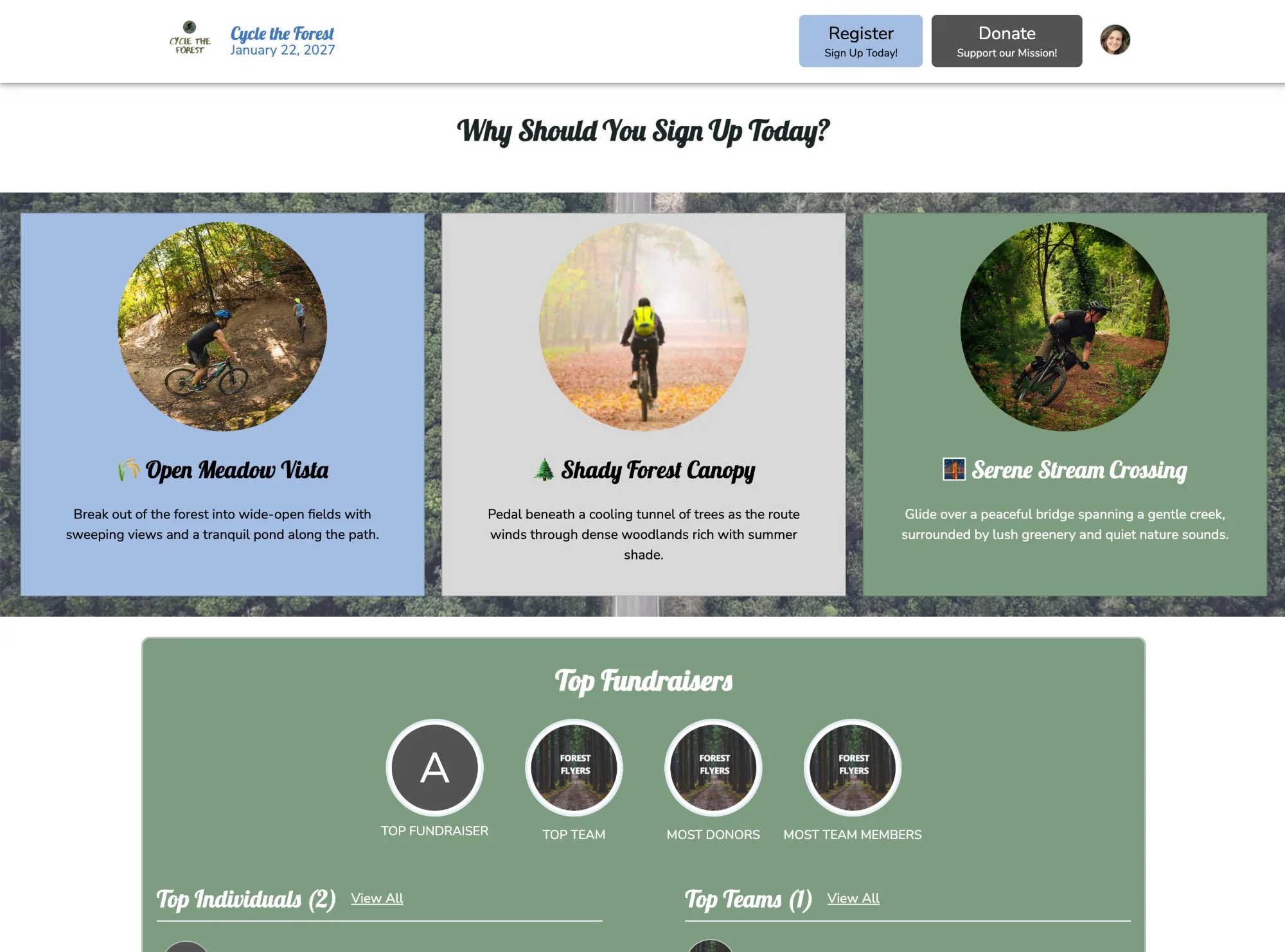
TicketSignup’s Website Builder now lets you apply one background across an entire multi-column section. Place a single image or color behind all your columns to showcase ticket options, attractions, and event experiences in one eye-catching layout.
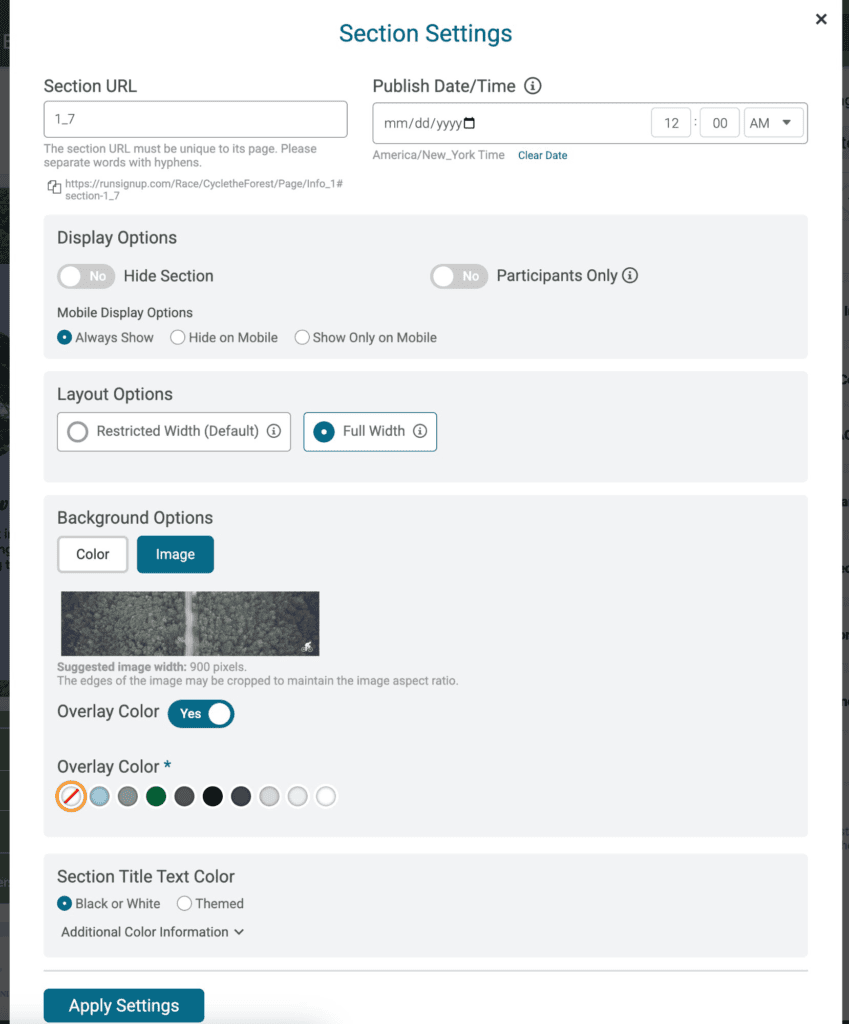
Click the settings icon on any multi-column section and open Background Options to choose:
- Color: Fill the full section with one color.
- Image: Stretch a single photo behind every column, like a wide shot of your venue or experience.
- Overlay Color: Add a color overlay to your image so columns and text stand out.
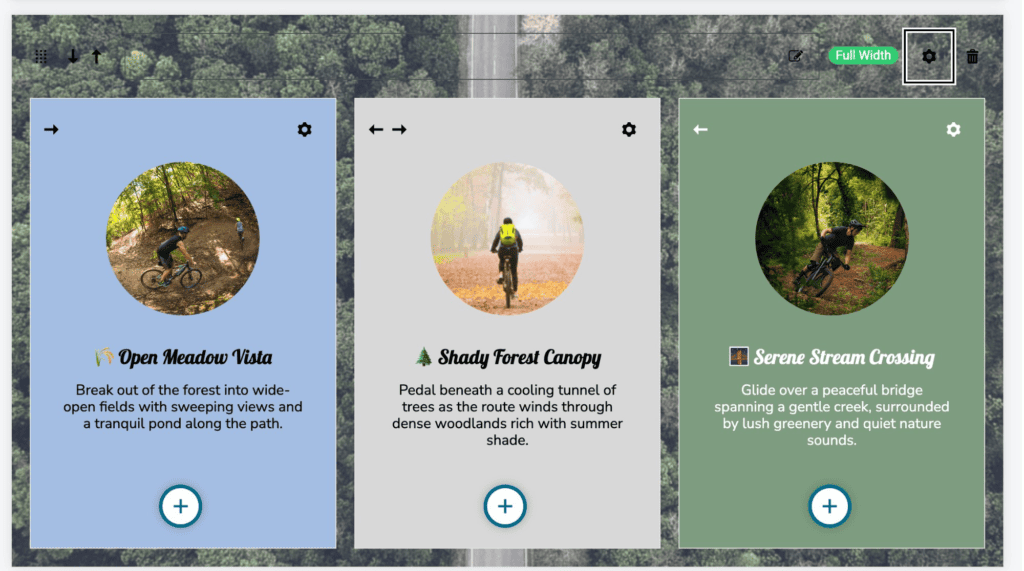
Section backgrounds work with both Full Width and Restricted Width layouts in two, three, and four column sections. Use padding, rounded edges, and more to make your website truly unique. Pair them with individual column backgrounds to layer colors and create a polished, on brand event website.
Open the Website Builder, click the settings icon on a multi-column section, and select Background Options to get started.