
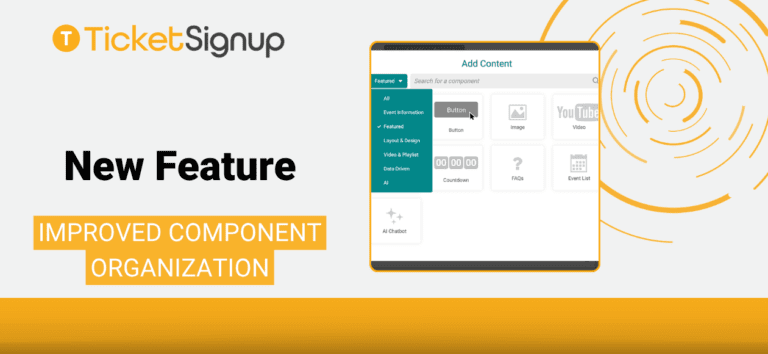
We’ve made a small but meaningful update to the Website Builder to make adding content faster and easier.
When you add a new component to your website, you’ll now see components organized into categories, helping you quickly find what you need without scrolling through a long list. Last year, we released more than a dozen new website components. As RunSignup continues to add more options for events to build uniquely designed websites, the new components library helps you find what you need quickly.
What’s New
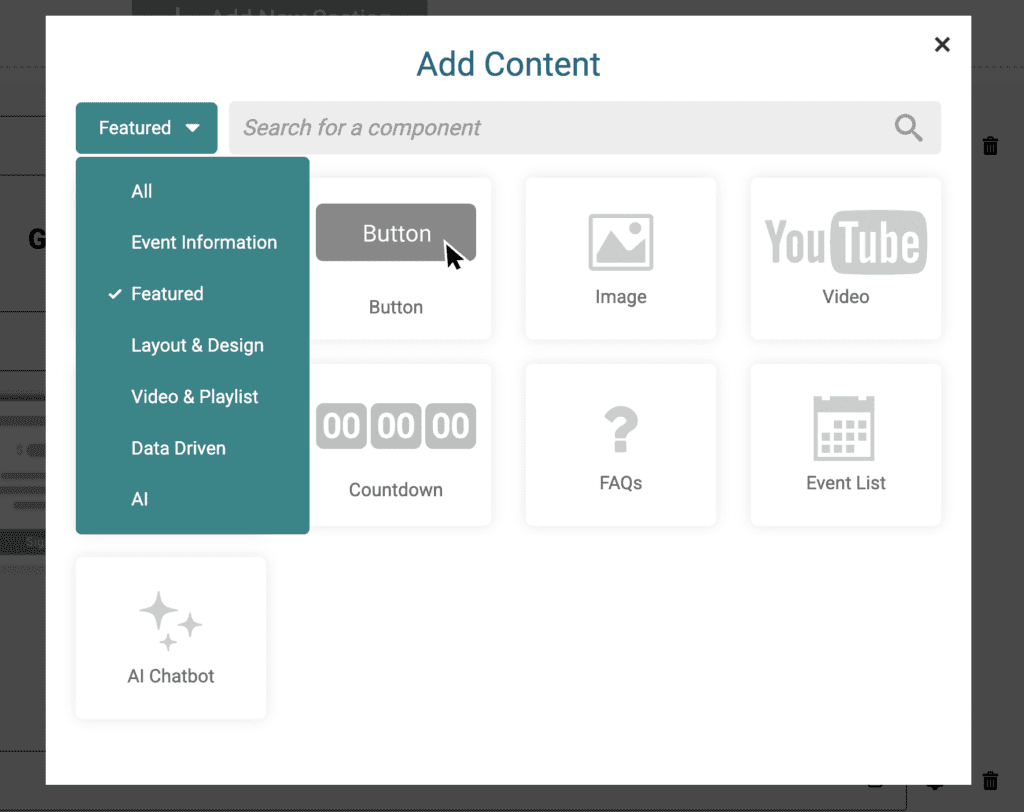
Previously, all components were shown in one list. Now, components are grouped into clear categories, including:
- Featured
- Event Information
- Layout & Design
- Video & Playlist
- Data Driven
- AI
By default, the view opens to Featured, which includes the most commonly used components like buttons, images, and FAQs.
Faster, Easier Navigation
This update is designed to help you:
- Find commonly used components more quickly
- Explore new components by category
- Reduce time spent scrolling through all options
If you prefer to search, the search bar still works across all components. When you search, the system will automatically switch to show results from all categories, so you don’t miss anything.
How to Use It
- Open your Website Builder
- Click Add New Section on your page
- Click the + to Add New Component
- Use the category menu on the left to browse components
- Or use the search bar to quickly find a specific component
What This Means for You
This update makes the Website Builder more intuitive, especially for new users, while helping experienced users work faster.
By organizing components into categories and highlighting commonly used options, you can spend less time searching and more time building your race website.