
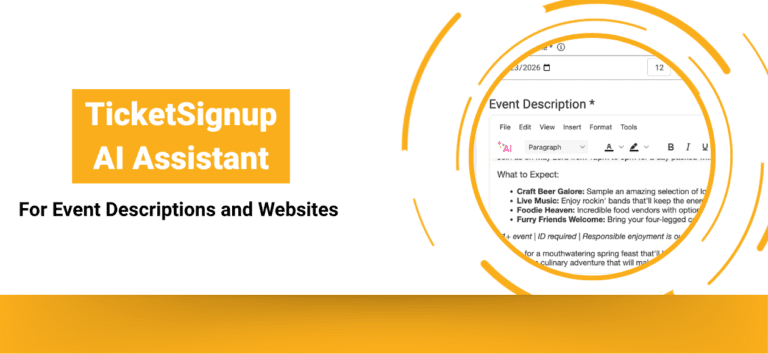
Creating a new event, building a website from scratch, or updating content for your next event no longer means starting from a blank page with the TicketSignup AI Assistant. Generate and refine event descriptions and website content directly within the tools you already use.
With built-in AI writing support, you can create polished, engaging content faster, maintain consistency across your event website, and spend more time focusing on delivering a great event experience.
TicketSignup AI Assistant for Event Setup and Copying Events
The TicketSignup AI Assistant is available directly within the Event Description field when creating a new event or copying an existing one. Instead of drafting content manually, you can enter a prompt such as: “Write an engaging description for a summer outdoor concert series with food trucks and VIP tickets.”
The AI Assistant instantly generates a complete event description, including highlights, key details, and a strong call to action. With one click, you can insert the content into your event description or continue refining it with additional prompts. The AI Assistant also makes it easy to update specific sections of your content. Simply highlight existing text and ask the assistant to revise it. TicketSignup’s AI Assistant rewrites only the selected portion while preserving the rest of your content.
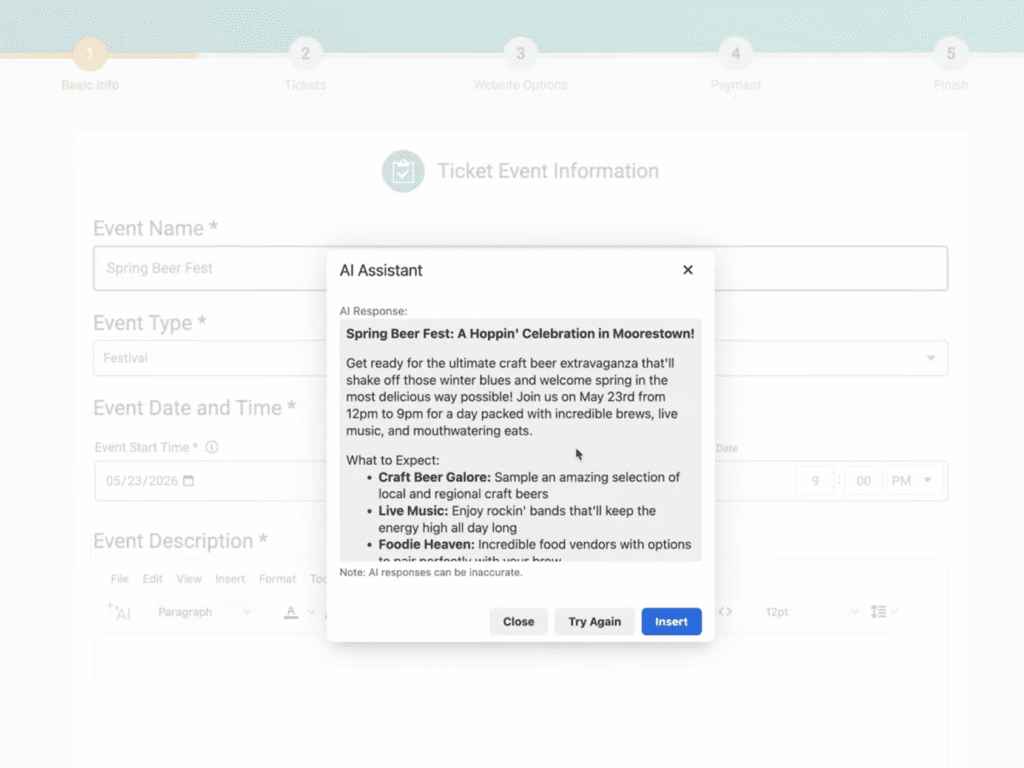
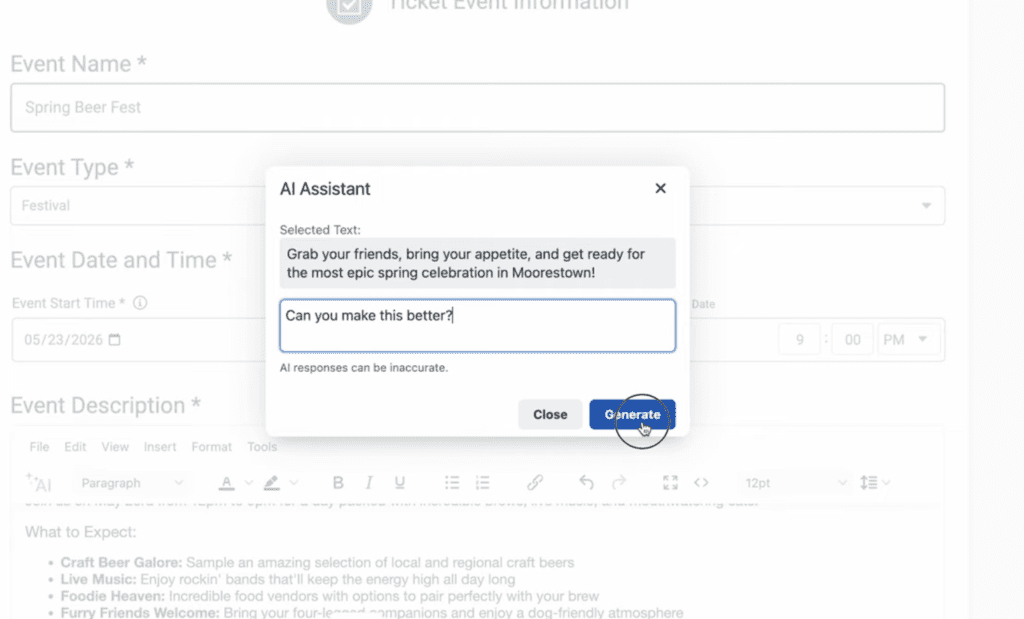
This functionality is especially valuable when copying events. Rather than manually updating outdated details, you can quickly refresh your content to reflect new dates, performers, pricing tiers, or event features.
AI Assistant for Building Event Websites
The TicketSignup AI Assistant is available throughout the Website Builder. You can use it within text components such as FAQs, content sections, and cards to make building your free event website even faster.
This ensures that every part of your event website, from your homepage to your FAQ section, maintains a consistent tone and clear messaging.
Whether you are building a new event website or enhancing an existing one, the AI Assistant helps you:
- Generate new content for pages and sections
- Rewrite or simplify existing text
- Maintain a consistent voice across your website
- Quickly create structured content like FAQs
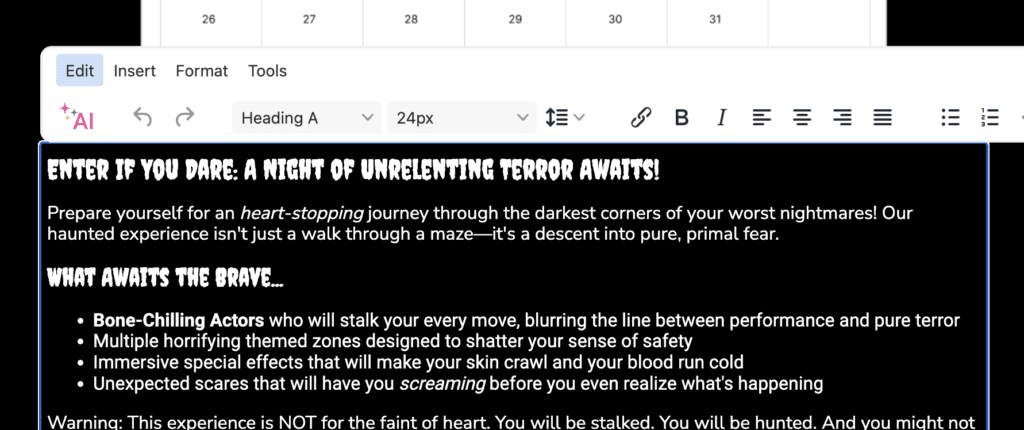
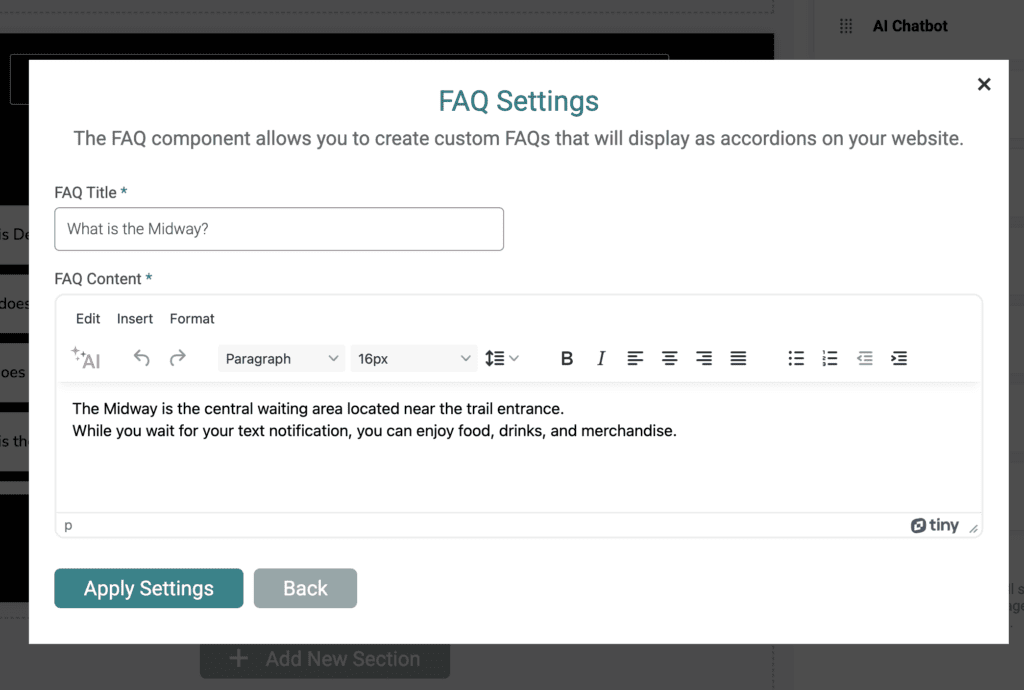
By embedding AI directly into the Website Builder, TicketSignup eliminates the need to switch between tools or rely on external writing platforms.
Why the TicketSignup AI Assistant for Event Event Descriptions and Websites Matters
Event descriptions and website content play a critical role in driving ticket sales and communicating event details clearly. However, creating that content often takes significant time and effort.
The AI Assistant reduces that burden by:
- Speeding up event setup
- Improving clarity and engagement in event descriptions
- Helping maintain accurate, up-to-date information
- Enabling quick iteration for marketing and messaging
As a result, event organizers can launch faster, market more effectively, and deliver a better attendee experience.
Best Practices and Tips for Using the TicketSignup AI Assistant
- Start with Specific Prompts.
Provide clear instructions that include details like event type, audience, location, and tone. For example, instead of asking for an “event description,” specify “a high-energy music festival with VIP ticket options and food vendors.” - Iterate for Better Results.
Use follow-up prompts to refine the output. Ask the assistant to make the tone more exciting, shorten the content, or emphasize key elements like performers, amenities, or VIP experiences. - Use Highlight-to-Edit for Quick Updates.
Rather than regenerating entire sections, highlight only the text that needs updating. This keeps your content consistent while saving time. - Keep Your Event Brand Voice in Mind.
Review generated content to ensure it aligns with your event’s personality and audience. Adjust wording as needed to match your brand. - Build Structured Content Faster.
Leverage the AI Assistant to quickly create FAQs, schedules, and informational sections. This helps attendees find answers easily and reduces support questions. - Refresh Content When Copying Events.
When using the copy event feature, use the AI Assistant to quickly modernize existing content. Update dates, pricing, and event details while keeping what already works
Frequently Asked Questions
- How do I use the AI Assistant for event descriptions? Use the AI Assistant directly in the event description field during event setup or when editing an event by entering a prompt or revising highlighted text.
- Can I edit only part of my content? Yes. Highlight any section of text and prompt the AI Assistant to revise it. The tool updates only the selected portion.
- Do I need to use specific prompts? You can use simple or detailed prompts, but more specific instructions typically produce better results.
- Will the content match my event’s tone? The AI generates a strong starting point. You can refine the tone by adjusting prompts or editing the output to match your brand voice.
- Can I use the AI Assistant for FAQs and other website sections? Yes. The AI Assistant works within multiple text components in the Website Builder, including FAQs, cards, and general content sections.
- Is the content ready to publish? In many cases, yes. However, review and make minor edits to ensure accuracy and alignment with your event details.
- Will the AI Assistant be available everywhere I have to add text? Eventually it will be everywhere and it will evolve to become more powerful as AI rapidly gets better. Our next step is to add this to the Email Builder, and then other features on the dashboard like donations setup, ticket descriptions, notifications, and more.
- What else is coming? A lot. In terms of what you will see on Websites in the near term, we are integrating AI functionality into the Contact Us form to reduce emails to event directors for commonly asked questions like “What time does the event start?” (with any difficult questions still going right to event director inboxes).
