
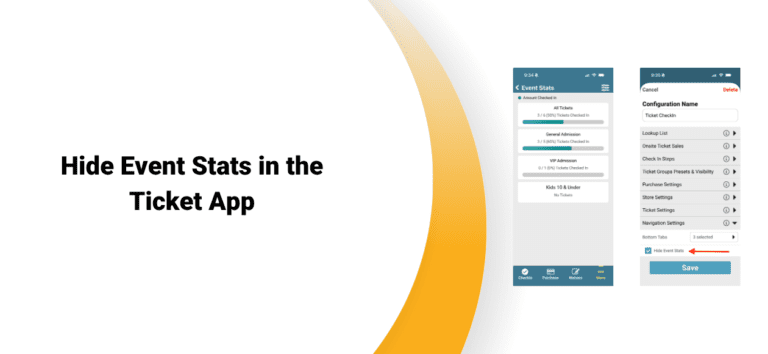
Event organizers often need to control who can access attendance and sales data on event day. That’s why TicketSignup has added a new option to hide Event Stats in the Ticket App.
With this setting enabled, staff and volunteers using the Ticket App will no longer see event-level ticket sales and check-in totals. This helps organizers limit access to sensitive event data while still giving staff the tools they need to check in attendees, sell tickets onsite, and manage event operations.
By default, the Ticket App displays Event Stats. These are either overall for simple ticket events, or by date and ticket type for calendar-based events.
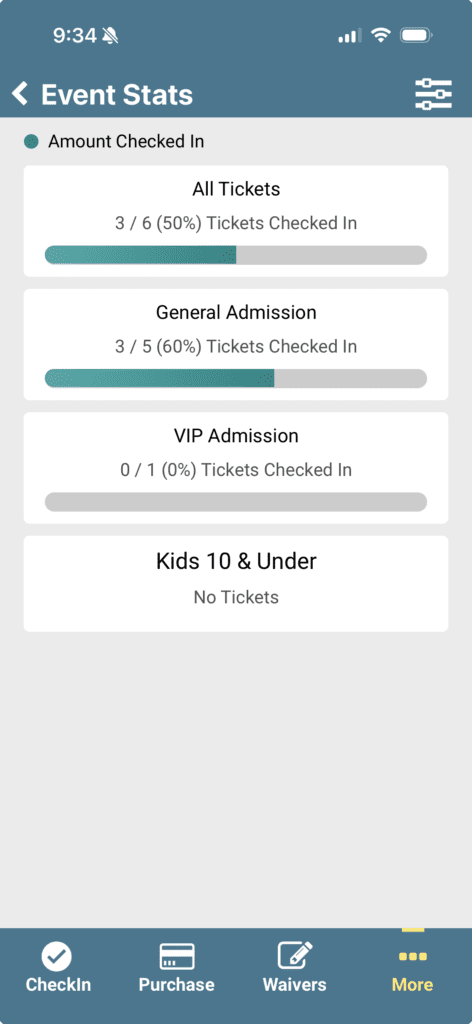
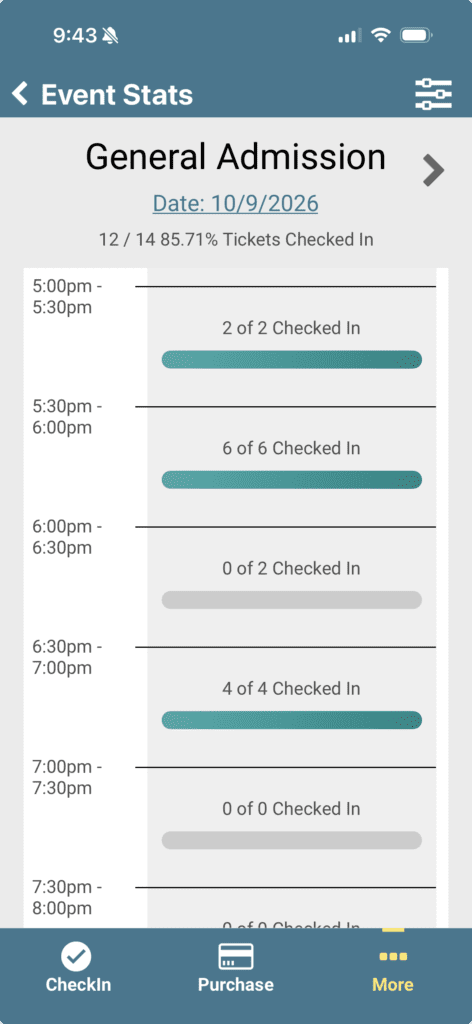
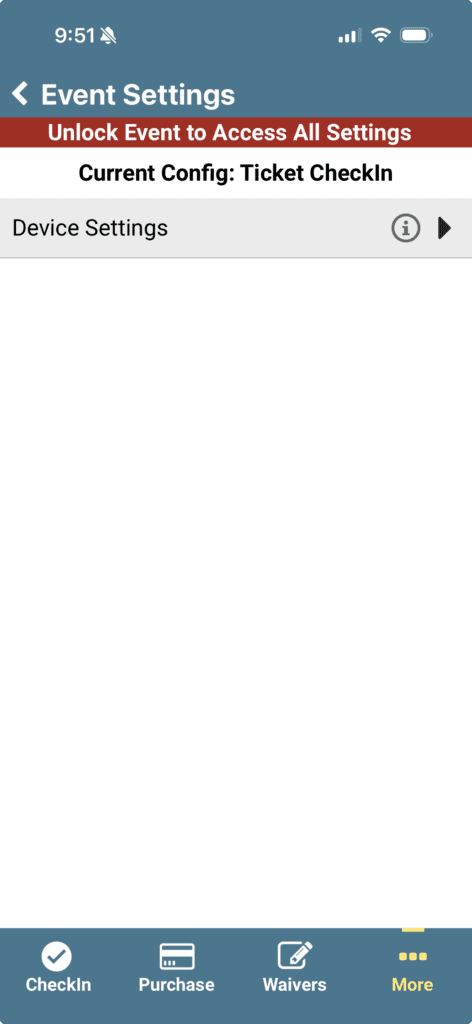
If you don’t want an Event Stats menu item to show for some on site staff, you can disable at the configuration level. This gives you maximum flexibility for owners to view Event Stats in the Ticket App, while staff are unable to see overall numbers. Go to More >> Event Settings >> Configurations. Choose the configuration that you’d like to disable Event Stats for. Then select Navigation Settings >> Hide Event Stats, and click Save.
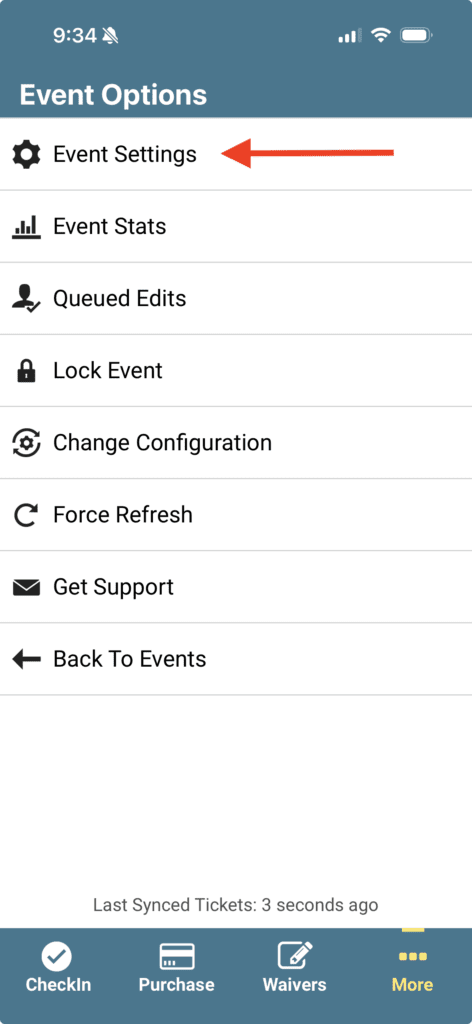
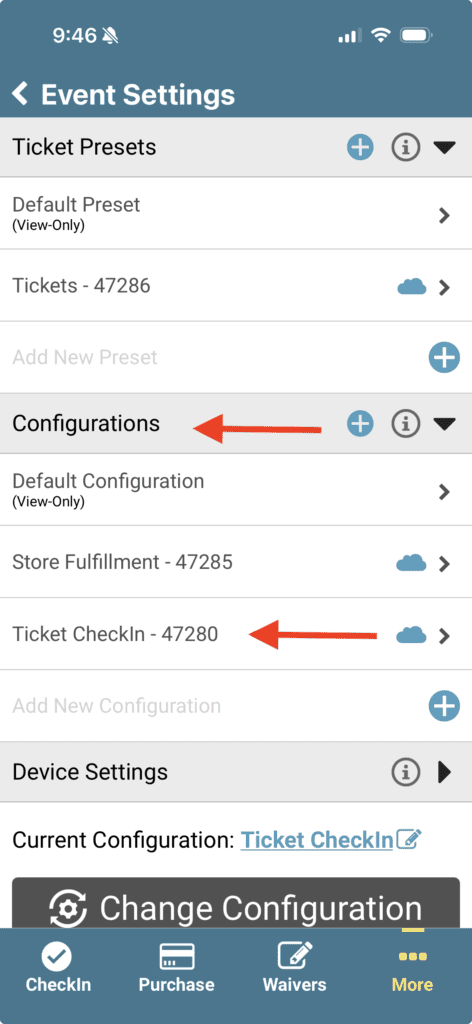
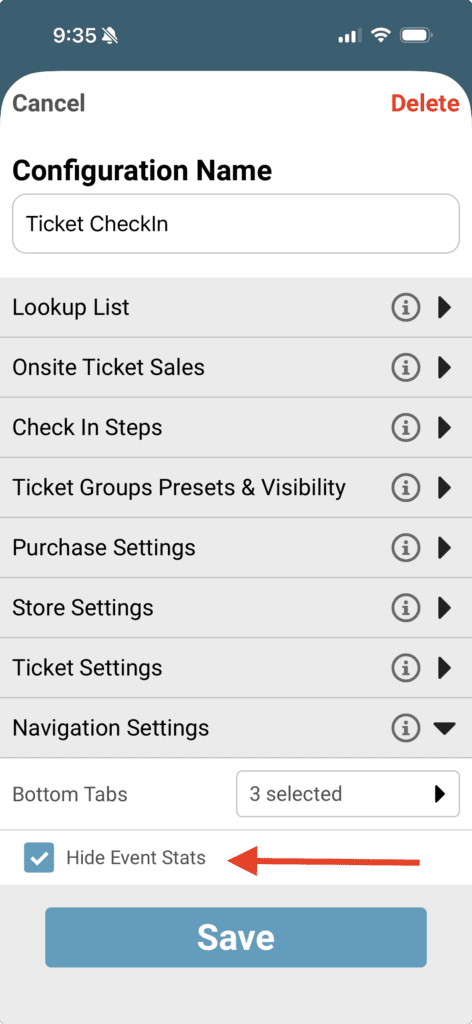
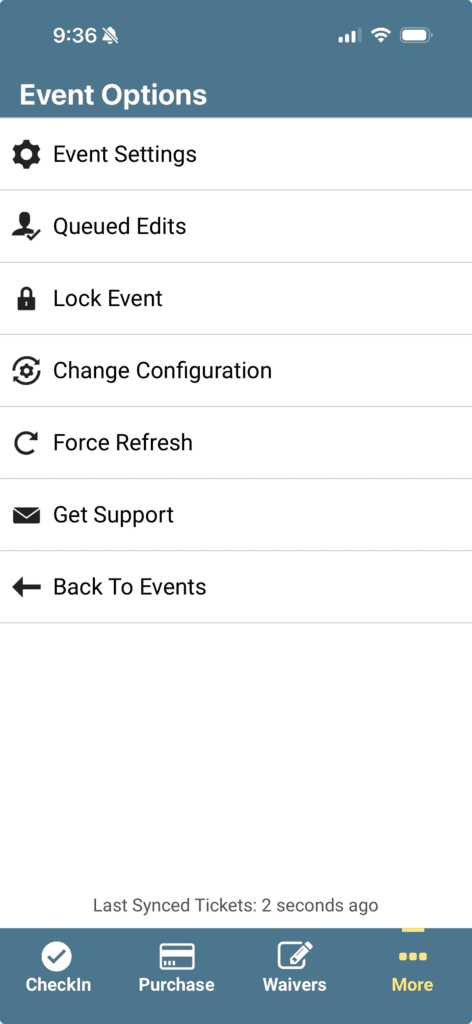
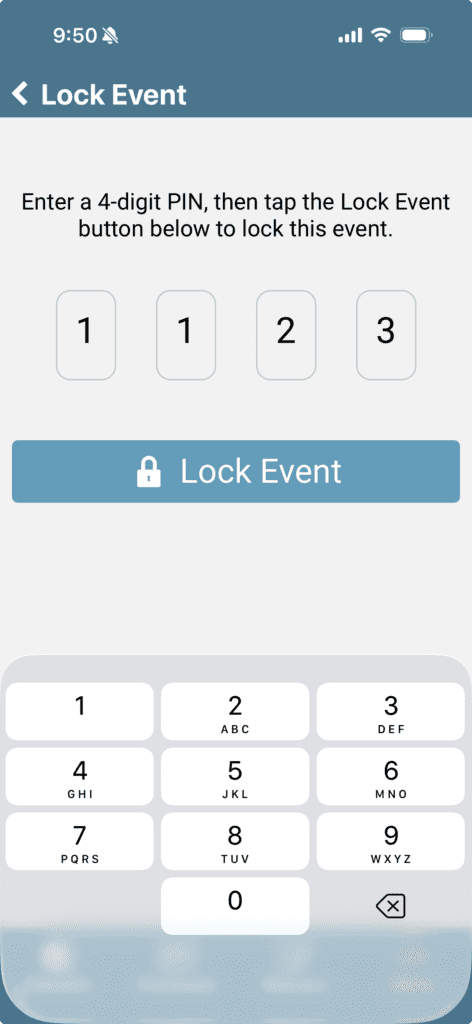
The Ticket App will no longer show Event Stats when set to that configuration. To make sure staff do not edit or change any settings, you can Lock Event, which prevents changing or editing configurations.
The Ticket App is designed to support a wide range of staffing models, from full-time event teams to volunteer check-in crews. The new Hide Event Stats setting gives organizers another layer of control, ensuring staff have access to the tools they need without exposing information they don’t.