
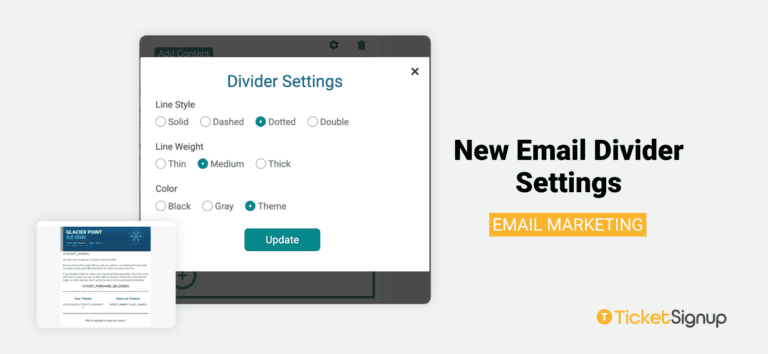
TicketSignup’s Email Builder now includes divider settings. Use them to separate sections, frame ticket details, and guide attendees through every email you send. Click the settings icon on any divider to choose:
- Line Style: Solid, Dashed, Dotted, or Double
- Line Weight: Thin, Medium, or Thick
- Color: Black, Gray, or Theme, with the Theme option matching the divider to your event’s colors, so every email looks polished and on brand.
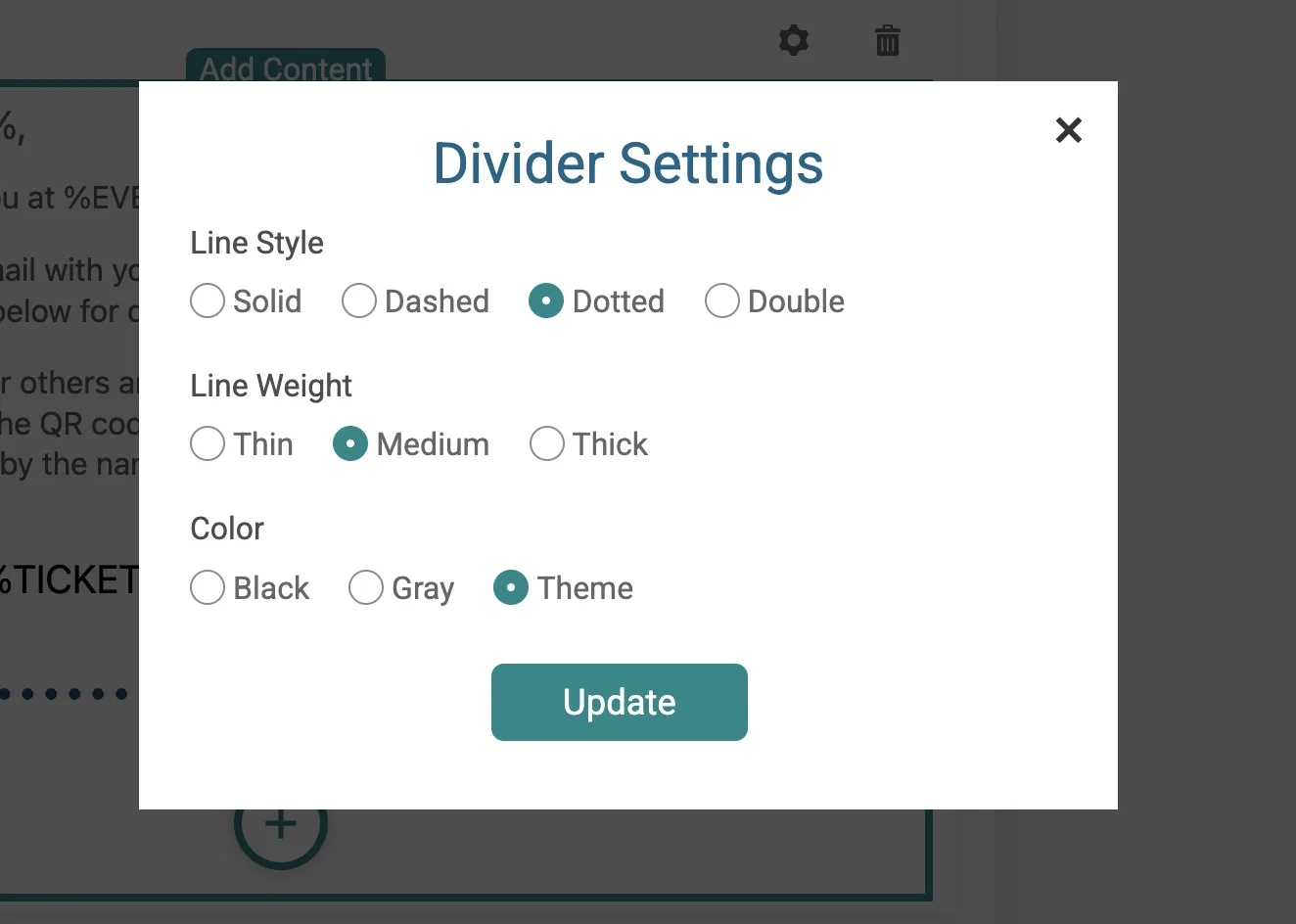
Divider settings are available across all your TicketSignup emails:
- Marketing emails to promote your event and drive ticket sales
- Automated emails like ticket confirmations and reminders
- Event communications to share updates and day-of details
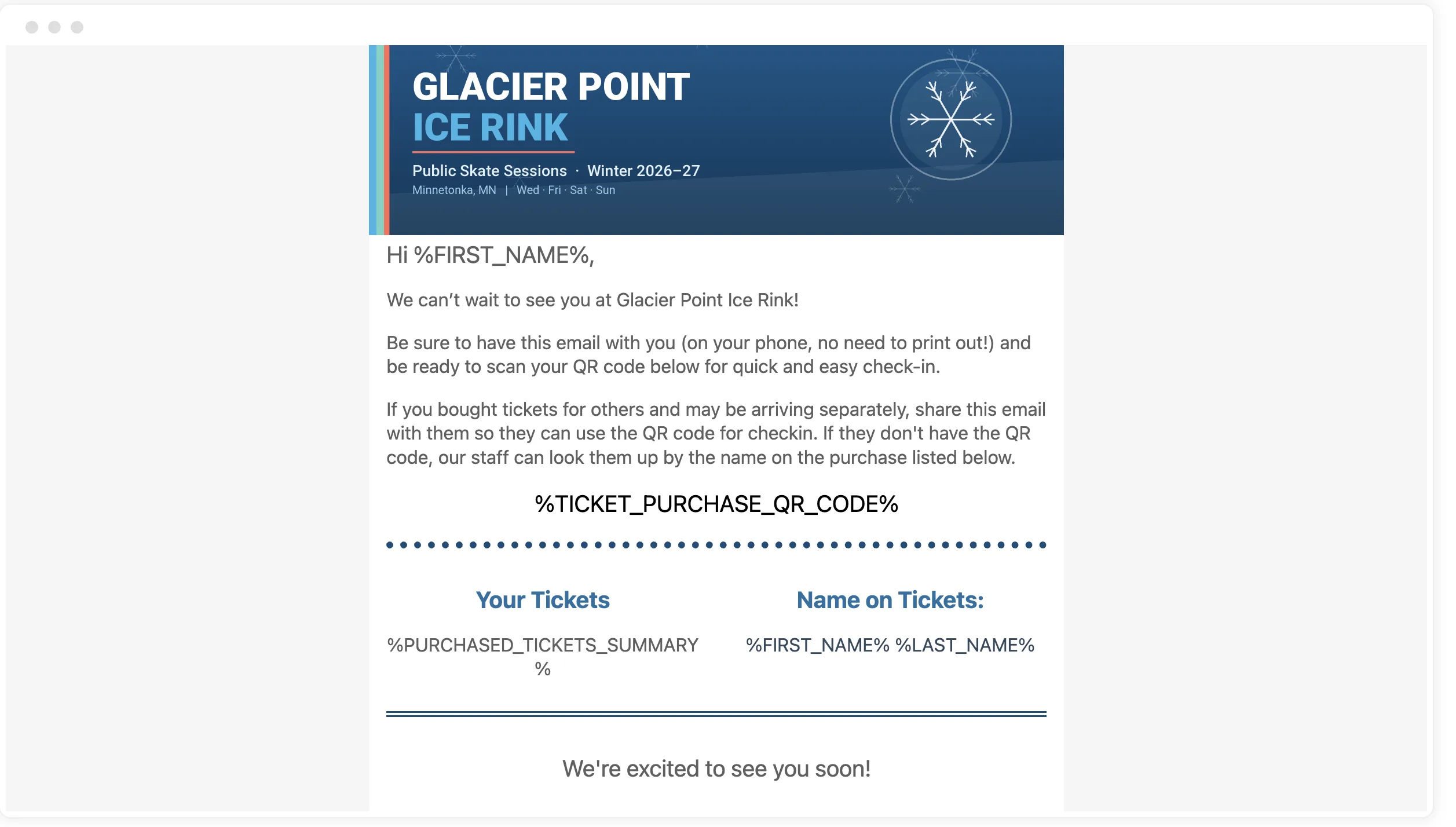
Email marketing on TicketSignup is free and unlimited. Send as many emails as you need to as many contacts as you want, with no added cost. Open the email builder, add a divider, and click the settings icon to get started with new email divider settings.