
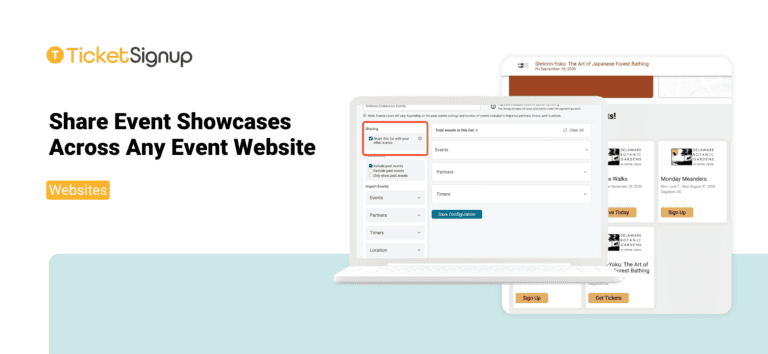
Organizations that host multiple events can now share Event Showcases across every event website they manage. Event List configurations now share automatically across all ticket events and websites on the same payment account.
Whether you run a festival season, a holiday light show with several locations, or a year-round calendar of brewery, winery, or nonprofit events, you can create one Event List of your upcoming events and add it to all of your event websites in a few clicks.
Build Once, Feature Everywhere
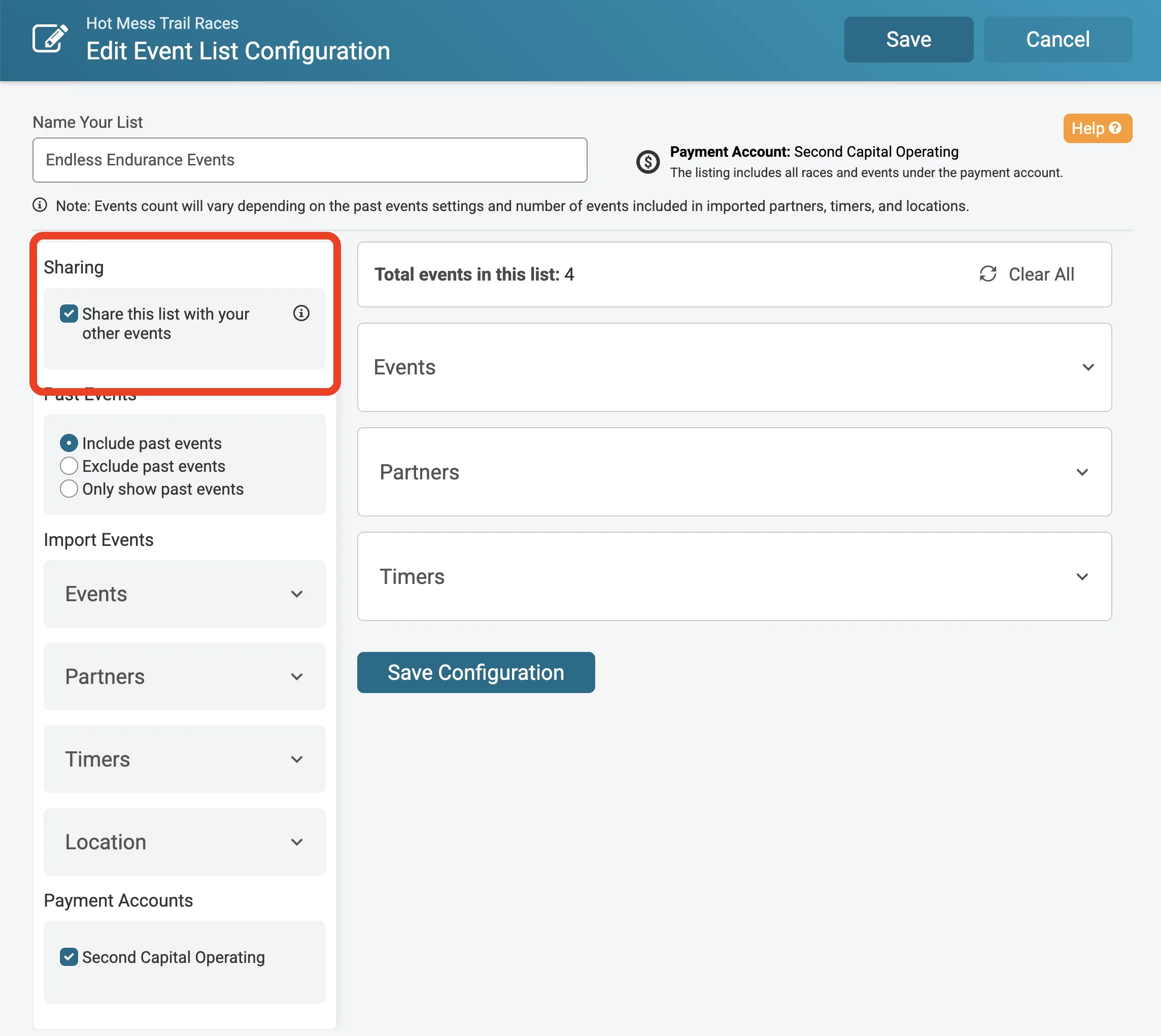
When you create an Event List configuration, it is shared with your other events by default. The list then appears under Shared Event Lists on the dashboards of your other events that use the same payment account. From there, add it to the event website with the Event List V2 component in the Website Builder. No need to set it up again, or even leave the Website Builder to add.
Every event that uses a shared list stays in sync. Update the list in one place, and the changes show up on every website that features it. Launch a new event, add it to the list, and it appears across all of your event websites at once.
The event that creates an Event List owns it and is the only event that can edit it. Other events see a read-only view with a link back to the event it was shared from. The Event List overview also shows where each list is Used On, so you can see every website that features it.
Control What Gets Shared
Some lists are only meant for one event. Uncheck Share this list with your other events to keep a configuration on its original event. Lists that are currently in use on another event website stay shared until they are removed from those websites, so no event website loses its event showcase unexpectedly.
Cross-Promote Your Events
Shared Event Lists make it easy for every event website to promote your full calendar:
- Seasonal attractions: Feature your haunt, fall festival, and holiday lights on each event website.
- Multi-location events: Keep every location’s website promoting your other dates and venues.
- Nonprofits and chambers: Showcase your galas, golf outings, and community events in one consistent list.
- Organizations with registration events: Promote your RunSignup races and GiveSignup peer-to-peer fundraising events alongside your ticket events!
Next we will add copy options to the FAQ component, making it easy to bring common questions and answers from one event to your other events. Ticket event websites continue to expand design and data-driven capabilities, with these new sharing options cutting setup time across multiple events.