
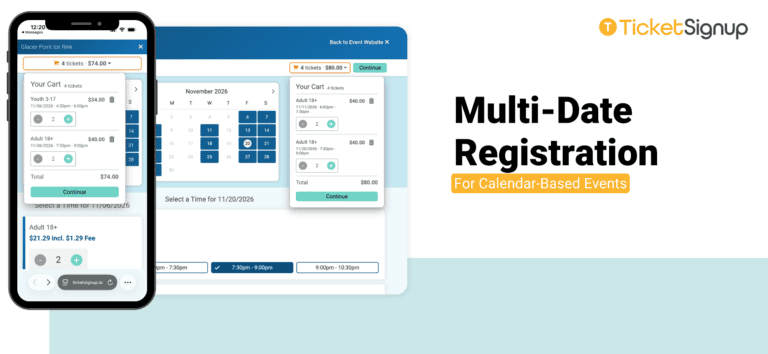
TicketSignup now supports multi-date registration for calendar-based events. Guests can add tickets for multiple dates, time slots, and ticket options to one cart and check out in a single transaction.
For example, a family can book a Friday afternoon skate for the kids and a Saturday evening session for the adults. A group can plan two visits in the same month. One registration, one payment, one confirmation. The cart sits at the top of the page and shows the ticket count and running total at all times. Guests can open it to review everything they’ve selected before they continue.
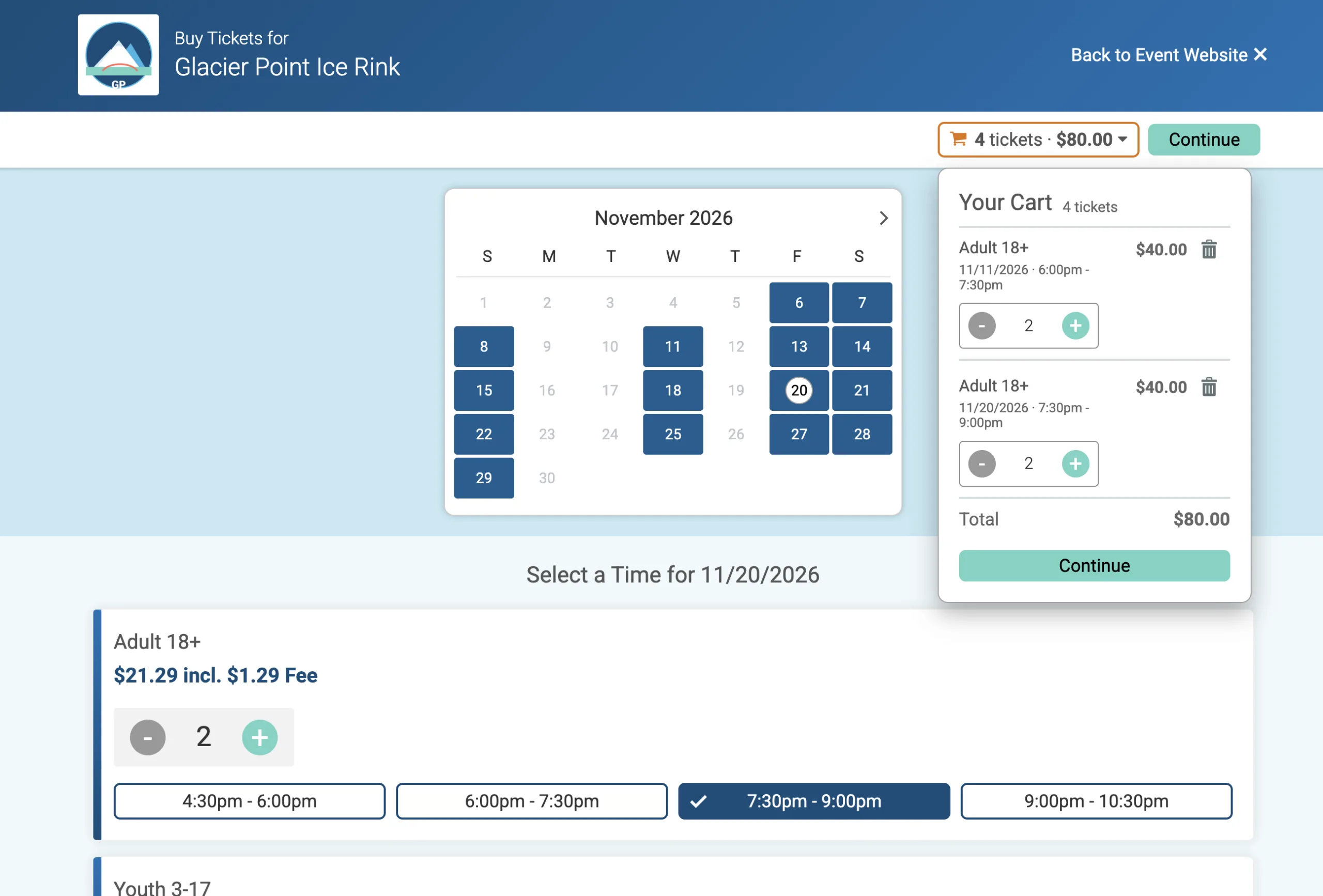
Each item in the cart lists:
- Ticket type (for example, Adult 18+ or Youth 3-17)
- Date and time slot
- Quantity and price
Guests can adjust quantities with the plus and minus buttons or remove an item with the trash icon. The total updates as they go, so they always know where their order stands. When they’re ready, they click Continue to finish checkout.
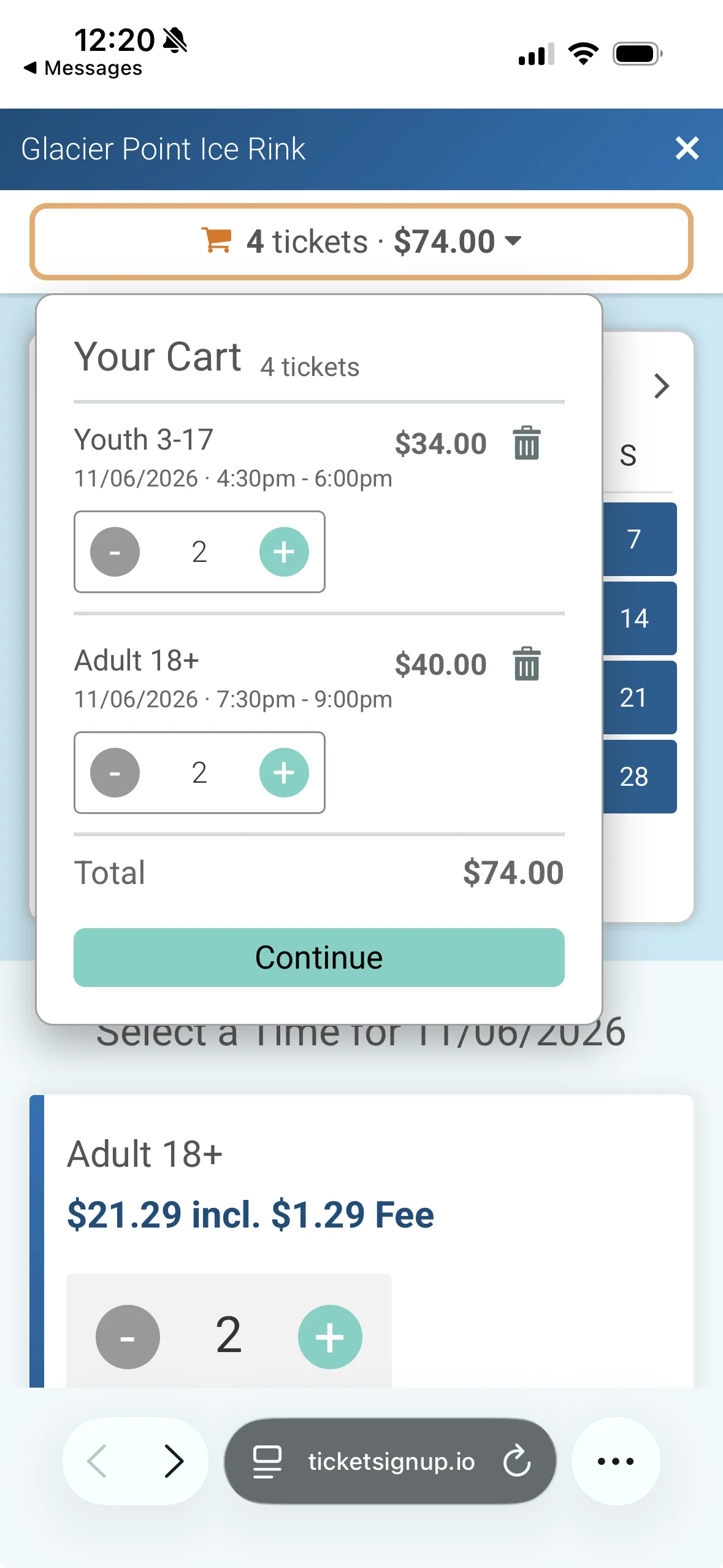
The same cart experience carries over to phones. Guests can build a multi-date order, mix ticket types, and edit selections from any device.
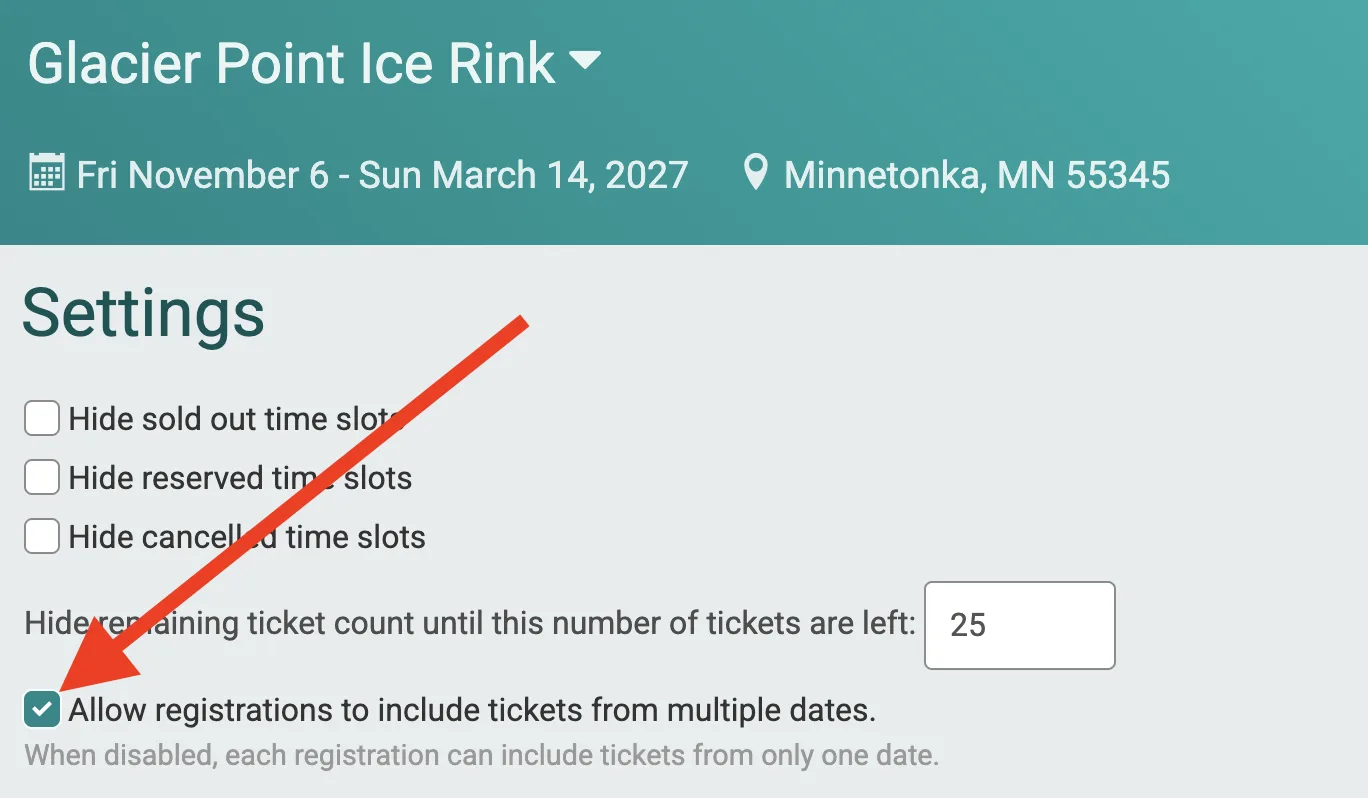
Multi-date registration is a setting you control for each calendar-based event. Go to Event >> Purchase Settings and check Allow registrations to include tickets from multiple dates.
What’s Coming Next
Multi-date registration is the first step in a cart-based purchase experience for TicketSignup. Here’s what’s on the way:
- Cart throughout the full purchase path. The cart display will extend through every step of checkout, including donations, store items, and registration questions.
- Cart-based checkout for more events. Calendar-based events that don’t use multi-date registration will be able to choose a cart-based purchase path. Simple and advanced events will get this option too.
Each release gives you more ways to shape the purchase experience your guests see, while always making it seamless for them to buy.