
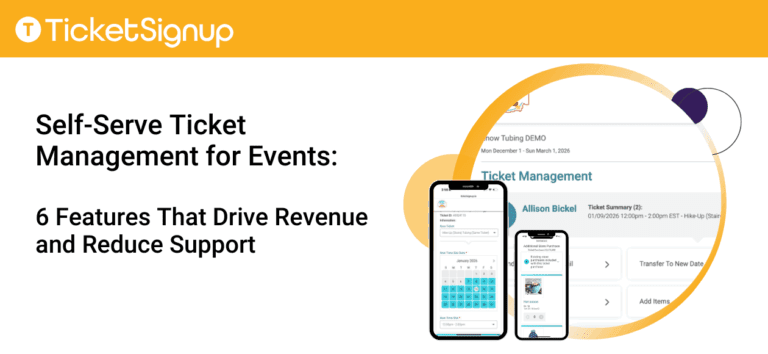
Self-serve ticket management solves one of the biggest challenges events face: customer requests to change tickets. “Transfer my ticket”. “Upgrade my admission”. “Add an item I missed”. When handled manually, these requests create support work and often result in refunds or lost revenue. With TicketSignup’s customizable self-serve ticket management tools, those same requests become automated actions that reduce support and generate additional income.
Attendees can manage their tickets on their own, using simple self-serve access provided by your event. This allows customers to make changes quickly without contacting your team.
Events stay in control. You decide which self-serve options to offer, when they are available, and whether to charge fees for changes like transfers or upgrades. You can also customize the labels and language attendees see, helping promote upsells, set expectations, and eliminate confusion. The result is happier customers, fewer support emails, and revenue that would otherwise never happen.
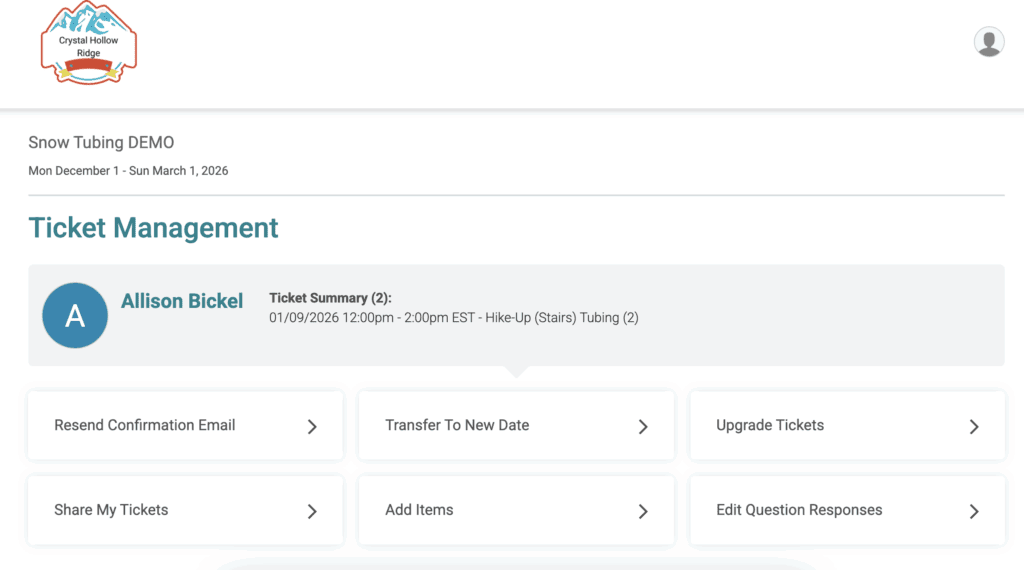
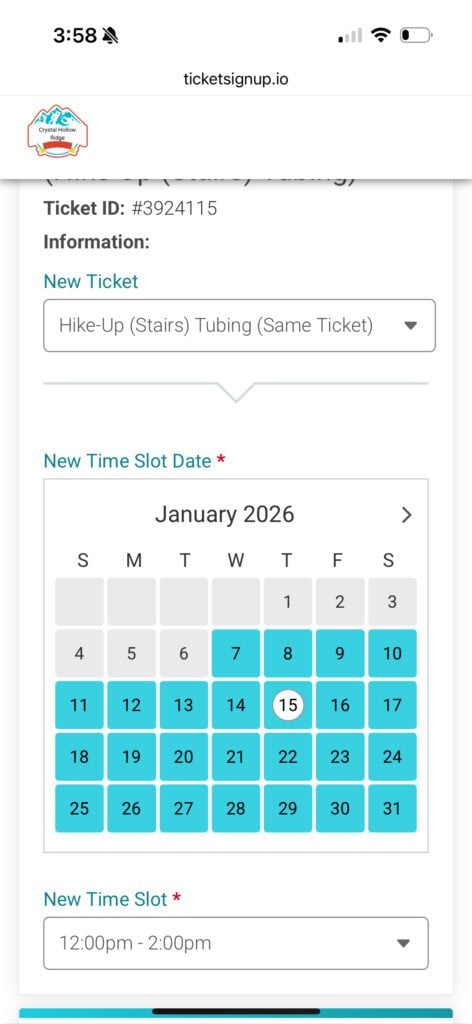
Ticket Transfers: Keep revenue instead of issuing refunds
When attendees can no longer attend, they often ask for refunds or help transferring tickets. Self-serve ticket transfers let customers move their ticket to a different option on their own while your event keeps the sale. Events control availability, cutoff dates, and inventory limits, and can charge transfer fees when appropriate. This flexibility reduces refund requests (and chargebacks) while protecting revenue. Furthermore, ticket transfers are key for last minute cancelled dates due to weather or other circumstances. Use free and integrated Email Marketing to contact attendees, and let them pick a new date and time when they can attend.
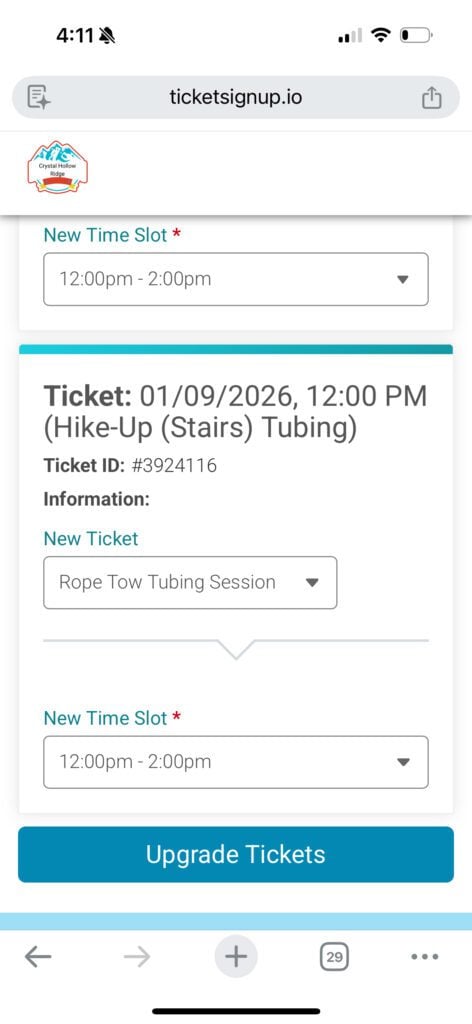
Ticket Upgrades: Capture higher-value purchases after checkout
Many attendees decide they want better access, premium seating, or VIP perks after they register. Self-serve ticket upgrades allow customers to pay the difference and upgrade without staff involvement. Events set upgrade rules and timing, making it easy to drive incremental revenue that would otherwise be lost. Using Virtual Queuing? Incorporate ticket upgrades prompts into automated texts to incentivize on site upgrades even after check-in.
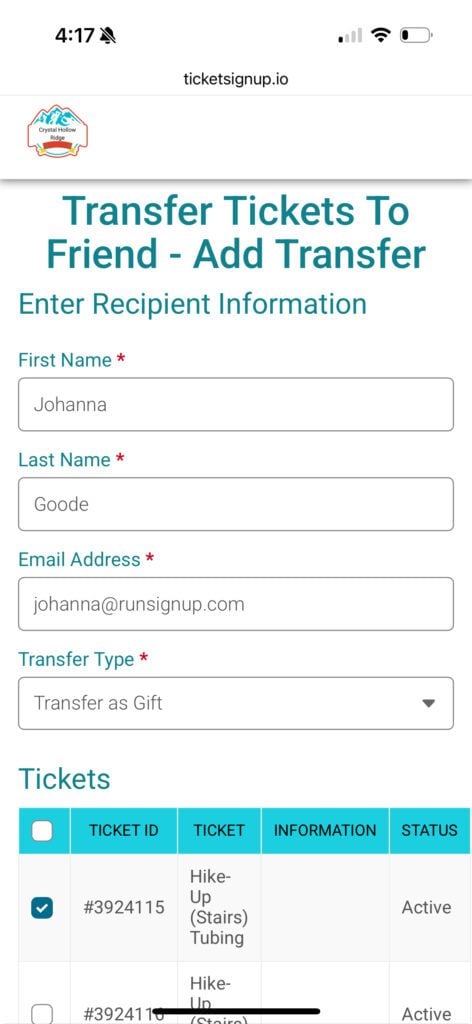
Transfer Tickets to a Friend: Make ticket sharing easy and secure
Attendees often need to give a ticket to someone else. With self-serve transfers to a friend, customers can send tickets directly while the system issues a new QR code and disables the old one. This protects access control, reduces check-in issues, and eliminates support requests around name changes.
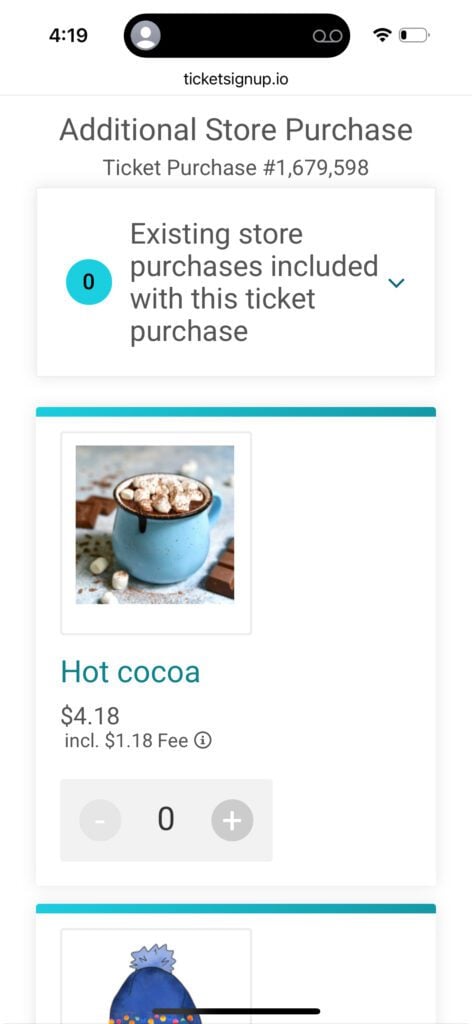
Add Items: Increase per-ticket revenue anytime
Attendees frequently realize they want merchandise, add-ons, or experiences after completing their purchase. Self-serve add-on items let customers return and buy more on their own. Events choose when these post-purchase add-ons are available, creating an easy path to higher order values without re-engagement from staff.
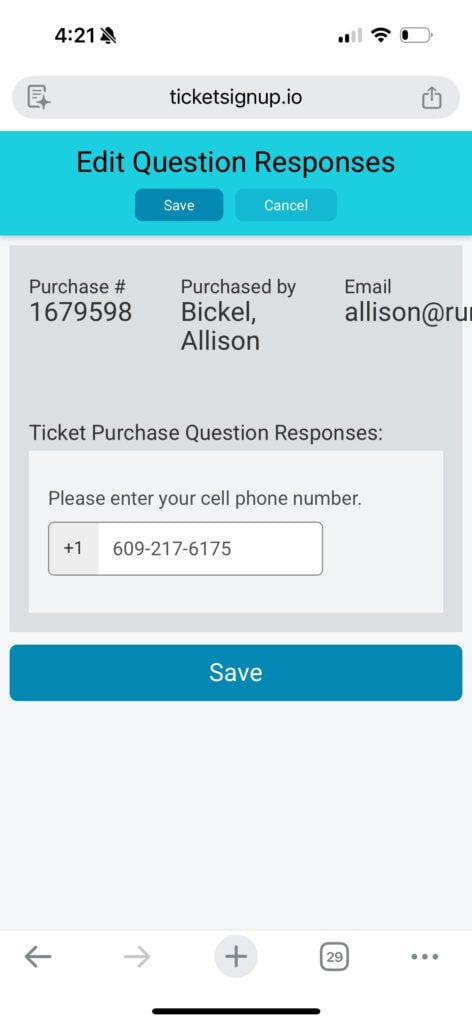
Edit Questions: Keep attendee data accurate and up-to-date
When attendee information changes, customers often reach out for help. Self-serve question edits allow attendees to update their own responses before a cutoff date you control. This keeps your data accurate, reduces manual updates, and saves your team time.
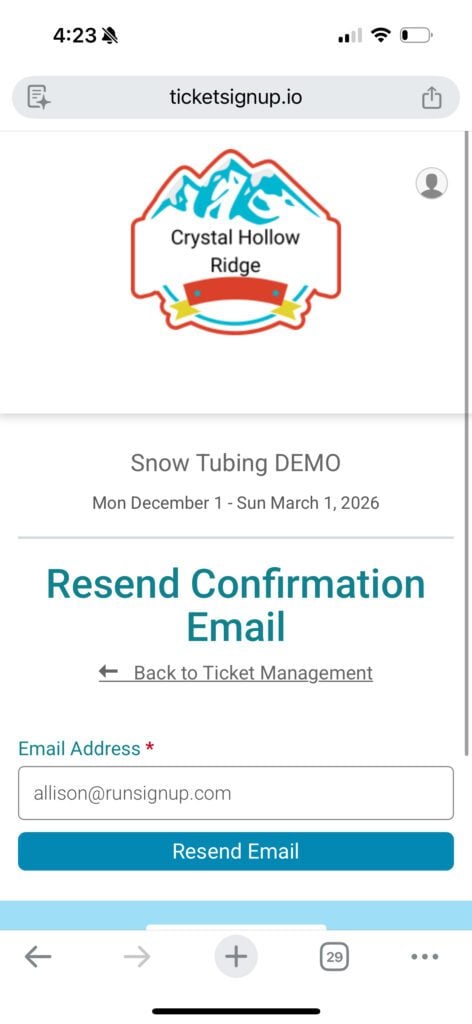
Resend Confirmation Email: Eliminate one of the most common support requests
Lost confirmation emails create unnecessary support work. Self-serve resend confirmation emails allow attendees to quickly retrieve their tickets and event details. Customers get what they need instantly, and your team avoids repetitive requests.
Self-Serve Ticket Management Features
TicketSignup‘s self-serve ticket management features give events a smarter way to handle inevitable ticket changes. Instead of creating support work or lost revenue, these tools let attendees take action while you stay in control. You decide which options to offer, when they are available, and how they support your goals. The result is fewer support emails, happier attendees, and more revenue captured from changes that would otherwise go unfulfilled, without adding staff time or operational complexity. Learn More.