
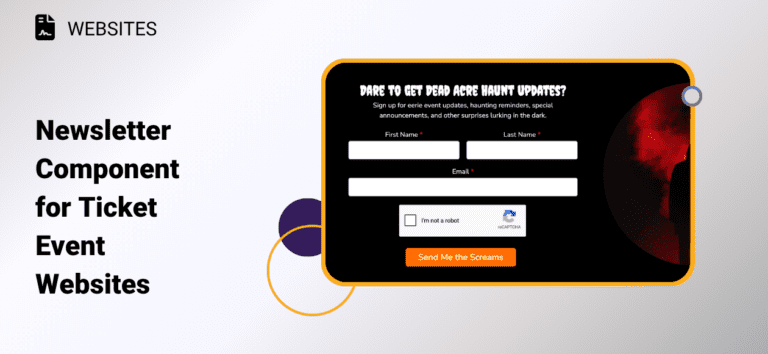
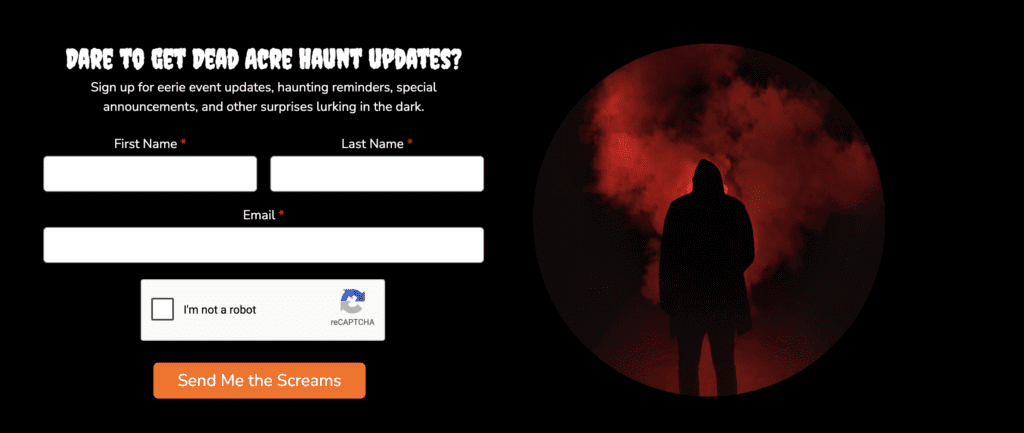
Grow your email marketing lists with the Newsletter Component for Ticket Event Websites. In addition to the Email Capture popup, you can now add a newsletter sign up call to action on any page of your event website. Contacts automatically sync to a list in TicketSignup’s free Email Marketing so you can include on marketing emails, export, and track leads from your website.
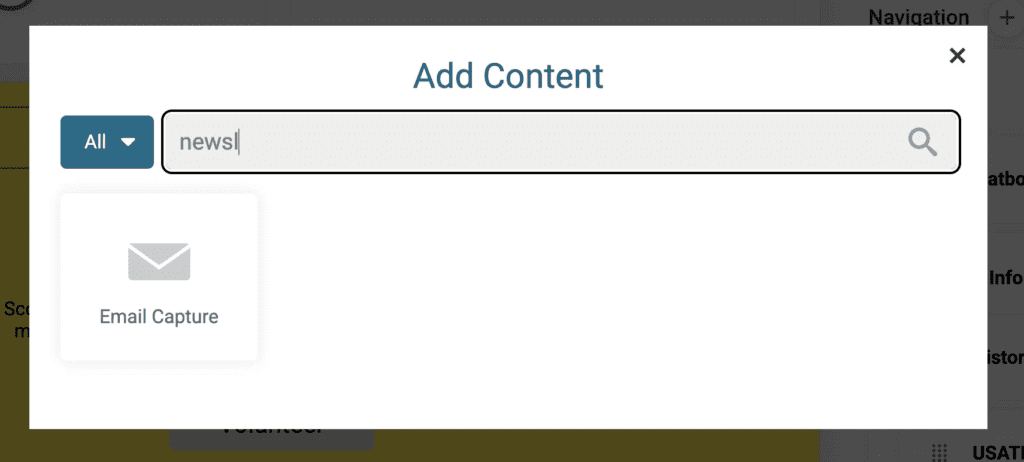
To add a newsletter signup to your Ticket Event Website, go to Website >> Website Builder. Add a component, then search for “newsletter” or “email capture”. Note that you must have TicketSignup’s free Email Marketing enabled to add the Email Capture component.
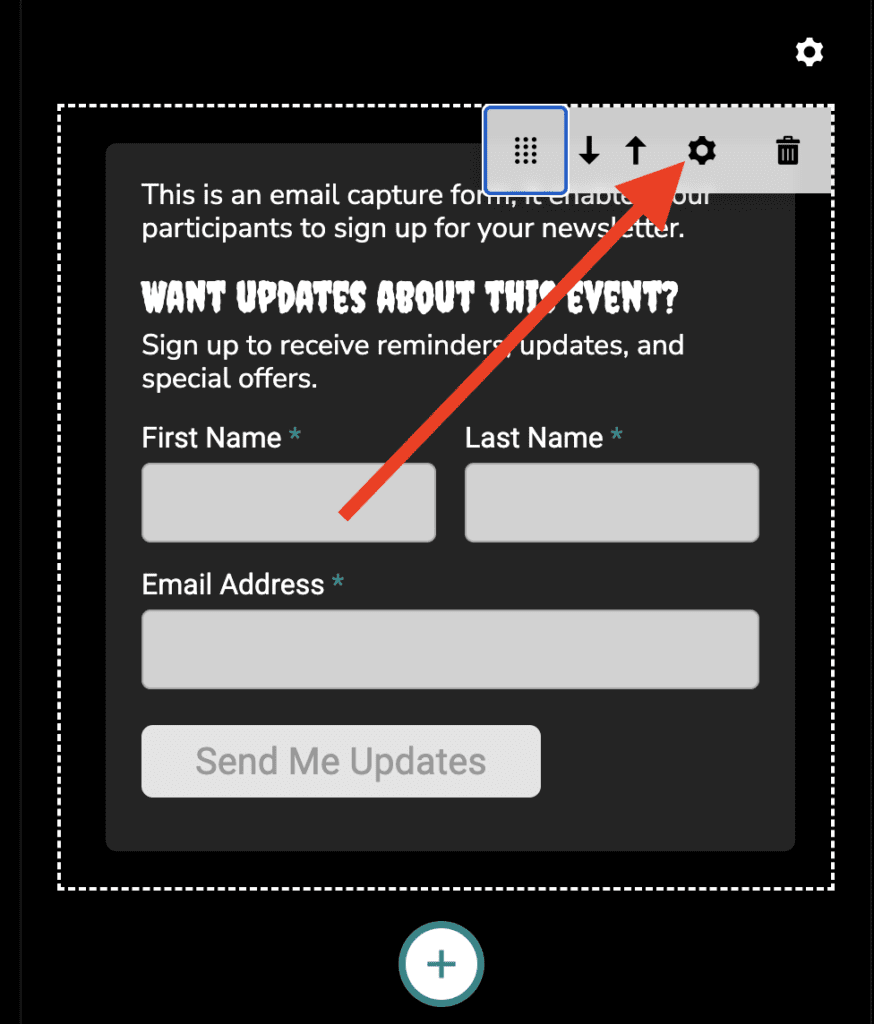
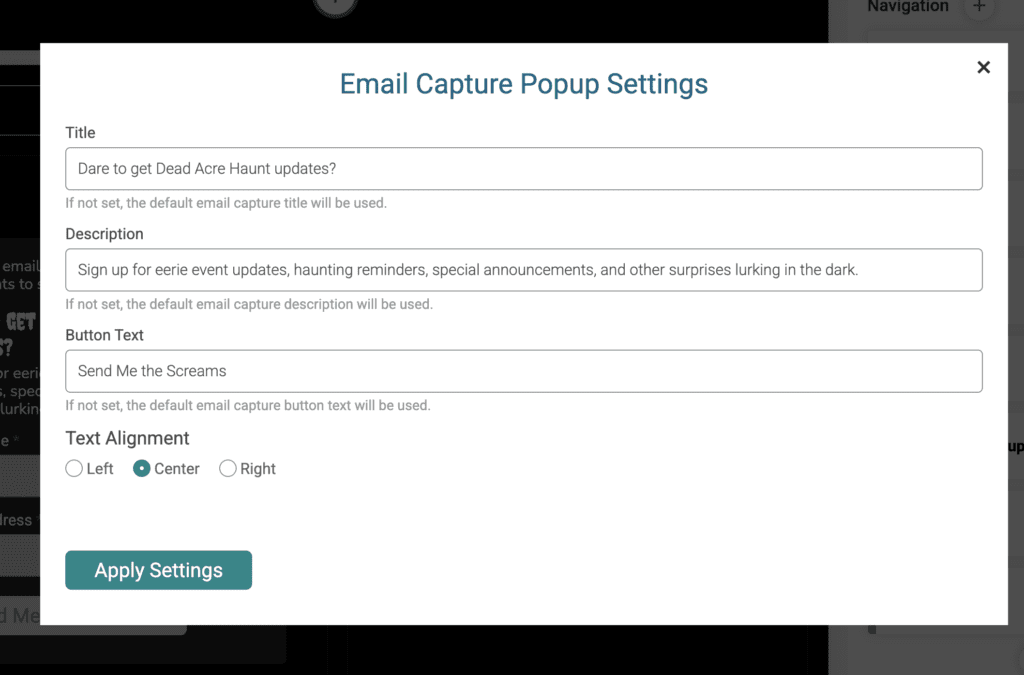
Once you add to your website, click the gear icon to customize text and alignment.
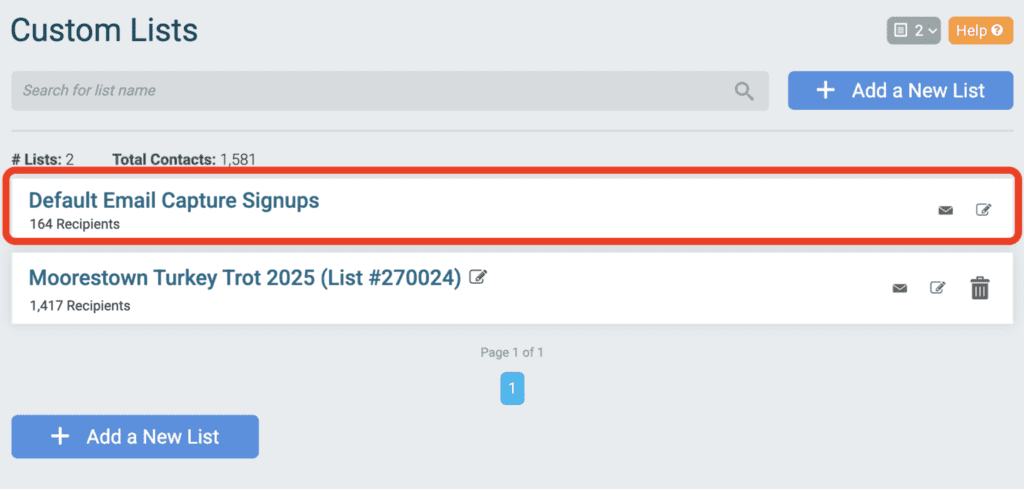
You can access contacts who sign up via the newsletter sign up component and/or the Email Capture popup by going to Email Marketing >> Custom Lists. We automatically create a custom list labeled “Default Email Capture Signups”. Even if you haven’t used the Email Capture popup, TicketSignup automatically creates this list to capture all of your newsletter sign up contacts.
Websites and Email Marketing are two of the most powerful marketing tools race directors have – and they are both free. The Newsletter Component for Ticket Event Websites uses both of these features to optimize your website for leads, grow your email marketing lists, and make it seamless to include contacts on marketing emails for your race.