
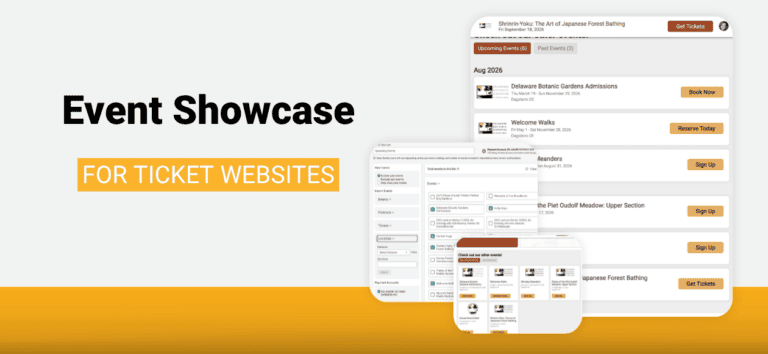
A botanical garden sells daily admissions all season, hosts a guided walk every Monday from June through August, and adds a winter lecture series. A farm runs a spring plant sale, a fall festival with forty hayride seats a trip, and a holiday lights drive through. When you run that many events, your website has to keep up with all of them. TicketSignup now offers the Event Showcase for ticket websites, a dynamic event list that displays the events you choose, picks up new ones as you create them, and moves each event into your past events after it happens.
The Event Showcase extends the Event List V2 component you already use, which keeps working exactly as it does today. What is new is the powerful setup behind it: you build a saved list once in your dashboard, then apply it wherever you want it on your free event website. No subscription, no plugin, and no developer time.
Build the List Once
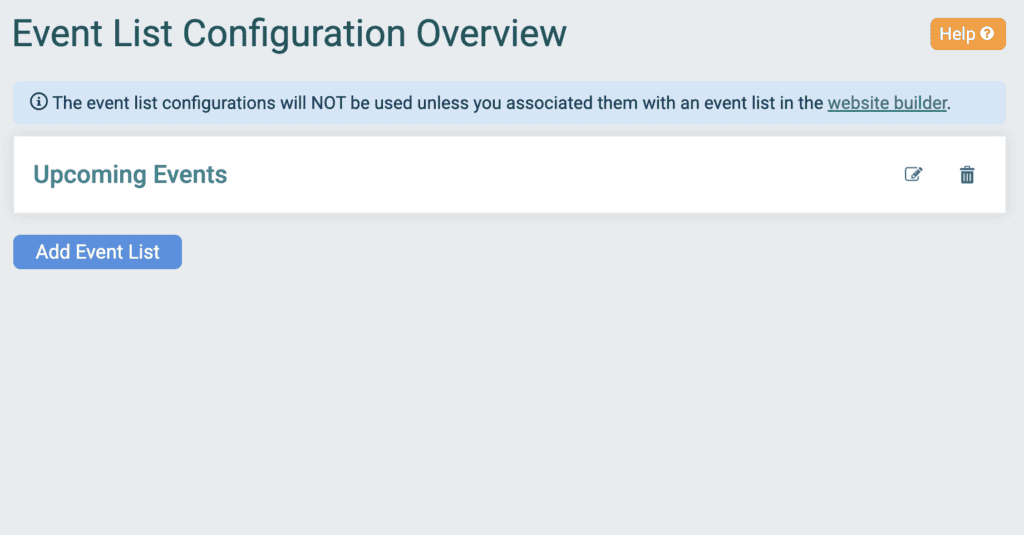
Go to Website >> Event List Display and click Add Event List. Give it a name under Name Your List, and TicketSignup pulls in every event under the payment account connected to your event.
That payment account connection is what makes the list dynamic. Create a new ticket event under the same payment account next month and it shows up in your showcase on its own, with no boxes to check and nothing to re-save. Each event’s position is calculated from its date every time your page loads, so events move from upcoming to past on their own too.
Decide How Past Events Show
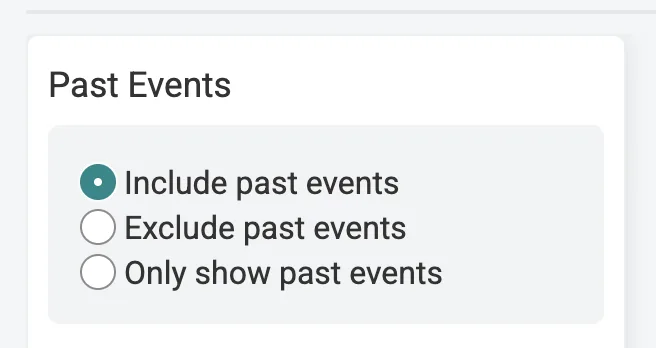
The Past Events setting controls what your showcase covers:
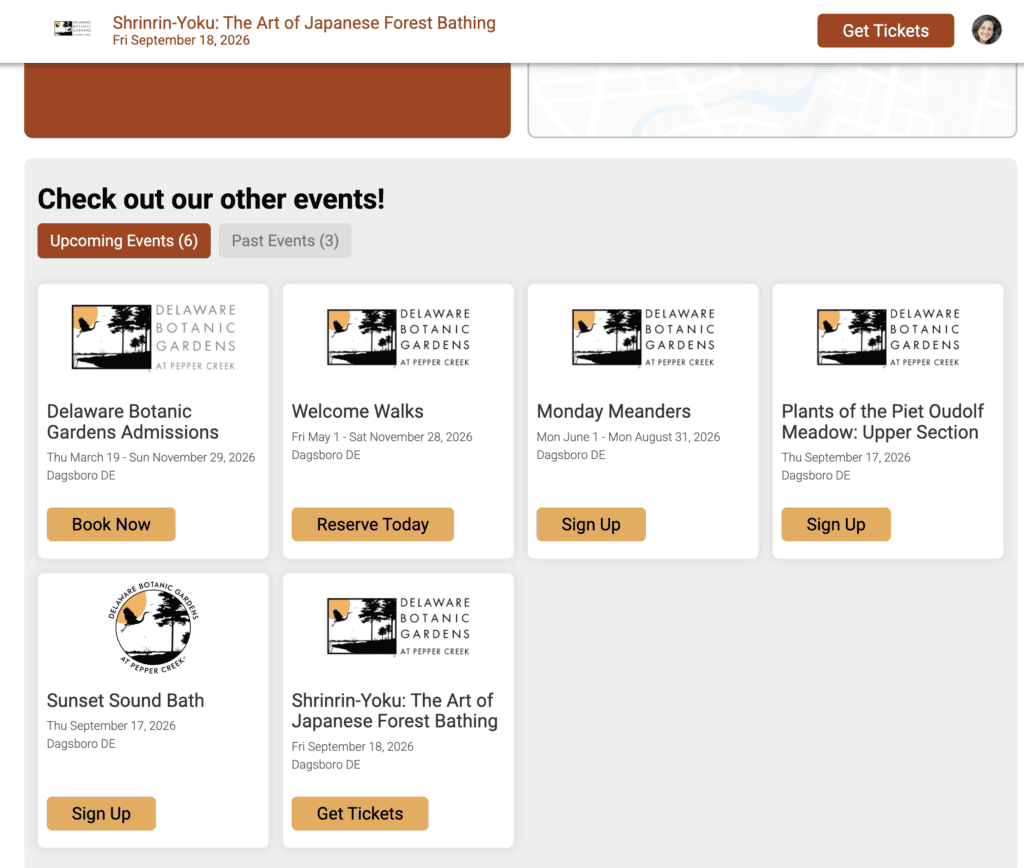
- Include past events. Your page displays both, as tabs labeled Upcoming Events and Past Events with a count on each.
- Exclude past events. Only what is on sale or still to come.
- Only show past events. A history page that fills itself in, useful for an annual recap or a photo and press page.
Then Get as Specific as You Want
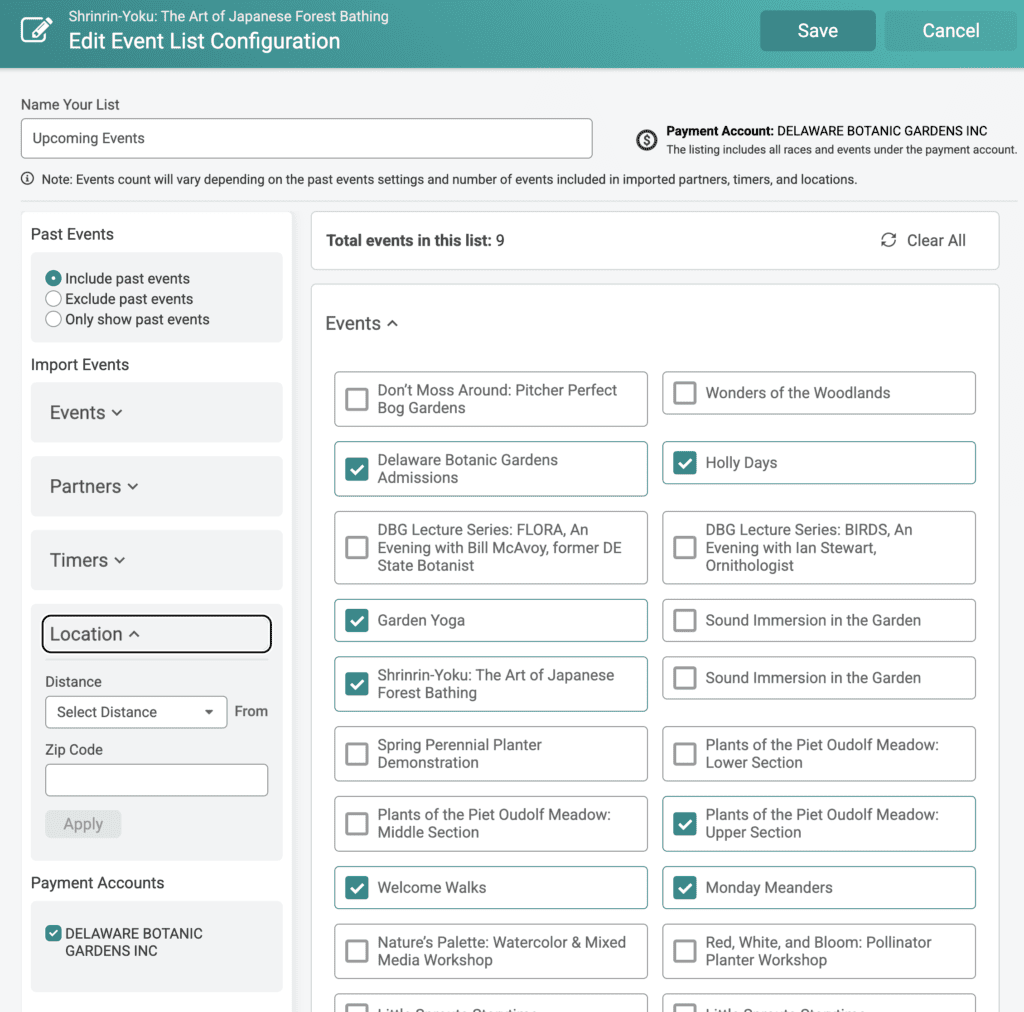
Every event has a checkbox, so you can carve out anything you would rather not display. A garden that sells public programs and private facility rentals through the same payment account can show the programs and leave the rentals off. Clear All empties the list to start from a blank slate, and Total events in this list keeps a running count as you work.
The Import Events panel adds events beyond that payment account:
- Events. Enter an Import Ticket Event ID or Import Race ID and click Apply to add a specific event, including one held under a different payment account that you may not have access to.
- Location. Choose a distance of 5, 10, 25, 50, or 100 miles from a zip code to include every event in that radius, which is how a main street organization or a tourism bureau can promote a whole area.
- Partners and Timers. This feature applies more to RunSignup registration events, but some ticket events may want to leverage these filters to quickly include a certain set of events tied to a partner organization or timer.
If you have access to more than one payment account, the Payment Accounts checkboxes let you decide which accounts feed the showcase. A single showcase holds up to 2,000 events!
A Different Showcase on Each Page
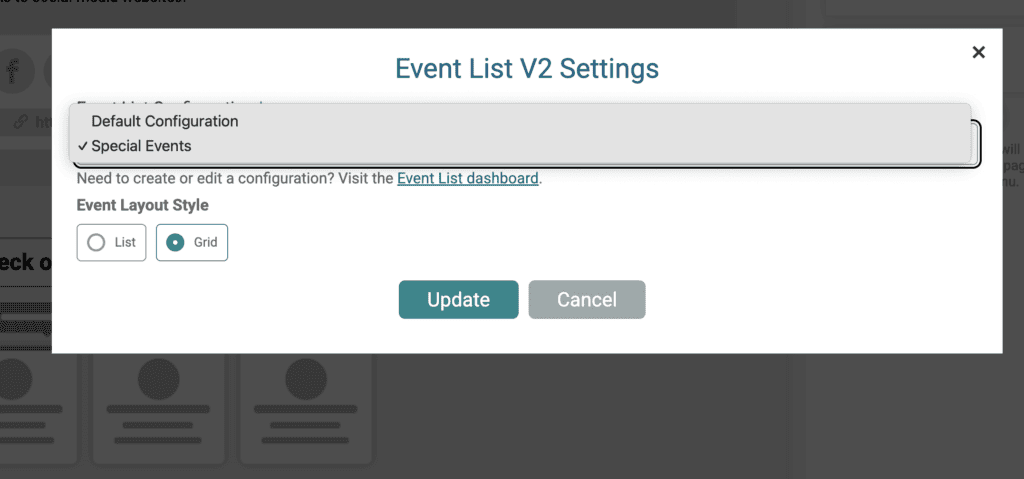
Build as many as you need, then choose one per component. In the Website Builder -> Event List V2 component, open the settings popup, pick your showcase under Event List V2 Configuration, choose an Event Layout Style of List or Grid, and click Update.
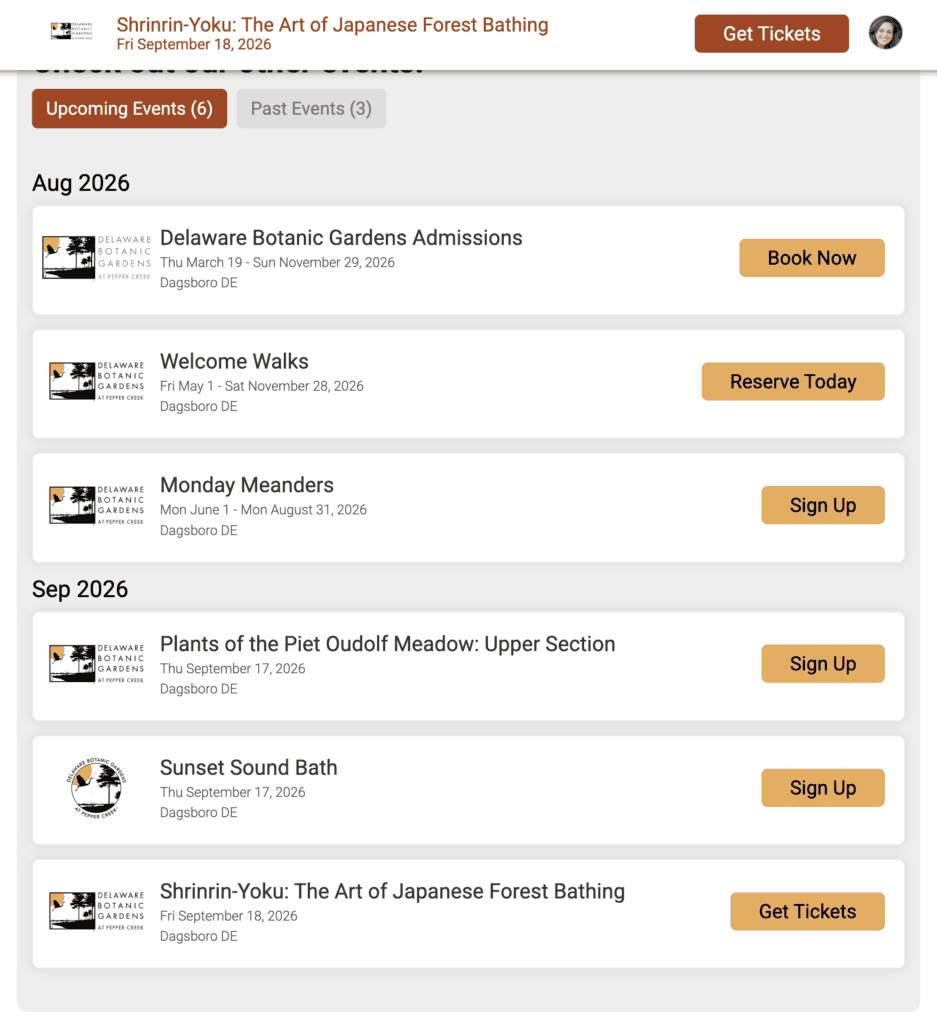
One website can show your full calendar on a landing page, this season’s events on the homepage, and past events on an about page, each pulling from its own saved event list.
Event Showcase for Ticket Websites: FREE
With the Event Showcase, your event website can more easily:
- Stay current without edits. New events appear and finished events move on their own.
- Cross promote everything you run. Attendees who came for one thing can see the next four.
- Match the display to the page. Different pages, different audiences, different showcases.
The Event Showcase is available now for ticket event websites and Organization Websites. Your event website is free. So is every component, layout, and design option on it, the Event Showcase included.