
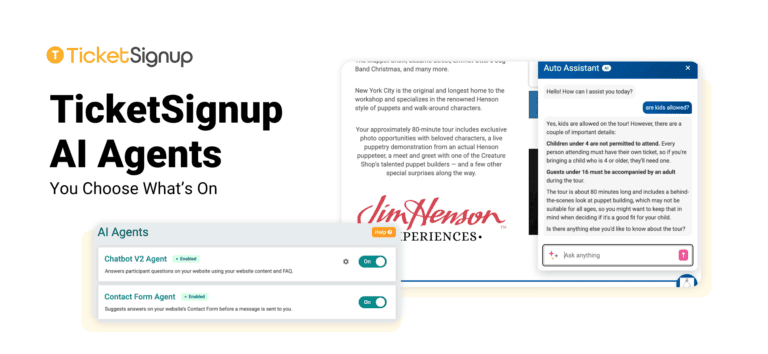
TicketSignup now offers AI Agents, one setup page for every AI support tool on your event. Each agent has its own on/off switch, so you decide exactly which AI features your guests see. Want the chatbot but not AI answers in your Contact Us form? Turn one on and leave the other off. Prefer no AI at all? Turn every agent off. Your event, your call.
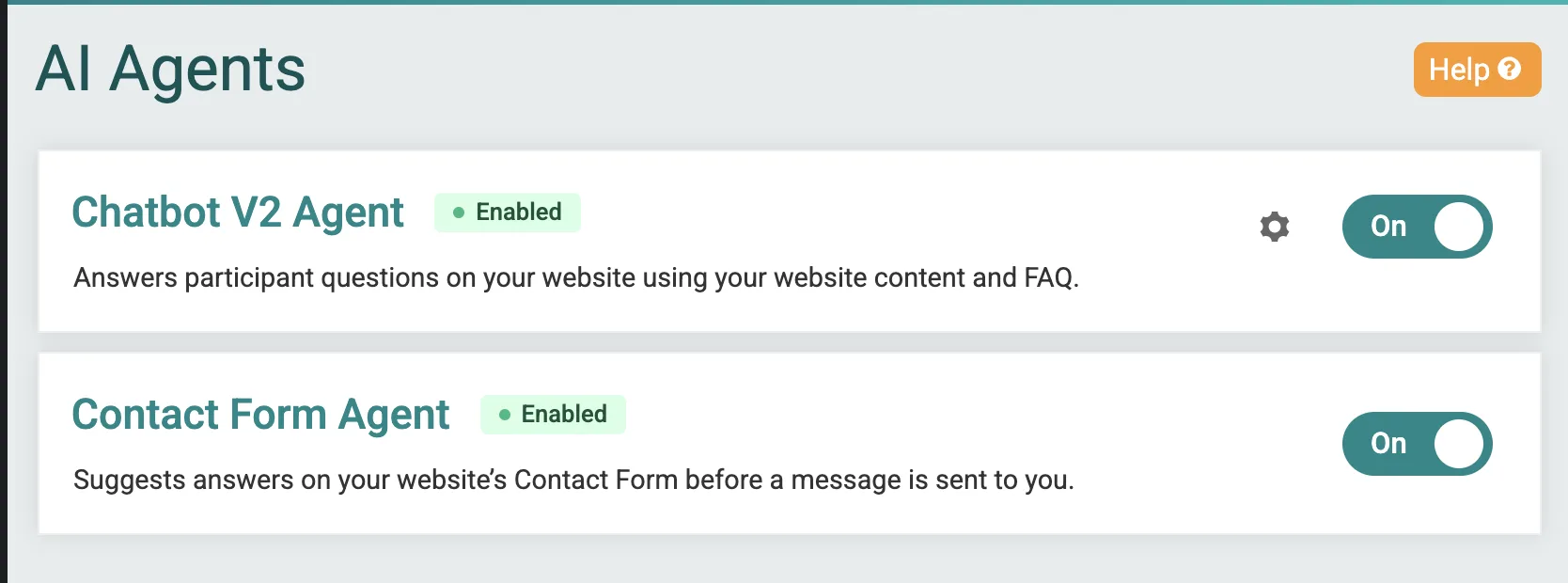
Your Event’s AI Agents
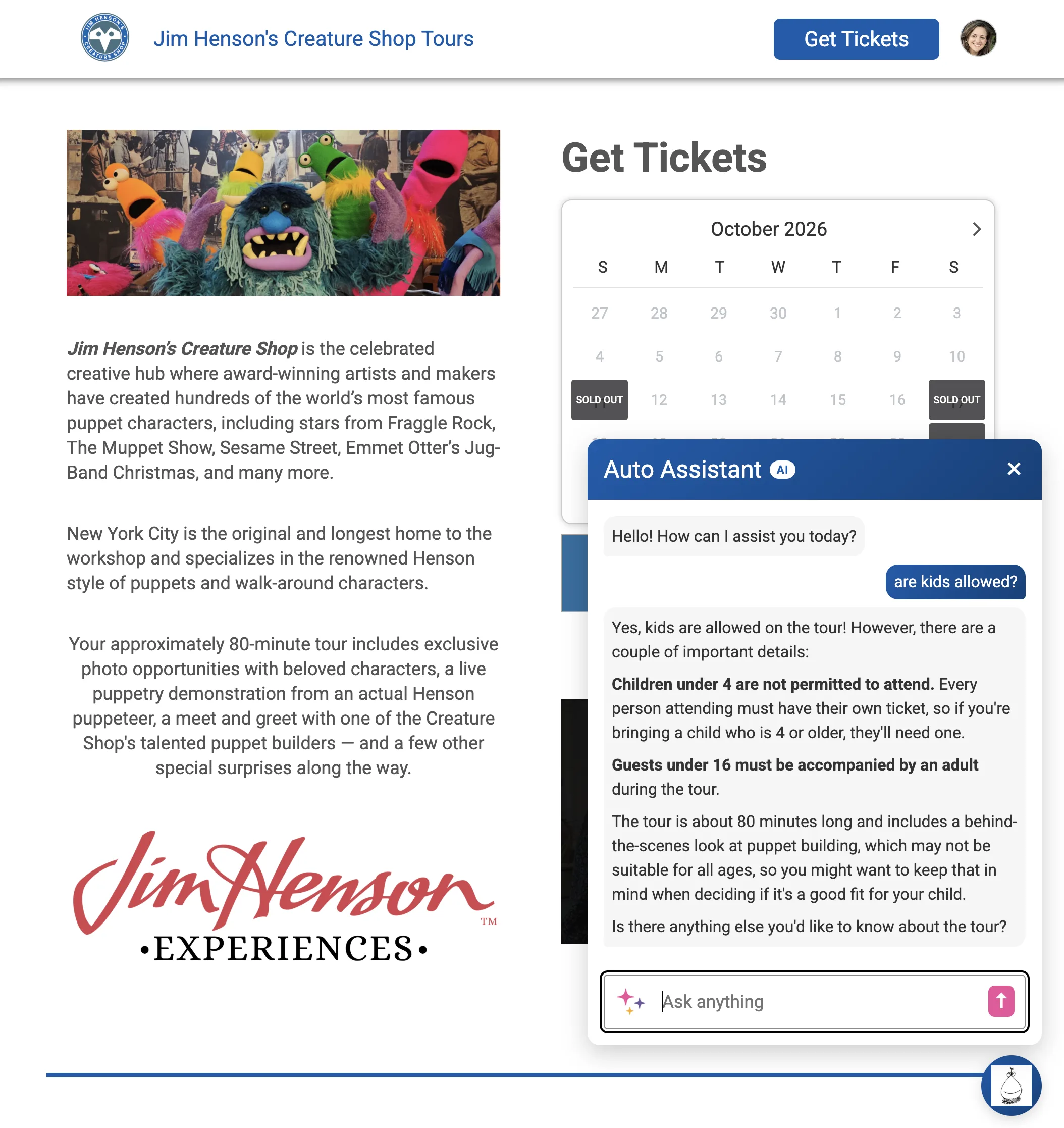
Chatbot V2 answers guest questions 24/7 on your event website. It pulls from your website content, FAQs and live event data like ticket prices, time slots and availability. Learn more about Chatbot V2.
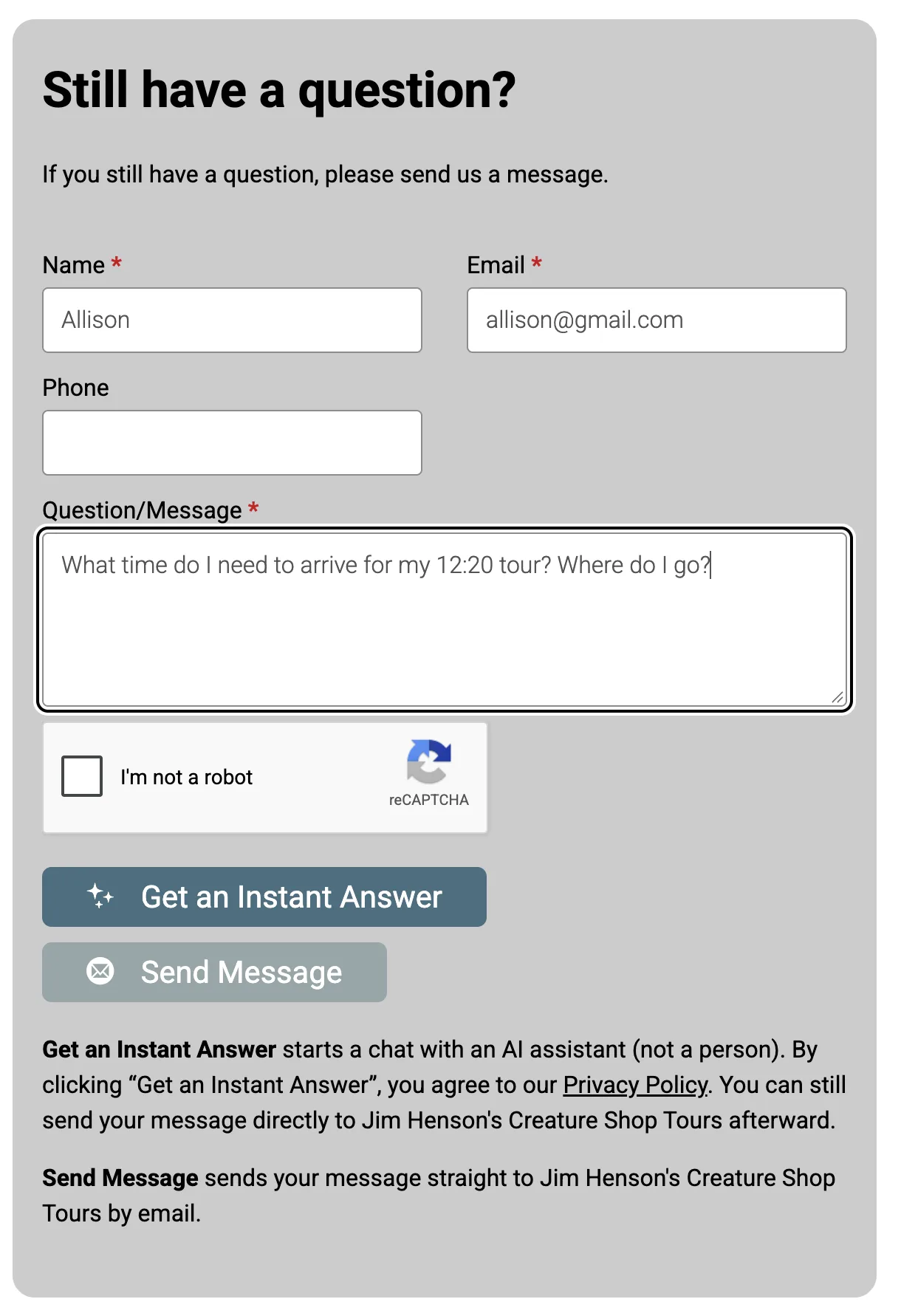
Contact Form Agent offers an instant answer when a guest starts a message in your Contact Us form. If the answer doesn’t solve it, the guest sends the message to your team as usual. Learn more about the AI-powered Contact Us form.
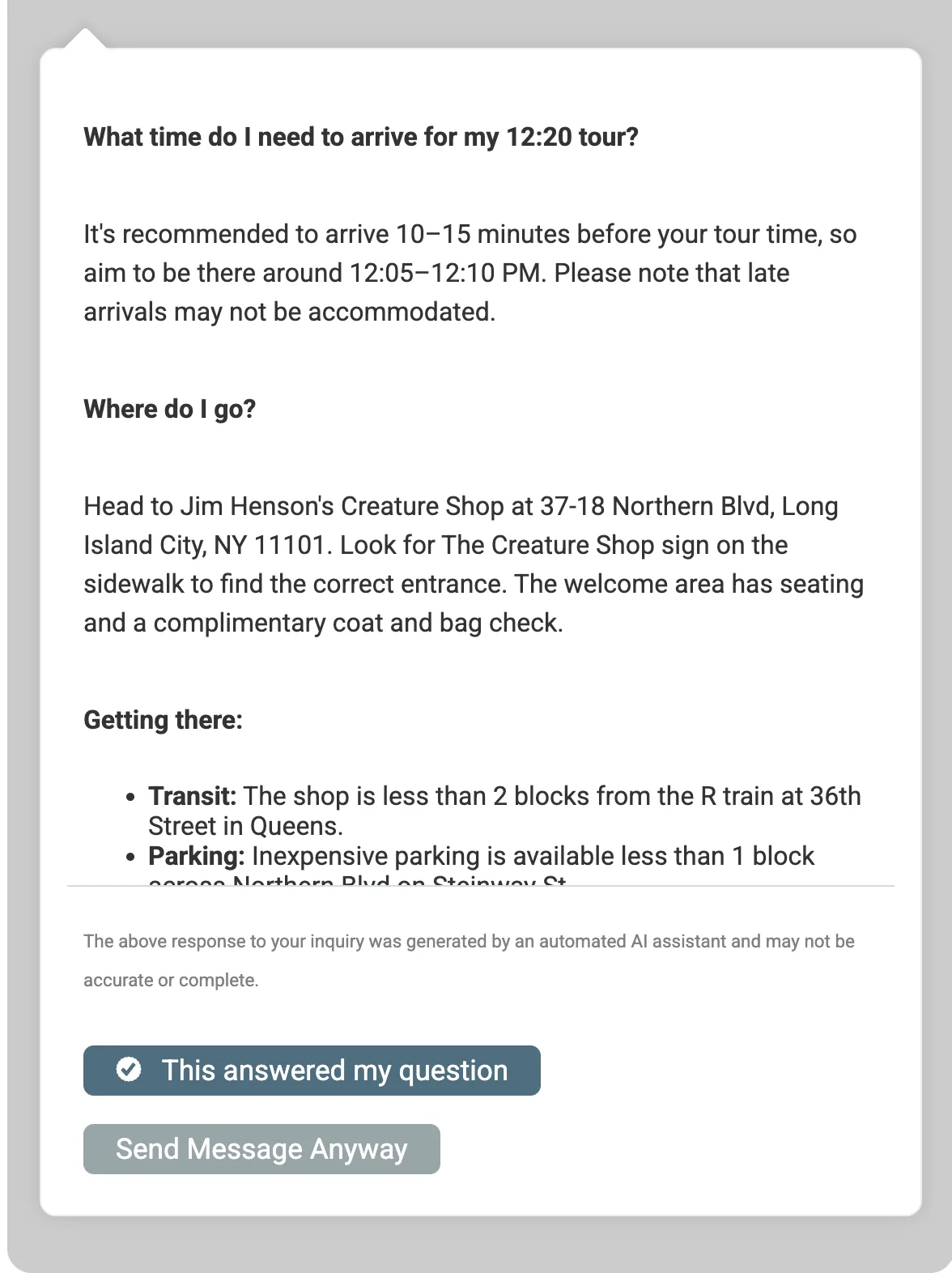
Both agents share the same knowledge, so guests get consistent answers wherever they ask.
You Stay in Control
Every AI agent on TicketSignup is optional. You can:
- Turn each agent on or off on its own
- Turn every agent off for your event
- Change your settings anytime
As we add more AI features to TicketSignup, each one will come with the same choice. Your event will always be able to opt out.
Set Up Your Agents
- Go to AI Agents >> Agent Setup in your event dashboard
- Complete the setup checklist: an event website and an FAQ with your most common guest questions
- Turn on the agents you want.
Already using the chatbot? You’re all set. Your chatbot stays on, and you’ll find it on the new AI Agents page.
FAQ
Do I have to use AI on my event?
No. Every agent is optional, and you can turn any agent off anytime. As we add new AI features, your event will be able to opt out of those too.
Does it cost extra?
No. AI agents are included with your TicketSignup event at no extra fee.
What do I need before turning on an agent?
An event website and an FAQ. The more common questions your FAQ covers, like parking, age policies and refunds, the better your agents answer.
I already had the chatbot on. What changed?
Your chatbot stays on. The Contact Form Agent was also turned on for events with the chatbot on, so guests get AI answers in your Contact Us form too.
Can an agent change orders or tickets?
Not yet. Today, agents answer questions using your event information. We’re adding ticket management to the chat, so any guest can handle transfers, upgrades and add-on purchases right from the chat window. Like every AI feature, your event will be able to opt out.
Do guests know they’re talking to AI?
Yes. Guests see a notice that they’re chatting with an AI assistant. Sending their first message counts as agreeing to that notice, so you don’t need to collect consent yourself.
Is my event data used to train AI models?
No. AI model providers don’t use your data to train their models. Read more in AI Data, Security and Privacy at TicketSignup.
What happens when an agent can’t answer a question?
Guests can still reach your team. The Contact Us form sends unresolved questions to your inbox.
Can I see what guests are asking?
Yes. Review chatbot conversations in your dashboard and use them to fill gaps in your FAQ or add custom responses.