
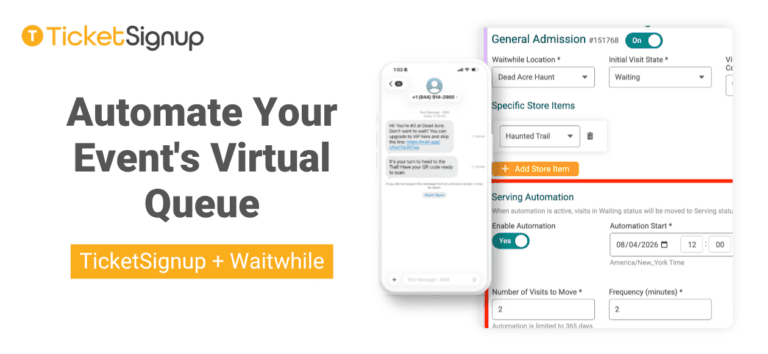
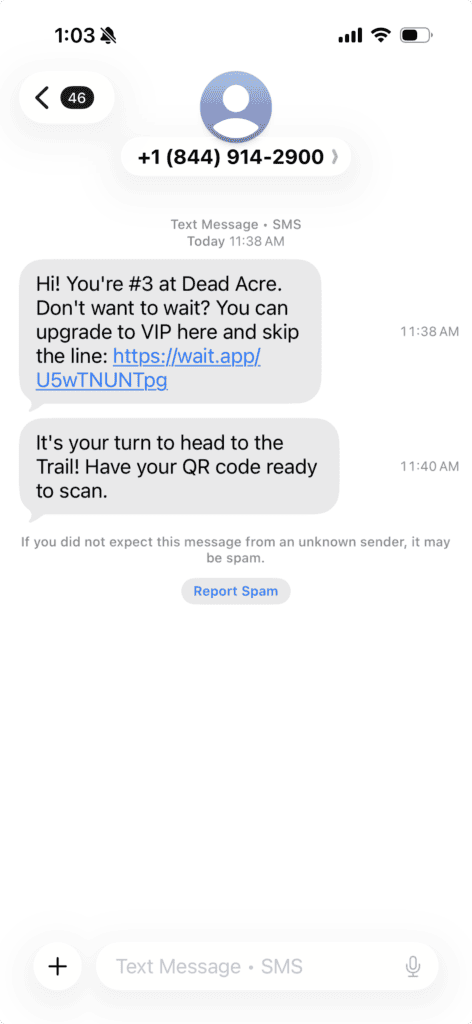
TicketSignup’s Virtual Queuing integration lets events replace physical lines with a virtual queue, so guests spend their wait buying food, playing games, and upgrading their tickets instead of standing in line. Now you can put that queue on a schedule.
Virtual Queue Serving Automation moves a set number of guests from Waiting to Serving in Waitwhile at an interval you choose, during a window you define. For example, let five groups go through the haunted trail every five minutes. Rather than manually moving visits from Waiting to Serving in Waitwhile, TicketSignup automatically moves them for you.
To automate your event’s virtual queue, go to Event >> Waitwhile >> Setup, find the ticket level you want to automate, and go to the Serving Automation section. Toggle on Automation. Add a start and end date (typically the first and last day of your event). Then enter in the number of visits (i.e. groups) that you want to move from waiting to serving. Finally, enter in the frequency in minutes that groups should automatically move. Then click save at the bottom of the page.
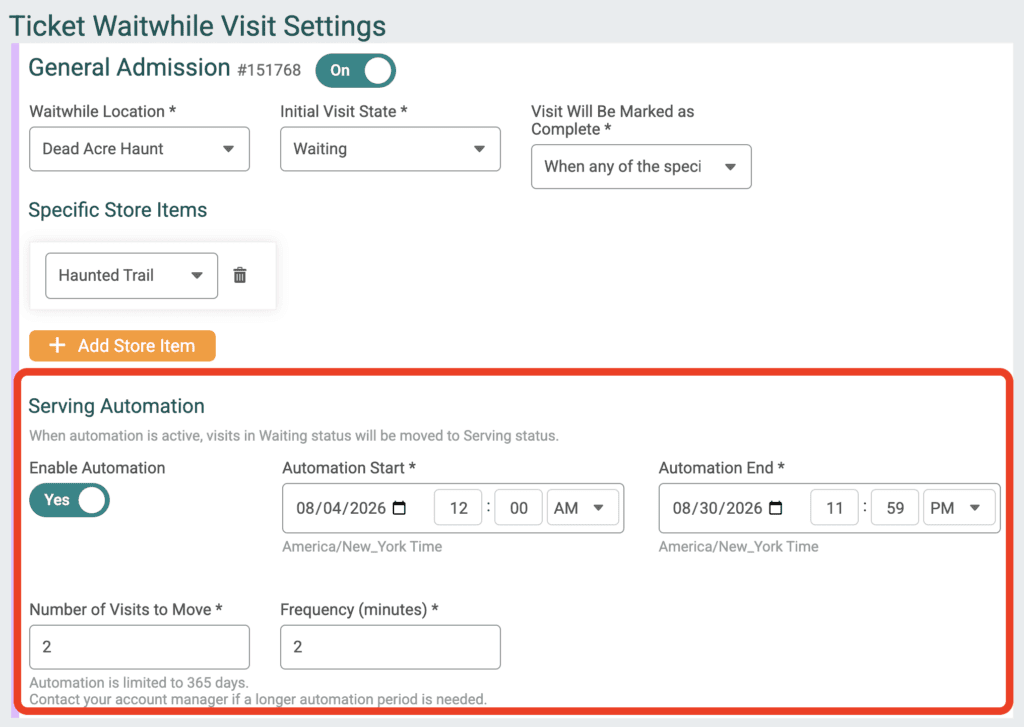
Your throughput changes night to night, and your settings can change with it. Move 12 groups every four minutes on a packed Saturday, then dial back to fifteen every ten on a quieter Tuesday. It’s just two fields, so you can adjust between nights, or mid-event if your line is moving faster or slower than you expected.
Serving Automation is available now for all ticket events using the Waitwhile integration. Virtual Queuing pairs naturally with calendar based timed entry ticketing, self-serve ticket upgrades, and the free Ticket App for check in. Interested in Virtual queueing for your event? Learn more here or book a call.