


Your website is your home-base and often the first touch-point with a new customer. Make your website on your own for free and bring your brand to life.
Website Features…

3 Steps
Fly through the website wizard and have create the base of your website in 3 simple steps.


Secure Access
Extend secure website access to your staff and team so everyone who needs to add content can.

Free
There’s no hiding our pricing. We have no subscriptions, no plans, and no monthly fees.
Free Websites for Every Organization
Event Companies

Farms

Community Centers

Gardens

Personal Websites

Race Management Companies
Website Builder
Our website builder is user-friendly, you can learn in minutes no matter your background with technology.
- Create with columns and pre-designed element blocks (e.g: photos and slideshows, music and playlists, event cards and youtube videos, contact forms and more)
- Create a cohesive look throughout your entire website with your own color scheme.
- It’s in the details! Upload a custom favicon, select rounded corners and borders for images, indicate full width and section padding.
- Build your perfect website menu with standalone pages, external links, and dropdown pages. Use hidden pages to create landing pages or content separate from your main pages.


Bring Over Your Custom Domain
Professionalize your website with a custom domain (like www.EventManagementTeam.com) instead of the standard www.ticketsignup.io/w/EventManagementTeam– it’s free
- SSL Certificate included
- Built-in search engine optimization
- Bring a subdomain to tie to an existing website
Mobile Friendly
Your website traffic is likely coming from a mobile device. Is your website optimized for a mobile screen? Keep mobile viewers engaged with simple website navigation and UI for all visitors. Every organization website automatically resizes to seamlessly fit mobile.


Integrate Your TicketSignup and RunSignup Event Listings
Event lists display all of your upcoming and past events in an organized format.
- Select your preferred layout stye of list or grid
- Events are organized by month. They automatically display the events logo, name, location, and date.
- Multiple include and exclude event options
How is an organization website different from my ticket event website?
Your ticket event website is built from the event dashboard connected to your individual event. An event website is useful to promote information specific to the connected event. Whereas your organization website will not have any event connected to it within the dashboard. Utilize your organization website as a home-base for all of your events, or way to present information for personal projects or business endeavors. Both products are free!

Watch & Learn
Create Your Organization Website
Most Recent Blogs on Websites
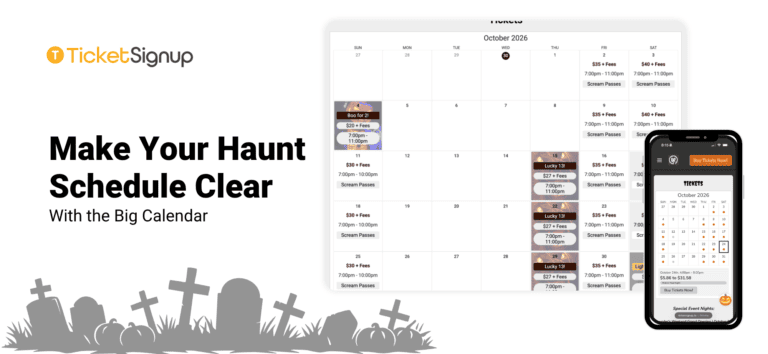
Make Your Haunt Schedule Clear with the Big Calendar
Guests land on your haunt’s website with the same few questions. Which nights are you open? What time do the gates open? How much is a ticket on a Friday in October? Which attraction is right for my group? The Big Calendar…
Read More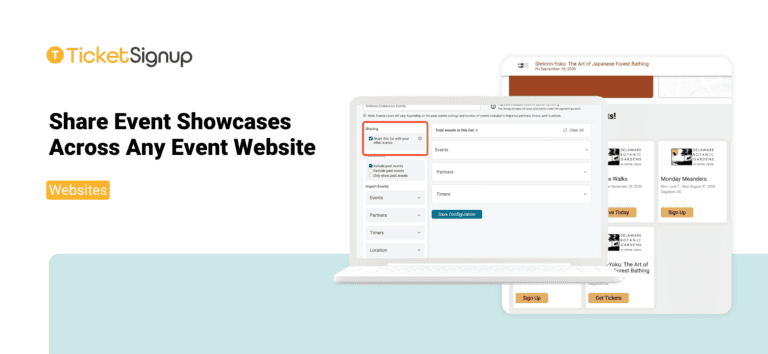
Share Event Showcases Across Any Event Website
Organizations that host multiple events can now share Event Showcases across every event website they manage. Event List configurations now share automatically across all ticket events and websites on the same payment account. Whether you run a festival season, a holiday light…
Read More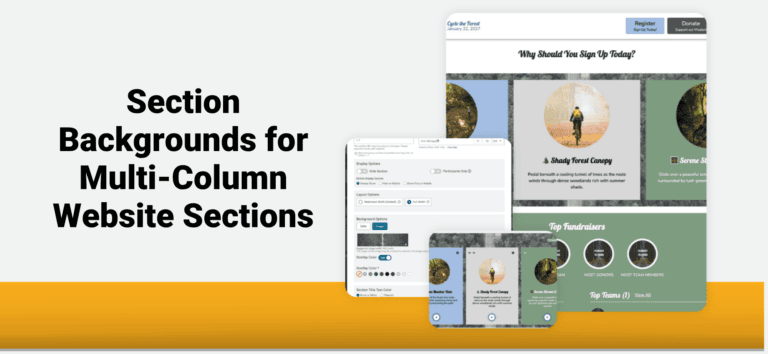
Section Backgrounds for Multi-Column Website Sections
TicketSignup’s Website Builder now lets you apply one background across an entire multi-column section. Place a single image or color behind all your columns to showcase ticket options, attractions, and event experiences in one eye-catching layout. Click the settings icon on any…
Read More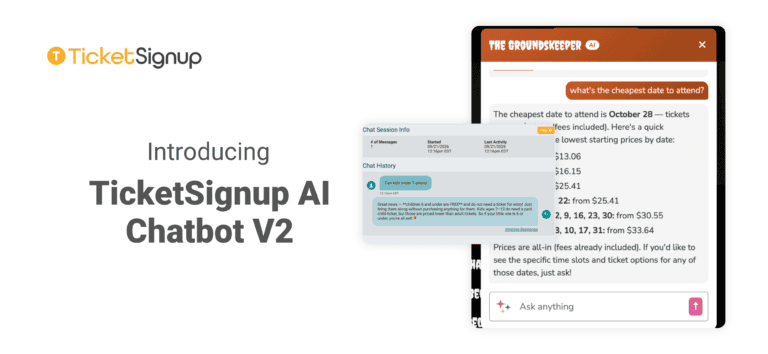
Introducing TicketSignup AI Chatbot V2
Attendees ask the same handful of questions before they buy. Which night is cheapest? Is Saturday sold out? What time slots are left on October 25? Do you sell parking? The TicketSignup AI Chatbot has been answering those questions on event websites…
Read More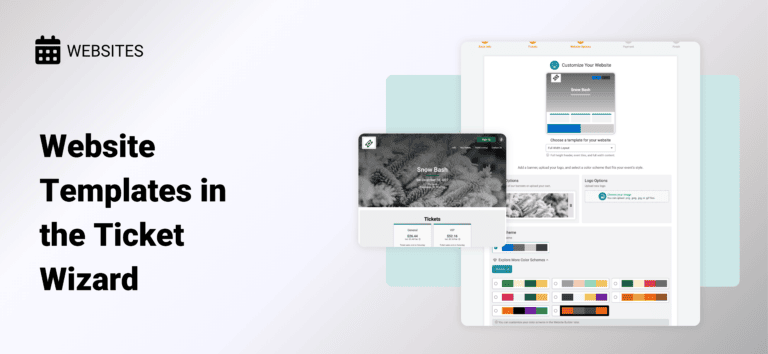
Website Templates in the Ticket Wizard
Get a head start on your website design when setting up your event. We’ve introduced the first version of Website Templates to the Ticket Wizard so you can begin customizing your free event website. Design Your Website While You Set Up Your…
Read More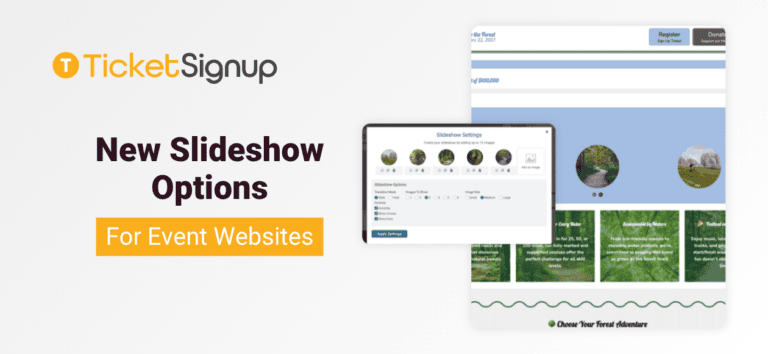
New Slideshow Options for Event Websites
There are new slideshow options for event websites that give you more dynamic design options for your website, including: The slideshow component lets you feature multiple images now with more control and design options. With TicketSignup’s event websites you get a data-driven…
Read More
A Scent-sational Debut – The Perfect Timed Entry Ticketing Solution for a Perfume Festival
A Perfume Lovers’ Conference, Built From Scratch Fragrance Fête, French for “festival,” brings together perfume enthusiasts, collectors, and industry brands and perfumers for a celebration of fragrances in New Orleans. Adriana Herrman, co-creator and co-organizer of the event, isn’t a traditional event…
Read More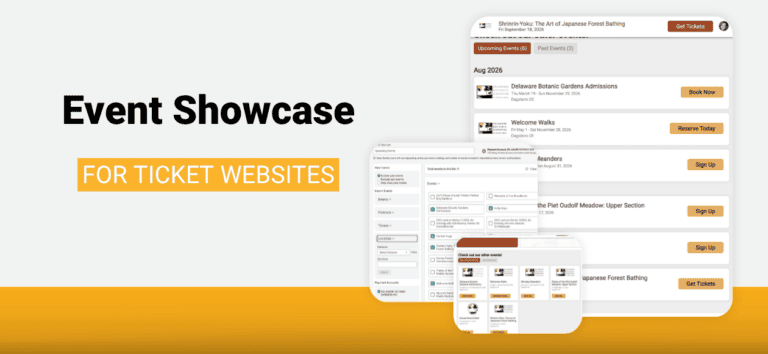
Event Showcase for Ticket Websites
A botanical garden sells daily admissions all season, hosts a guided walk every Monday from June through August, and adds a winter lecture series. A farm runs a spring plant sale, a fall festival with forty hayride seats a trip, and a…
Read More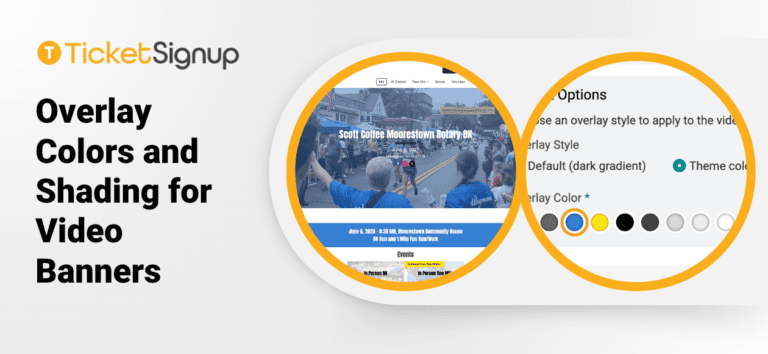
Overlay Colors and Shading for Video Banners
Video banners continue to get more features. Now you can add overlay colors and shading, allowing your website theme to extend to your video banner. This makes it easy to feature your race name, date, location, and social media options on top…
Read More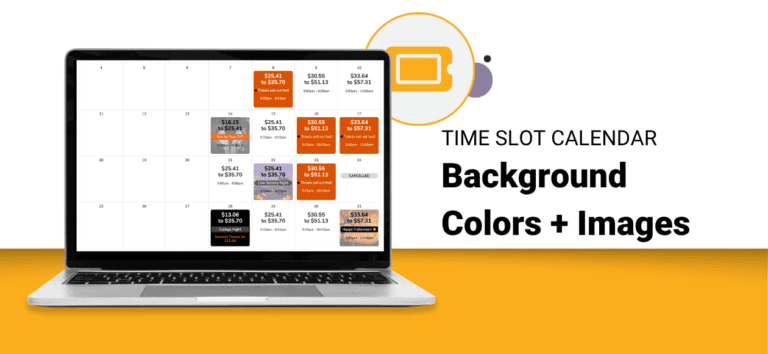
Time Slot Calendar Background Colors and Images
TicketSignup’s dynamic Time Slot Calendar component now supports background colors and background images on your calendar dates. Following Time Slot Calendar Labels, which gave each date multiple color coded labels, backgrounds let you style the date cell itself. A photo of your…
Read More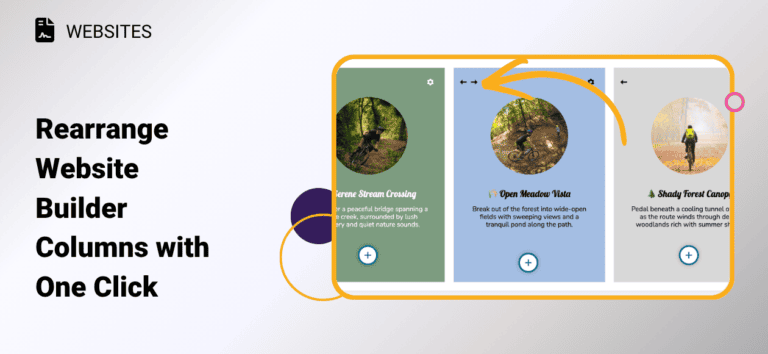
Rearrange Website Builder Columns with One Click
Have you ever built out a multi-column section on your website, then realized you wanted the content in a different order? TicketSignup’s free event websites now let you swap column positions instantly with new left/right arrows. Hover over any column in a…
Read More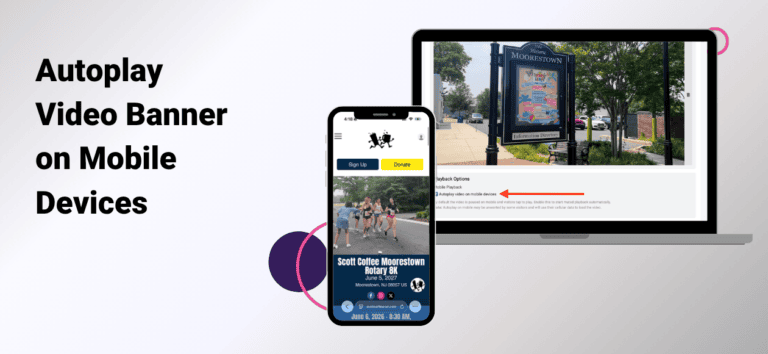
Autoplay Video Banner on Mobile Devices
There is now an option to autoplay the video banner on mobile devices. To enable mobile device autoplay, go to Website >> Event Theme >> Homepage Banner. Check the autoplay option, then click save.
Read More