Rearrange Website Builder Columns with One Click

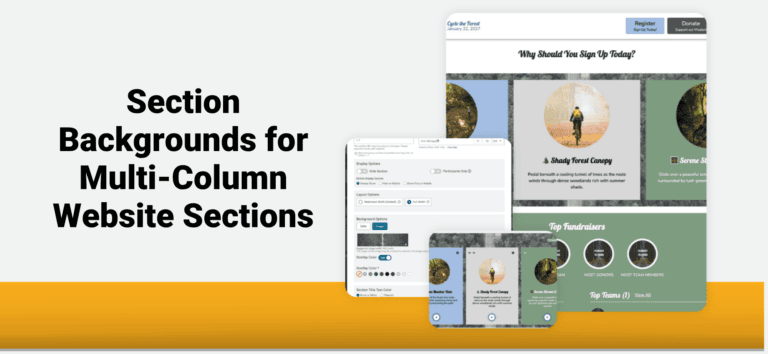
Have you ever built out a multi-column section on your website, then realized you wanted the content in a different order? TicketSignup’s free event websites now let you swap column positions instantly with new left/right arrows. Hover over any column in a…

Read More

Autoplay Video Banner on Mobile Devices

There is now an option to autoplay the video banner on mobile devices. To enable mobile device autoplay, go to Website >> Event Theme >> Homepage Banner. Check the autoplay option, then click save.

Read More

Save Store Item Reports and Skip the Rebuild

If you sell merch, add-ons, or extras through your TicketSignup store, you probably run the same report over and over – this item’s sales, that size breakdown, a specific date range. Now you can save your Individual Store Items reports and reopen…

Read More

Turn Any Draft Email Into a Reusable Template

Your best emails shouldn’t be one-and-done. If you’ve built an on-sale announcement, an event-week reminder, or a know-before-you-go email that looked exactly right, you shouldn’t have to rebuild it from scratch for the next event. Now you don’t have to. TicketSignup’s free…

Read More

Top Donors Component for Ticket Event Websites

There’s a new Top Donors component for event websites. Ticket events with donations enabled can now feature their most generous donors directly on their website, built and customized in the Website Builder like any other component. Donor recognition is one of the…

Read More

Detailed Financial Summary for Ticket Events

Reconciling your event finances just got easier. TicketSignup now offers a Detailed Financial Summary for ticket events. It’s a clear breakdown of exactly where your money comes from and where it stands, all in one view. The Financial Summary gives you the…

Read More

Customize Email Preview Text

TicketSignup’s free and unlimited Email Marketing now lets you customize email preview text for every send. The gives event directors one more way to stand out in crowded inboxes without having to pay anything for email. Paired with a built-in AI Assistant…

Read More

Reserved Entries for Ticket Events

We released our first version of Reserved Entries for ticket events. In this initial release, Reserved Entries allow directors to generate unique or multi-use links to give attendees the ability to buy publicly sold out tickets. Whether you are managing VIP guests,…

Read More

Ticket Purchase Notes

Event teams manage a lot of customer details before, during, and after an event. A guest calls with an accessibility request. A family asks about bringing a stroller. Someone cancels a ticket. Another customer wants an item added from the store. Now,…

Read More

Wavy Lines for Ticket Event Websites

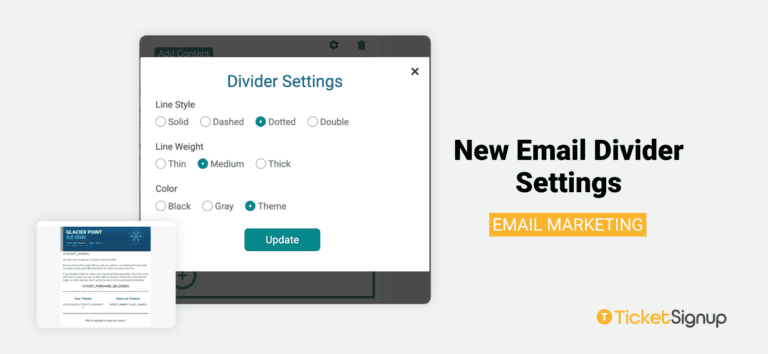
The divider component now has more design options with wavy lines for Ticket Event websites. Visually organize content in unique ways with flexible options for size, color, and wavelength. To add wavy lines to your website or transform any existing dividers, go…

Read More

Strikethrough Pricing for Tickets

Event directors can now use strikethrough pricing to display a higher original price next to the current ticket price on any simple or advanced ticket event. For example, showing $60 next to the actual $50 price creates a visual anchor that makes…

Read More

Newsletter Component for Ticket Event Websites

Grow your email marketing lists with the Newsletter Component for Ticket Event Websites. In addition to the Email Capture popup, you can now add a newsletter sign up call to action on any page of your event website. Contacts automatically sync to a…

Read More

Subscribe to Our Blog

Loading